New Directional Drilling applications

Apps for iPhone, iPad and Mac (M series)

Directional Well PlanningDirectional Well SurveyMultilateral Directional Wells
wellplan_320wellsurvey_320multiwells_320
New Directional Applications on the App Store

These apps are an important and useful tool for the Oil & Gas community. By using them and sharing with your friends you are contributing to the viability of this project. Thanks

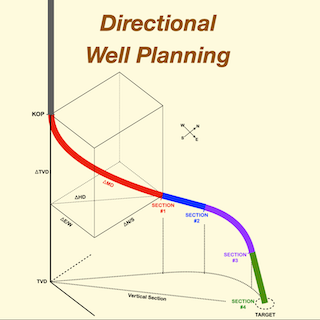
Directional Well Planning

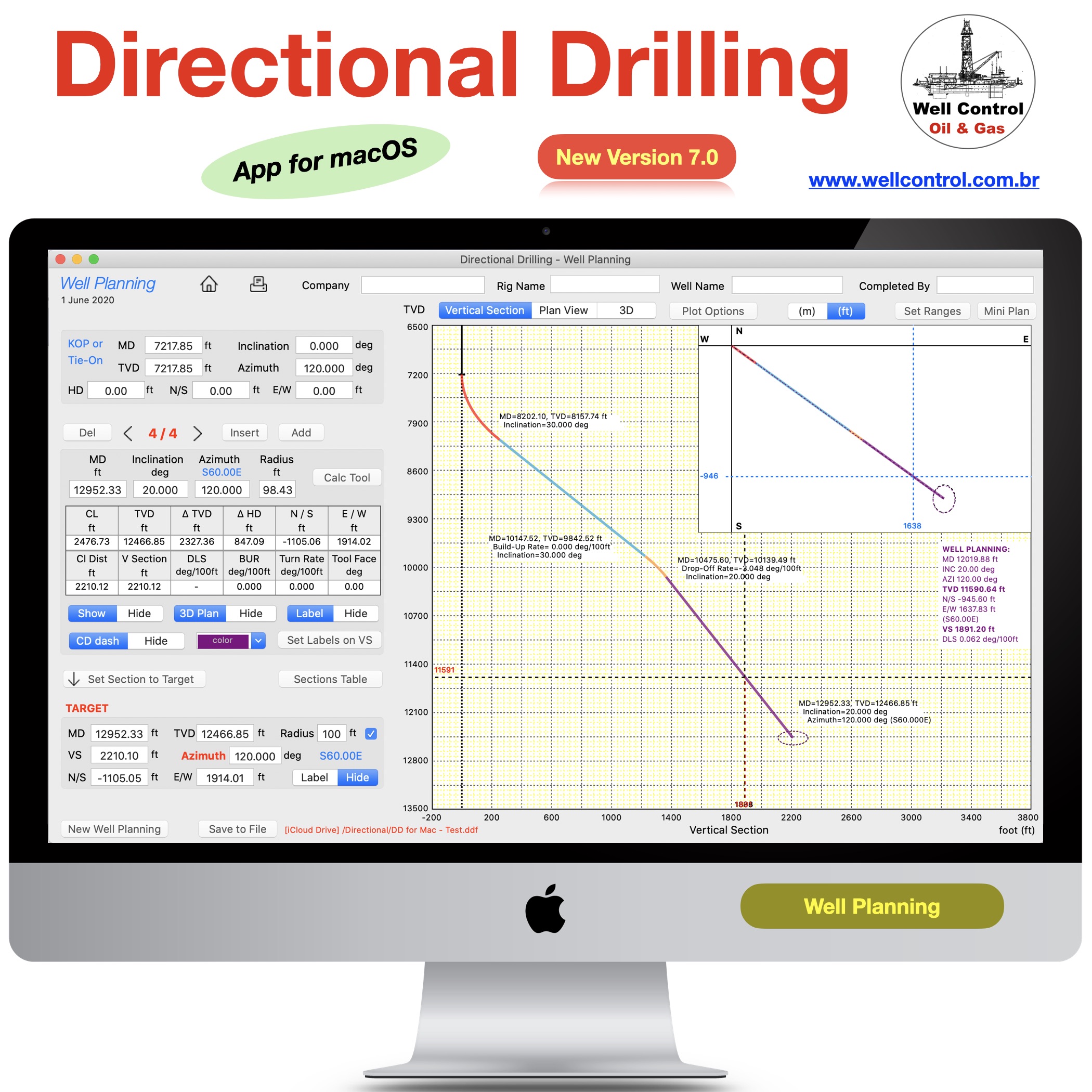
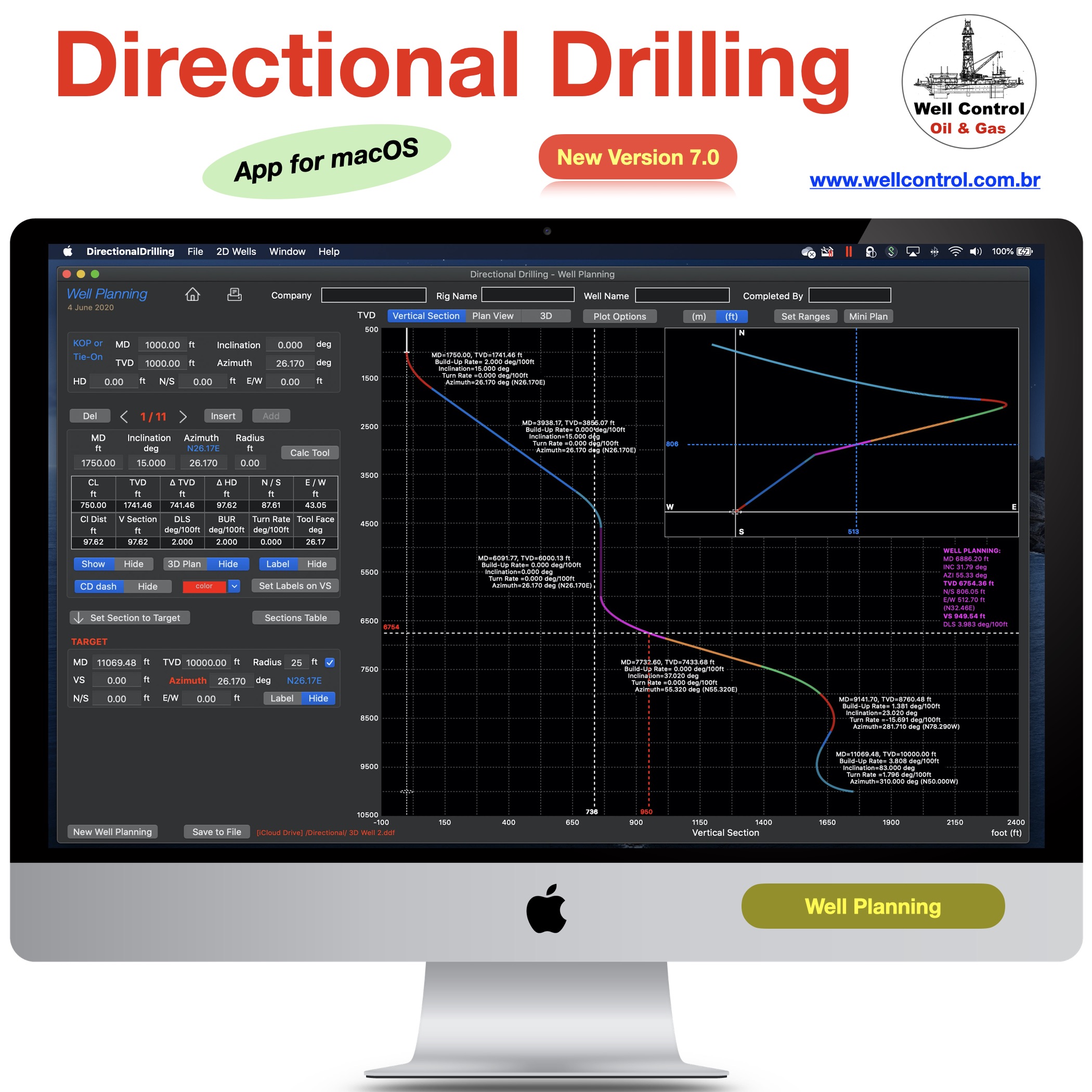
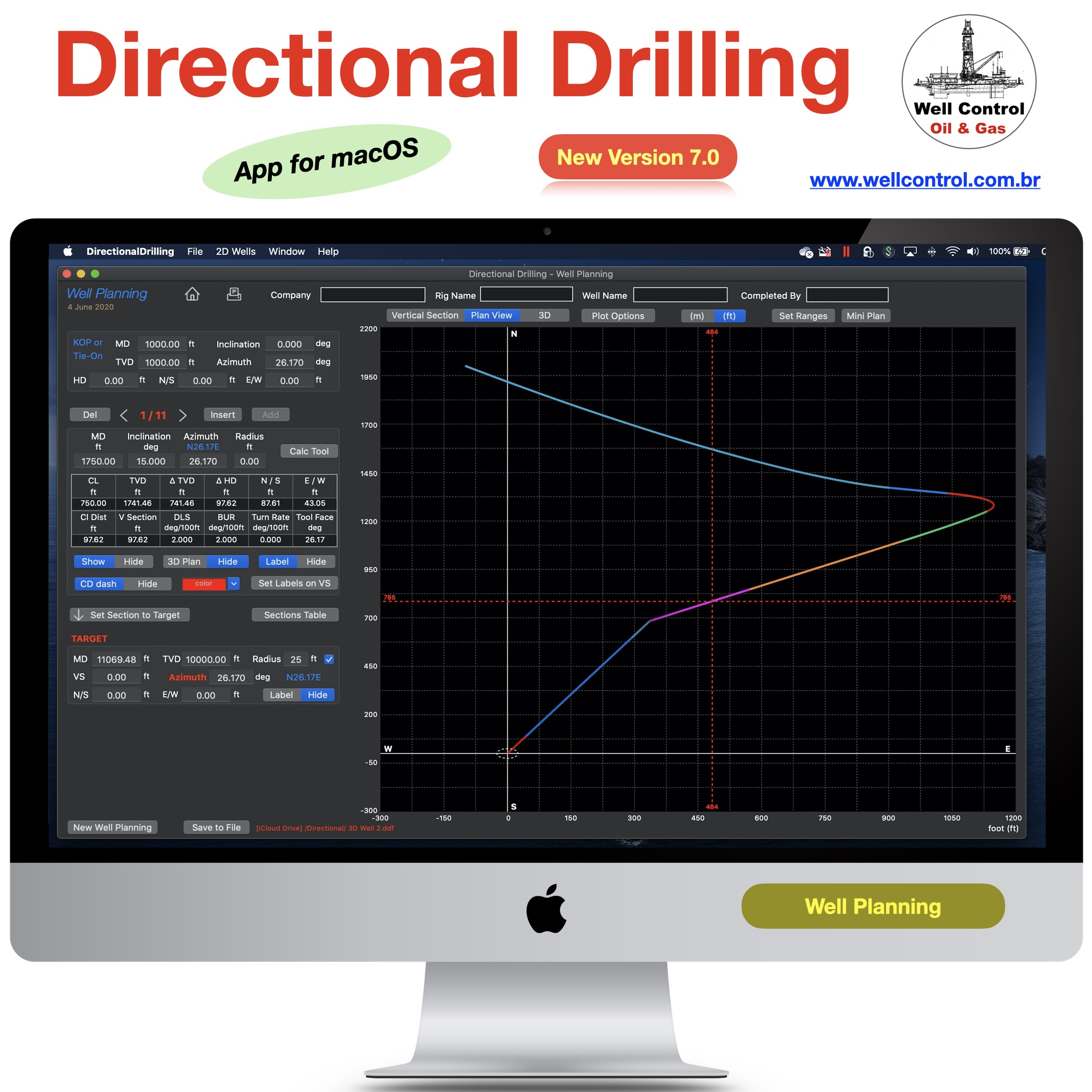
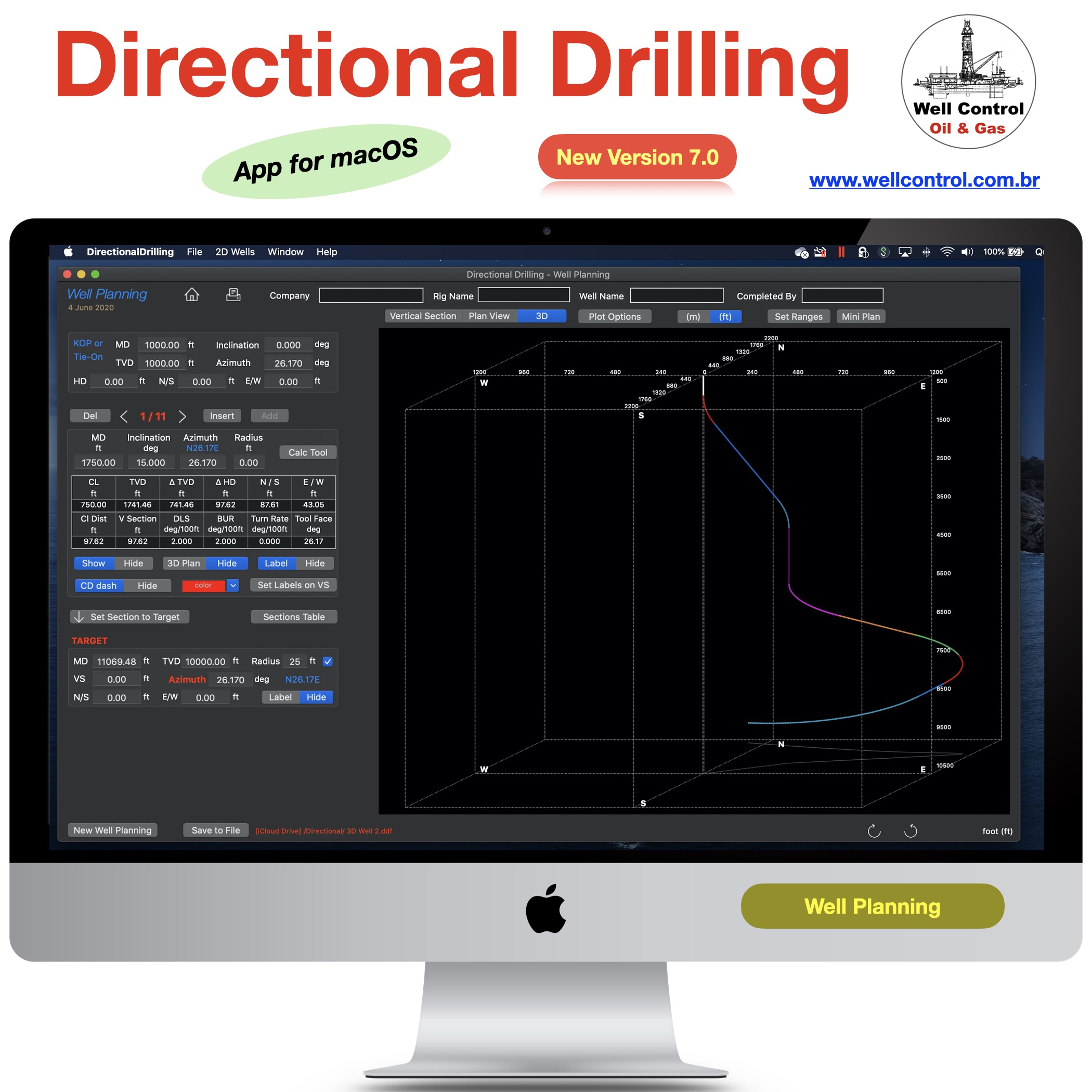
This application provides an easy and useful tool for students and directional engineers to build, edit, calculate interpolations and plot 2D and 3D well planning using the Minimum Curvature Calculation Method.

It is necessary to import survey stations to plot. This application does not normally edit survey stations. But it is still possible to edit only via CSV text.

The survey stations can be edited using our apps “Directional Well Survey” or “Directional Drilling” available in our portfolio.

The data files (*.ddf) including well planning and survey stations are compatible and can be shared via iCloud.

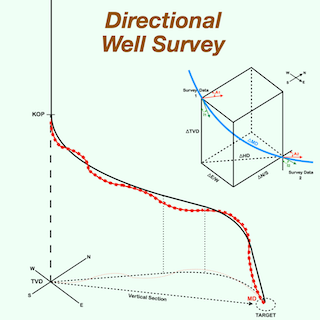
Directional Well Survey

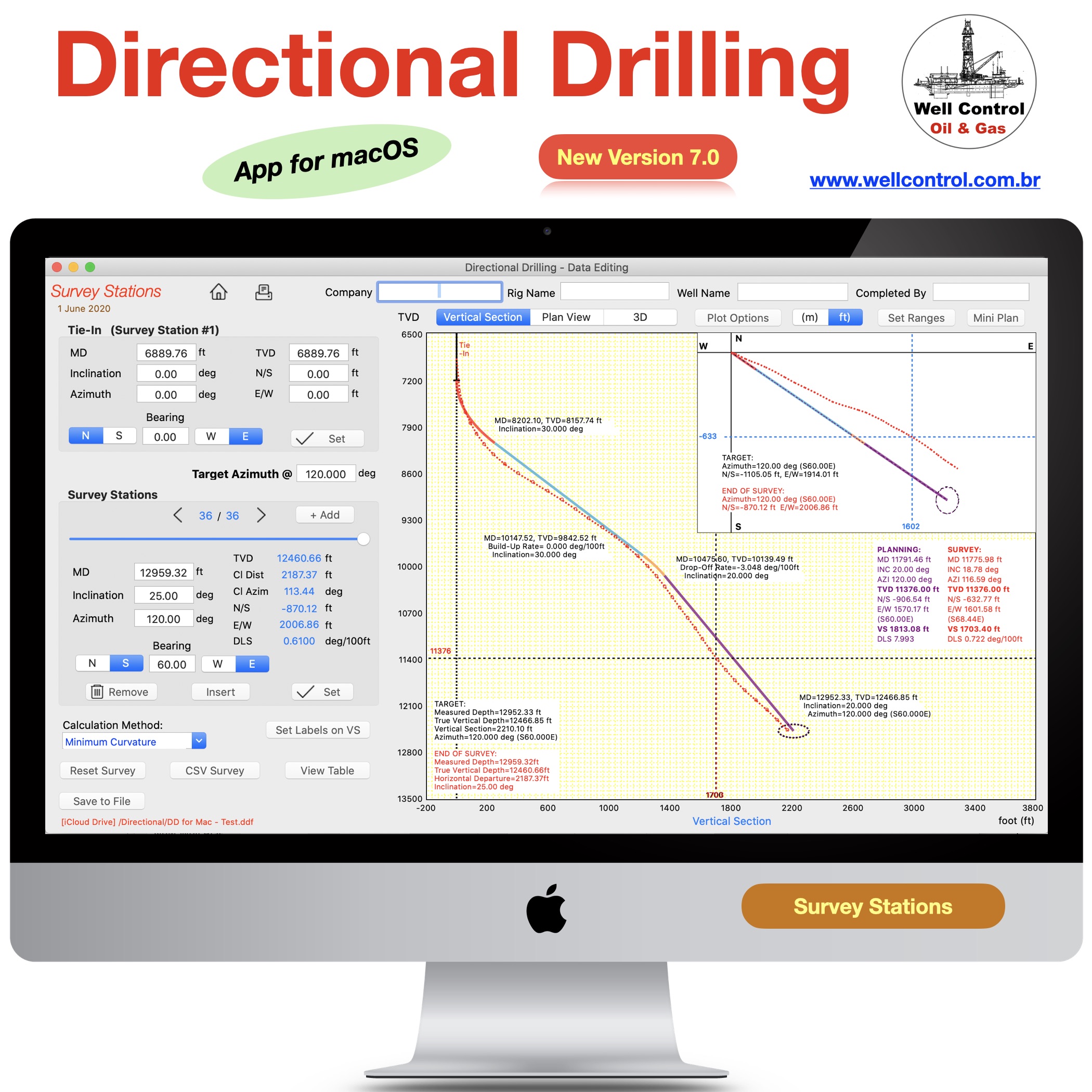
This application provides an easy and useful tool for students and directional engineers to edit, calculate interpolations and plot survey stations of the horizontal and directional wells using the five calculation methods (tangential, balanced tangential, minimum curvature, radius of curvature, angle averaging).

This application does not normally edit well planning. But it is still possible to edit only via CSV text.

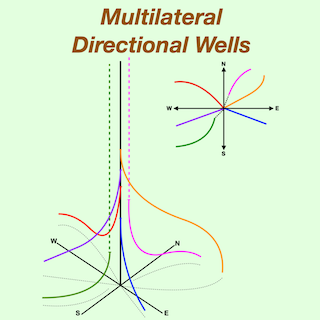
Multilateral Directional Wells

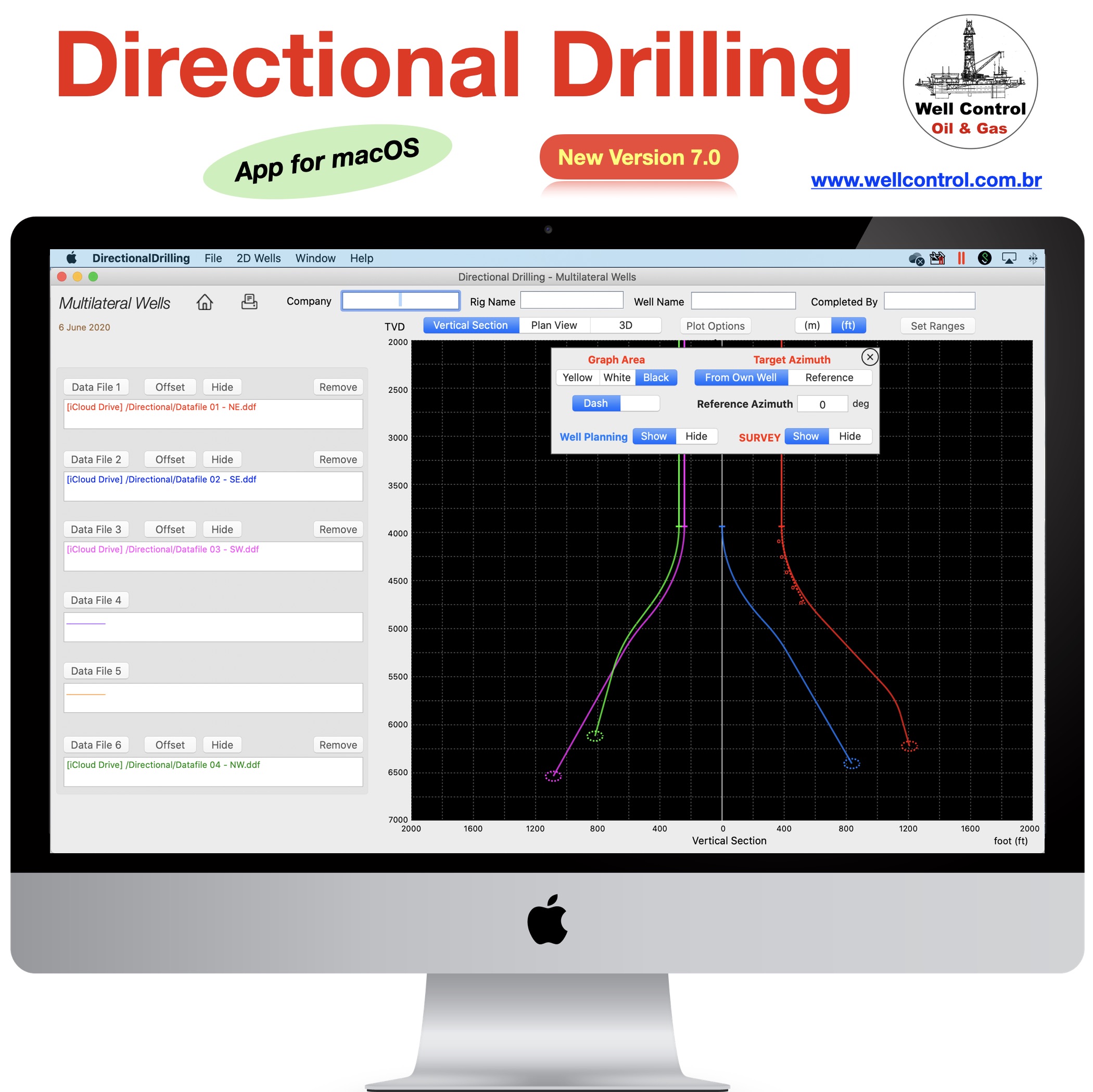
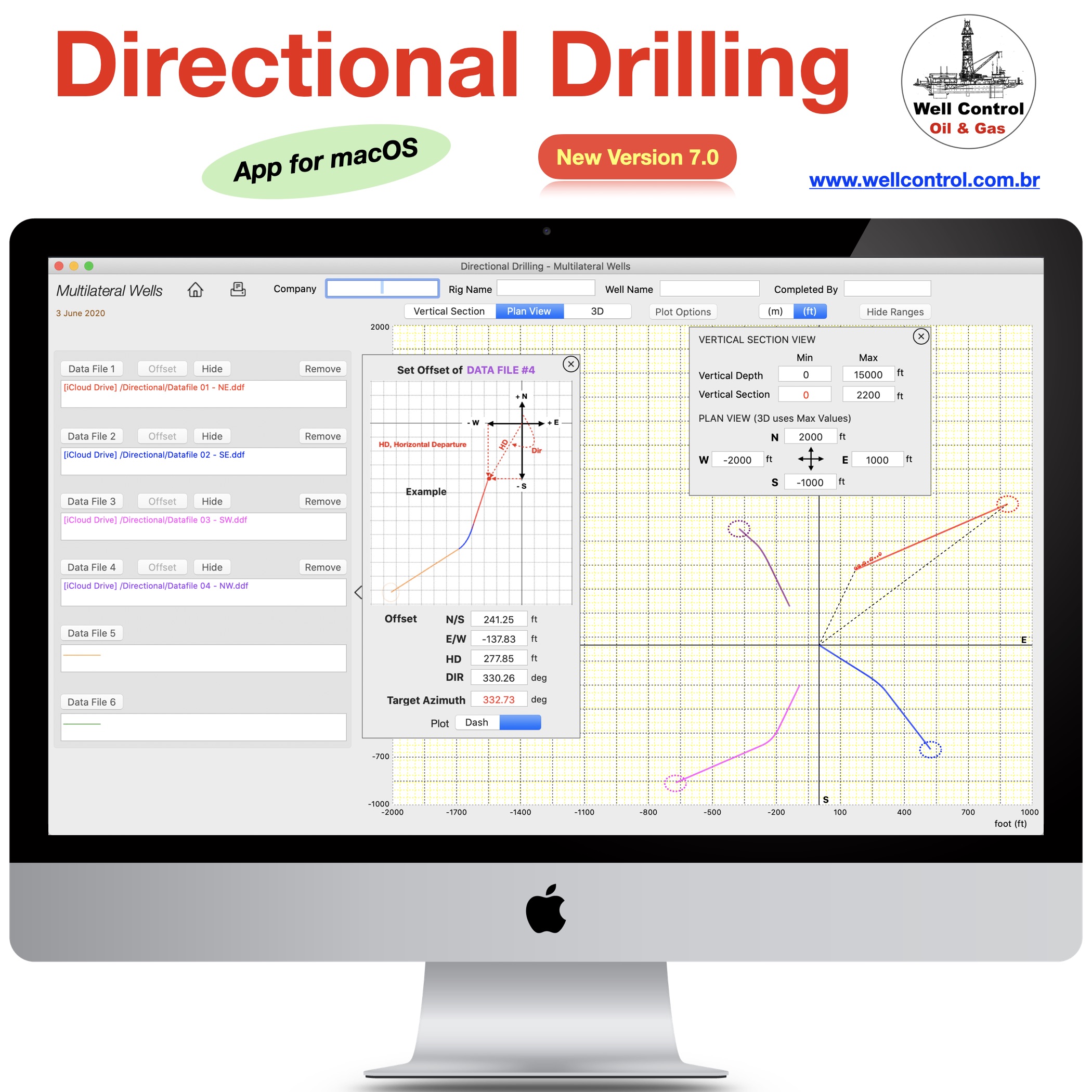
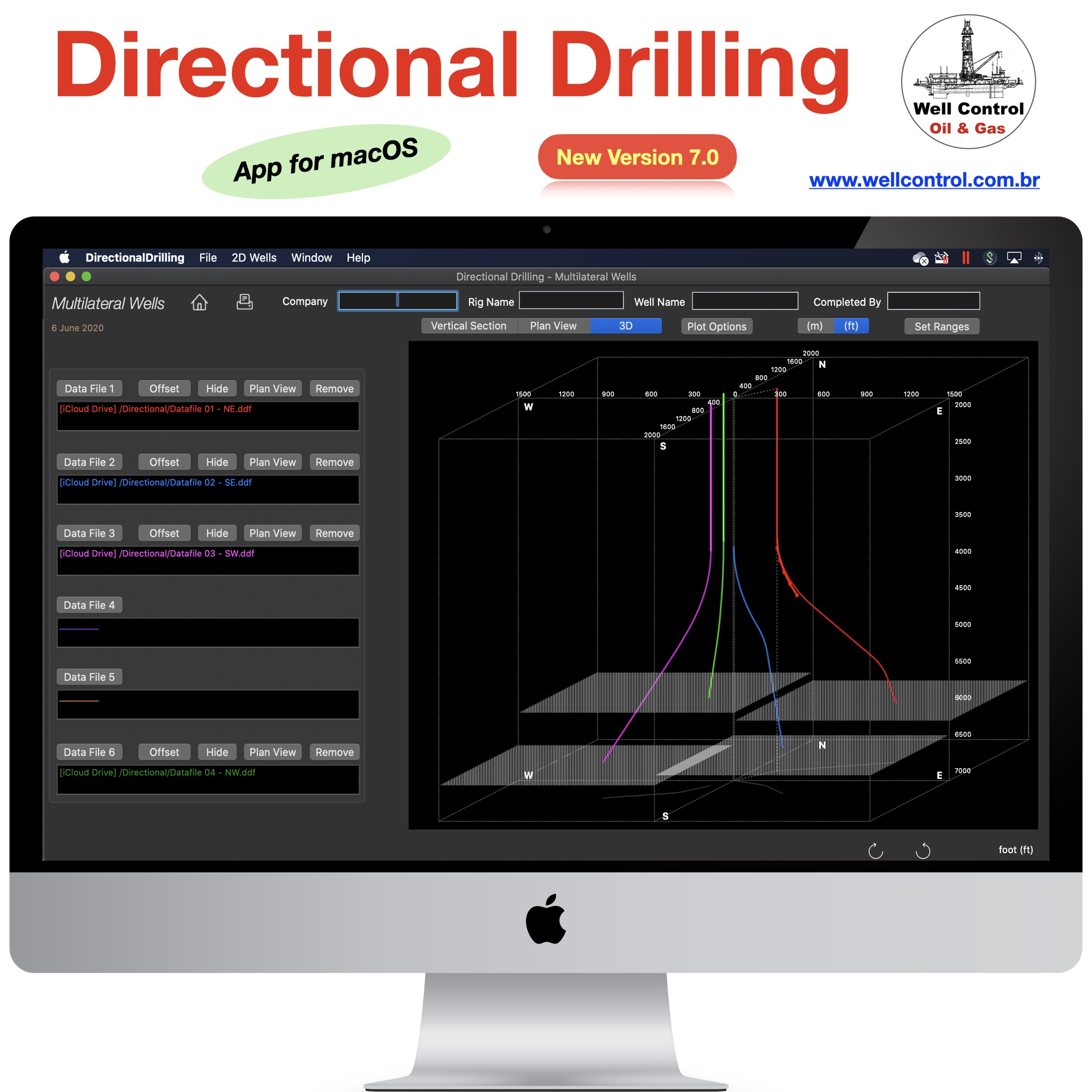
This application provides an easy and useful tool for students and directional engineers to plot until six 2D and 3D lateral wells using the Minimum Curvature Calculation Method.
This application does not normally edit well planning or survey stations. But it is still possible to edit only via CSV text.

The well planning can be built and edited using our app “Directional Well Planning” or “Directional Drilling”.

The survey stations can be edited using our app “Directional Well Survey” or “Directional Drilling”.

App Store

Available_on_the_App_Store_Badge_US_UK_135x40_0824

These apps are available in our portfolio.

Please visit them by clicking on their respective links to see screenshots.

Datafiles compatibility

The data files (*.ddf) including well planning and survey stations are compatible and can be shared via iCloud.

Importing data from Directional Wells

The well planning can be built and edited using our apps “Directional Well Planning” or “Directional Drilling” available in our portfolio.

The data files (*.ddf) including well planning and survey stations are compatible and can be shared via iCloud.

The well planning and survey stations can also be imported from CSV text files, for example:

“MD”,”INC”,”AZI”,”TVD”,”N/S”,”E/W”
“1000.0”,”0.0″,”0.0″,”1000.0″,”0.0″,”0.0″
“1100.0”,”3.0″,”10.0″
“1200.0”,”6.0″,”15.0″

The values can be “quoted” or unquoted and separated by:
– Comma: 1.00,2.00,3.00
– Semicolon: 1.00;2.00;3.00 or 1,00;2,00;3,00
– Tab: 1.00 2.00 3.00 (TSV file)
– Space: 1.00 2.00 3.00Attention Please

Please, before purchasing, make sure that this application will be useful for you.

This application was developed based on existing spreadsheets. There is no comparison with any other software.

Our goal was to create a very low cost application with the help of experts to share with drilling engineers, technicians, drillers, drilling engineering students and teachers.

It is not intended to replace professional software.

You can contribute with suggestions for improvements, correcting the English translation, reporting bugs and sharing it with your friends.

Features

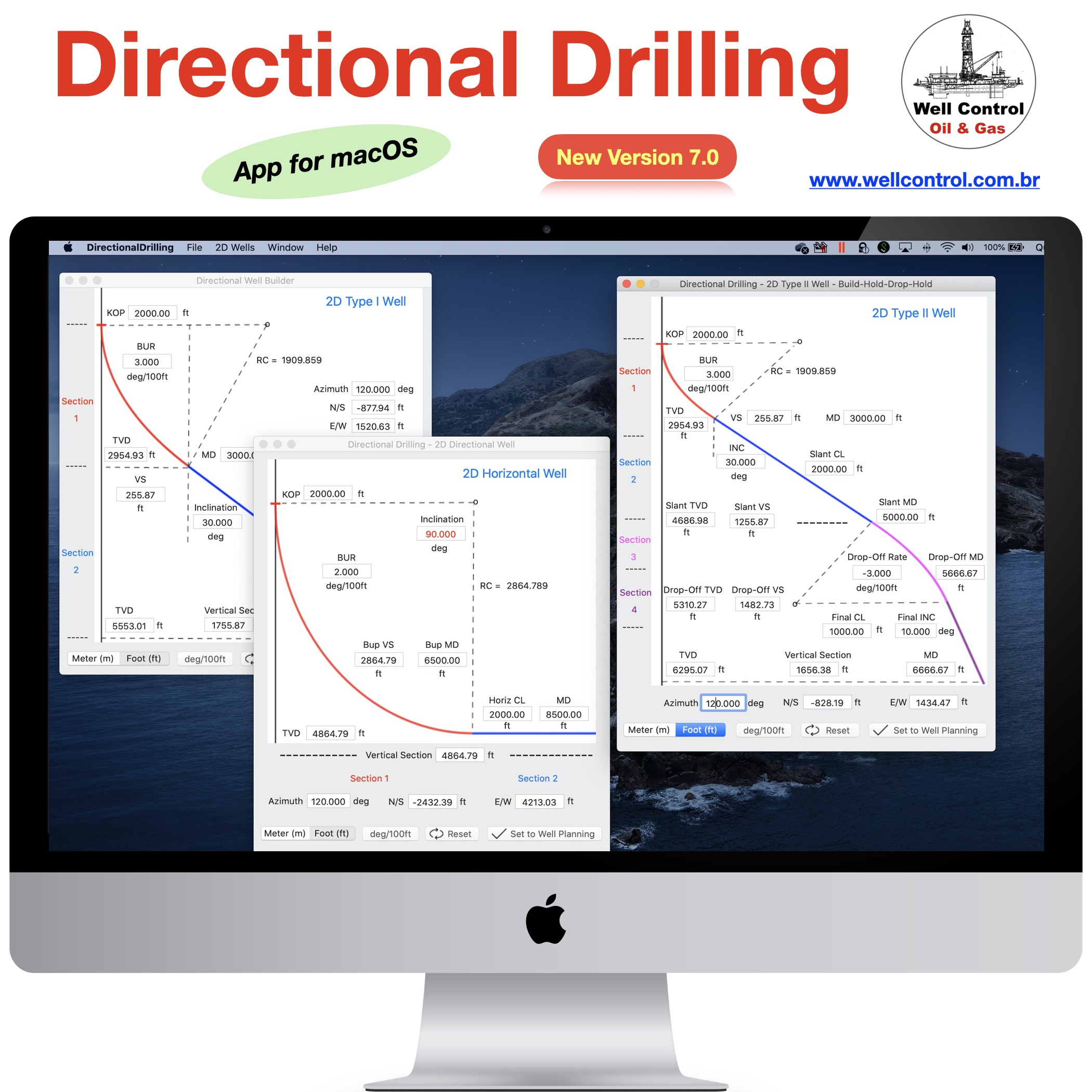
1. Easy tool to create 2D wells (types I, II and horizontal)
2. Easy 3D calculation tool for well planning with up to 20 multiple 2D and 3D sections (using Minimum Curvature method)
3. Useful tool to setting well sections for plotting (color, cd dash, 3d plan, show parameters, etc)
4. 2D and 3D well plotting (vertical section and plan view)
5. Easy tool for interpolation calculations between two sections
6. Dynamic visualization of the interpolation parameters in the plot
7. Ability to work with data files (editing locally and sharing on iCloud)
8. Easy tool to import/export well planning and survey stations using CSV text format (well planning up to 20 sections)
9. Sharing data files with other applications in our portfolio (Directional Drilling, Directional Well Survey and Multilateral Directional Wells)

DISCLAIMER

These tools & materials are provided ‘as is’ without warranties of any kind, express or implied.
Please verify the tools provided by this application by yourself before you use them. Ensure you understand the impact of using these tools.
Any use you choose to make of these tools & materials is undertaken by you entirely at you own risk.

Our Website

Please visit our website for more details and other Oil & Gas Applications
www.wellcontrol.com.br

wellcontrol_apps_blogs_02

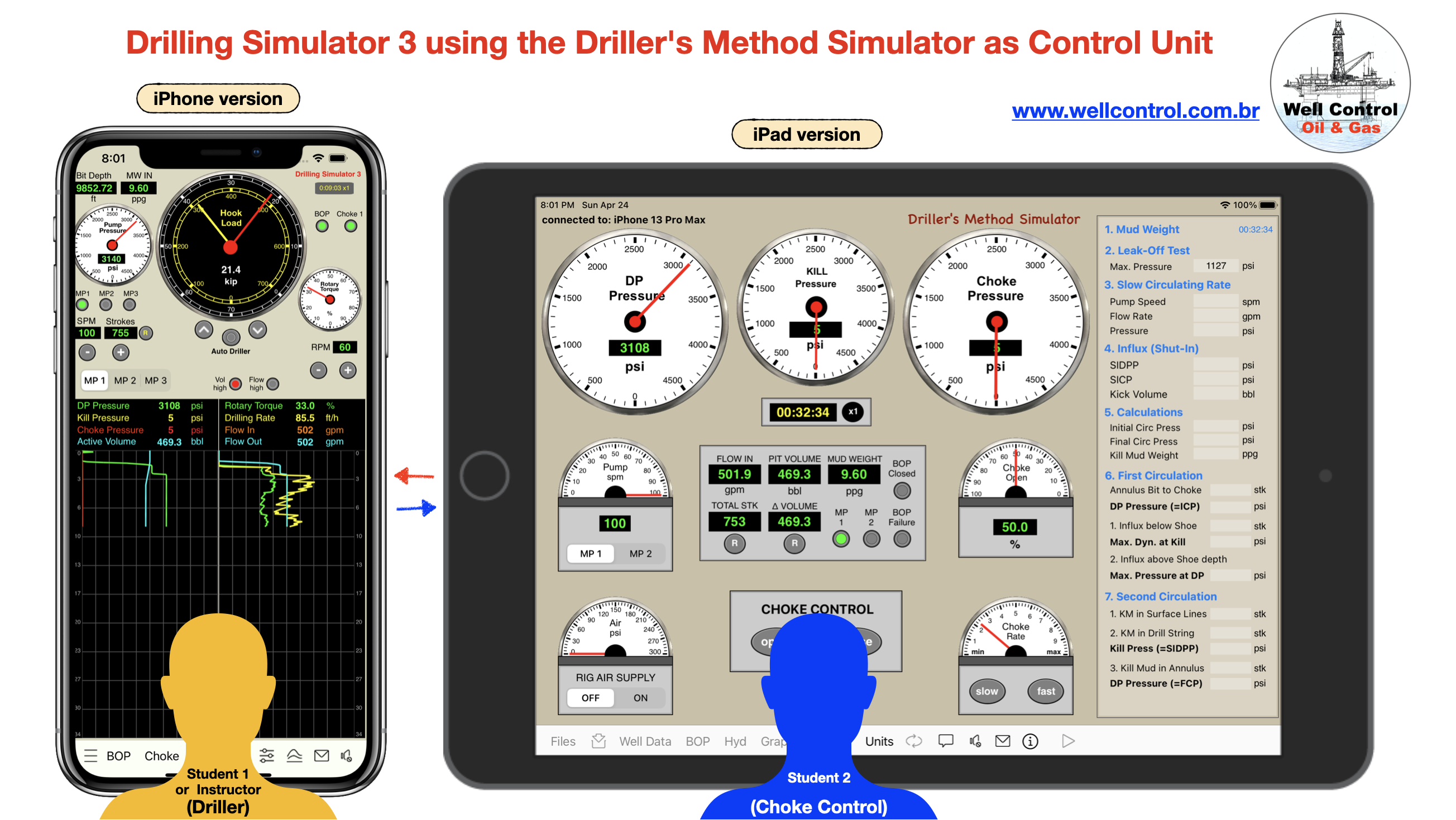
Drilling Simulator 3 using the Driller’s Method Simulator as Remote Choke Control

Simulation:


Student 1: Driller on Drilling Simulator (iPhone version)

Student 2: Choke Control on Driller’s Method Simulator (iPad version)

DS3_with_DM_Simulator

Drilling Simulator 3 

Feature:

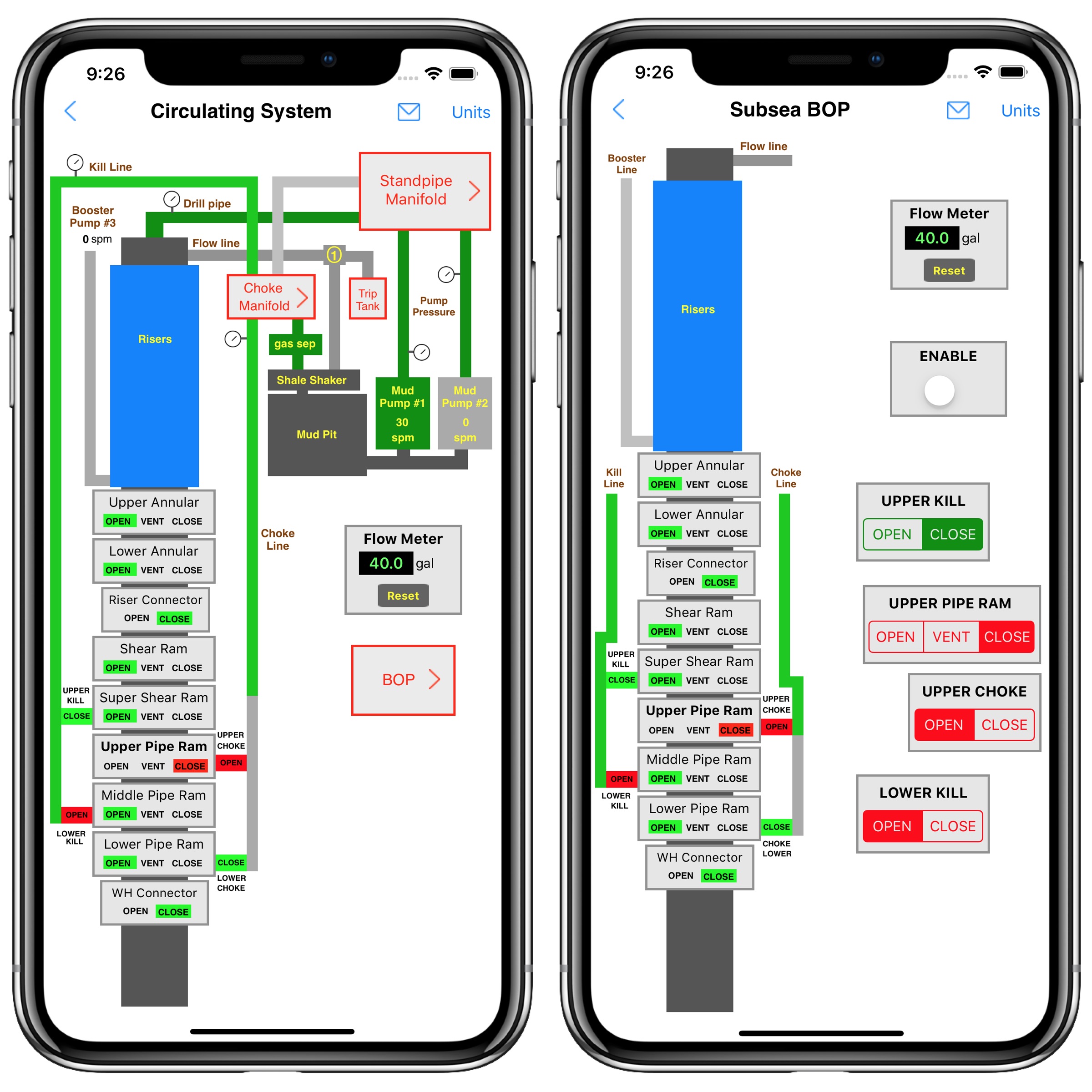
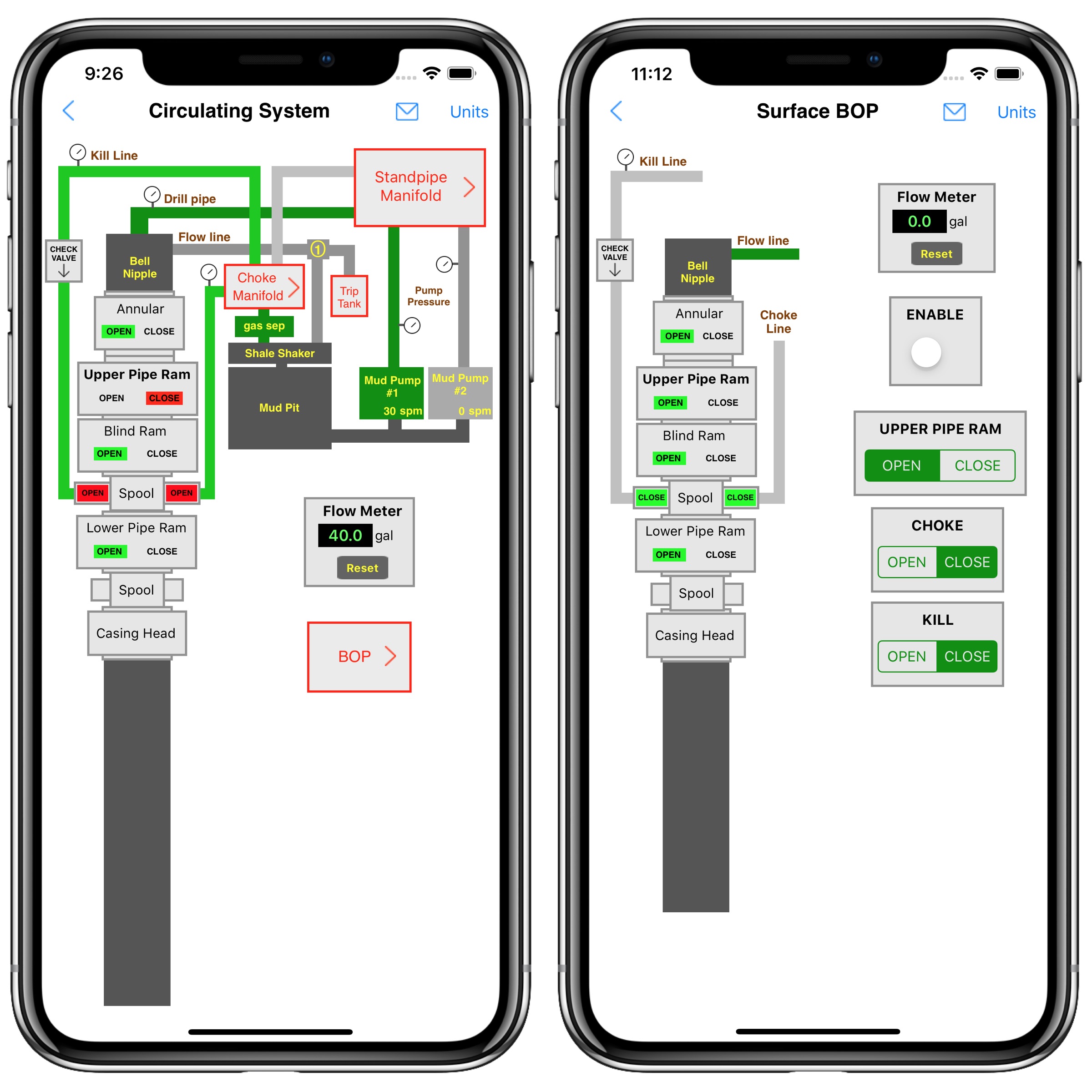
Drilling Simulator 3 has an interface with the others apps “Driller’s Method Simulator” and “Wait and Weight Method Simulator”. These apps can be used as a Remote Choke to control the Drilling Simulator 3 when they are running on different devices nearby in the same network by wi-fi.

Available_on_the_App_Store_Badge_US-UK_135x40_0824_1

Driller’s Method Simulator

Available_on_the_App_Store_Badge_US-UK_135x40_0824_1

Wait and Weight Method Simulator

Available_on_the_App_Store_Badge_US-UK_135x40_0824_1

For Oil & Gas apps for iPhone, iPad and Mac, please visit our websites at:

https://www.wellcontrol.com.br

Https://wellcontrol.blog

Did you like our content?

– Like it ❤️

– Follow Us!

– Share your experience with your friends!

Thanks

MPD_Simulator_08

Comparing BPP vs RPD in MPD Simulator

Comparing BPP vs RPD in Drill Pipe Connections

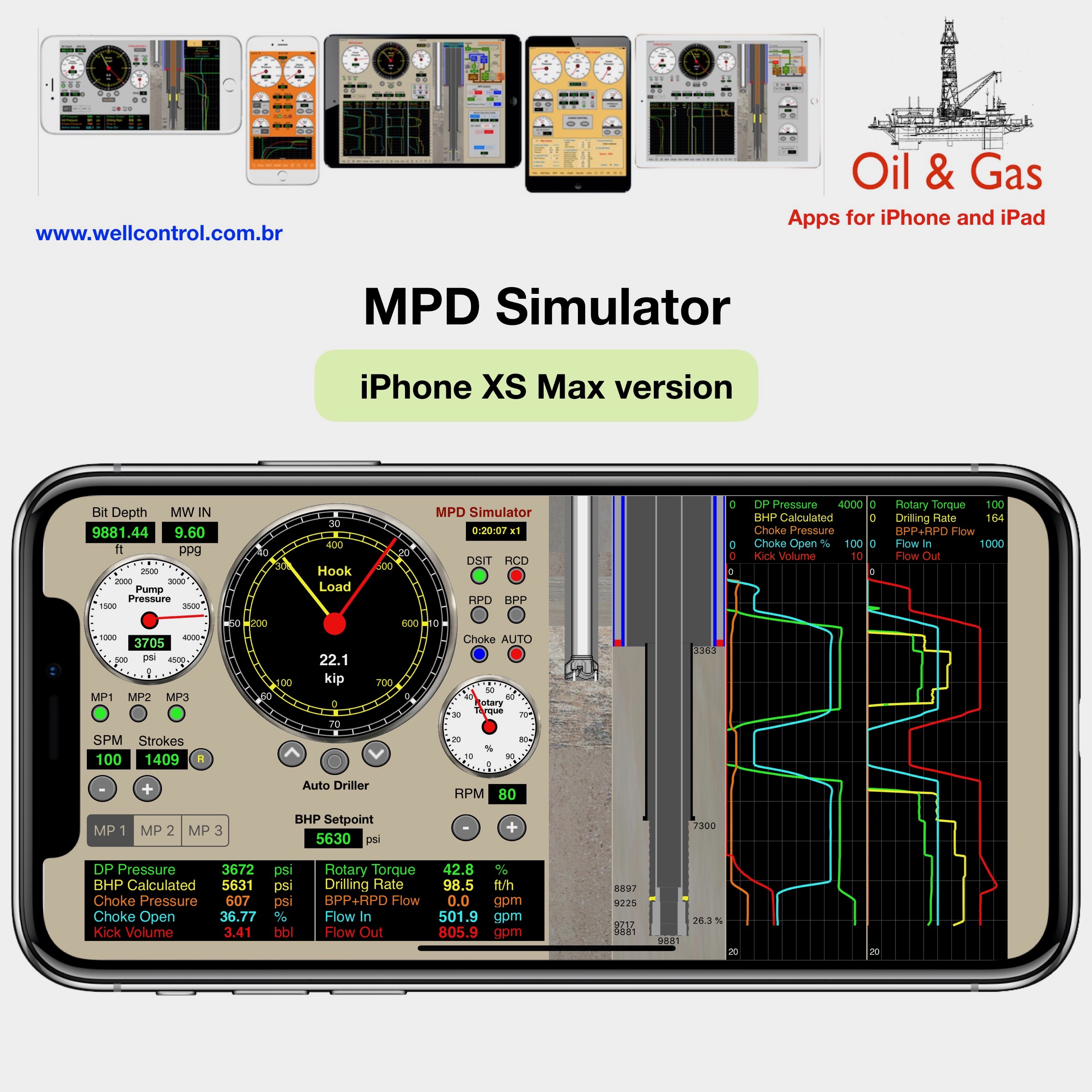
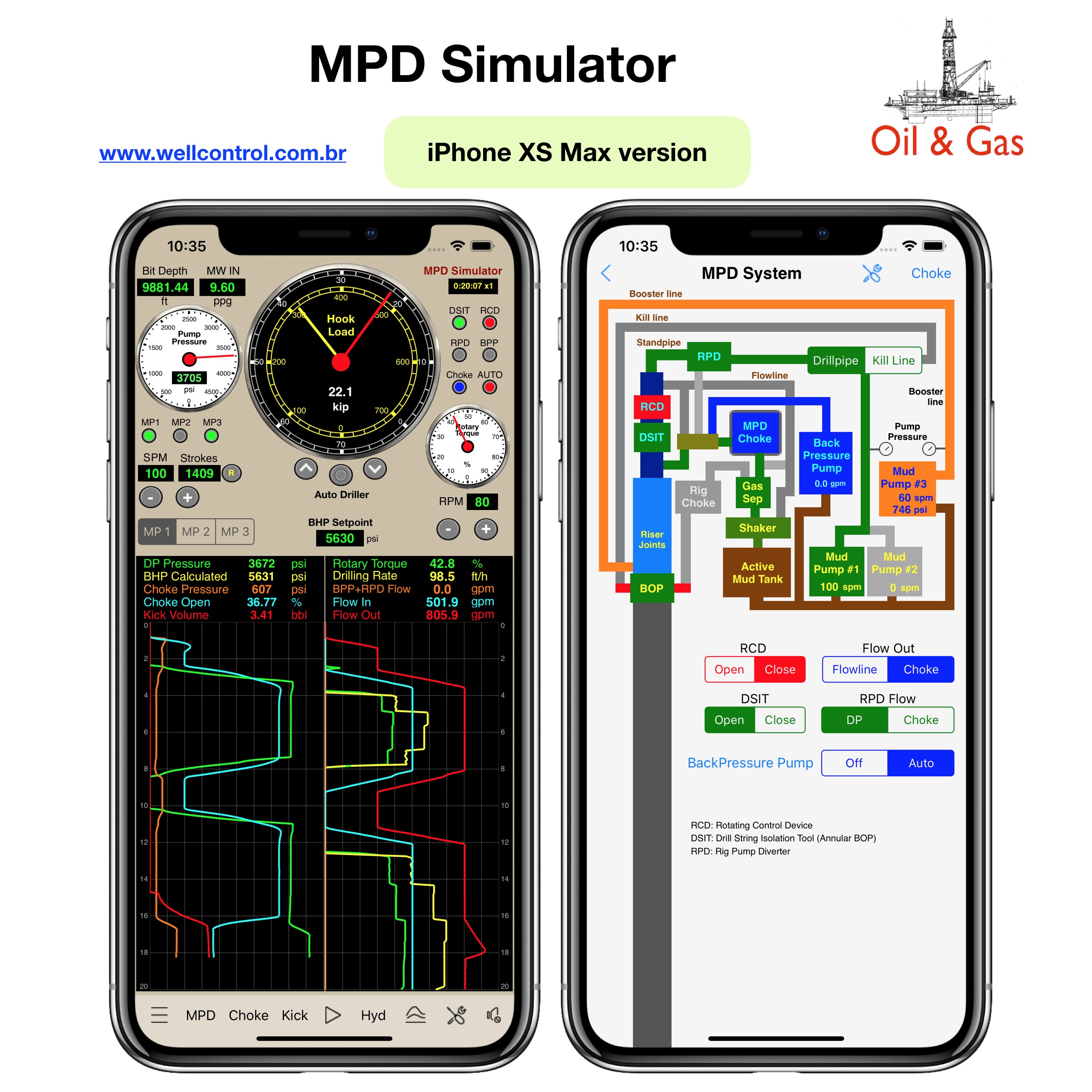
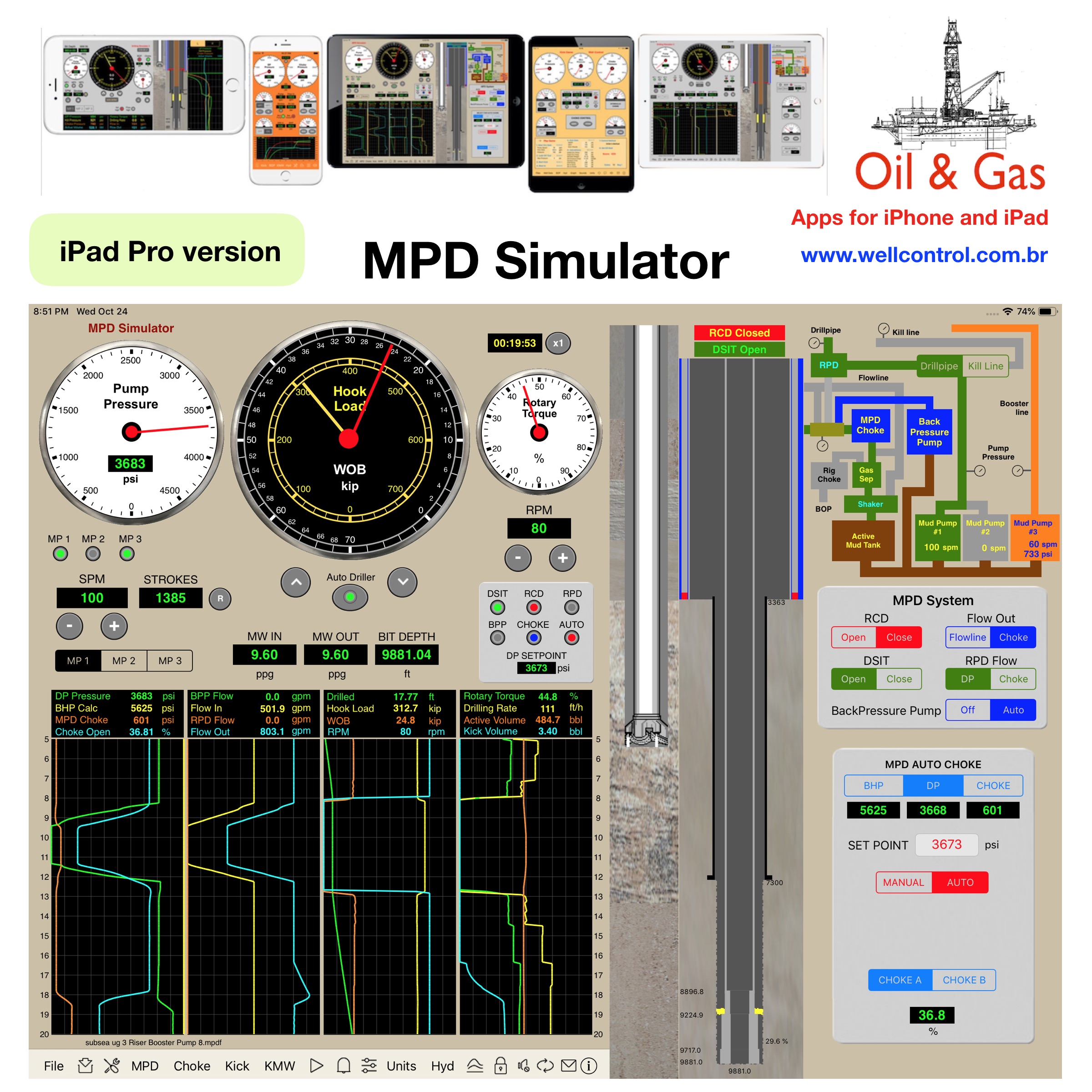
MPD Simulator for iPhone and iPad

Available_on_the_App_Store_Badge_US-UK_135x40_0824_1

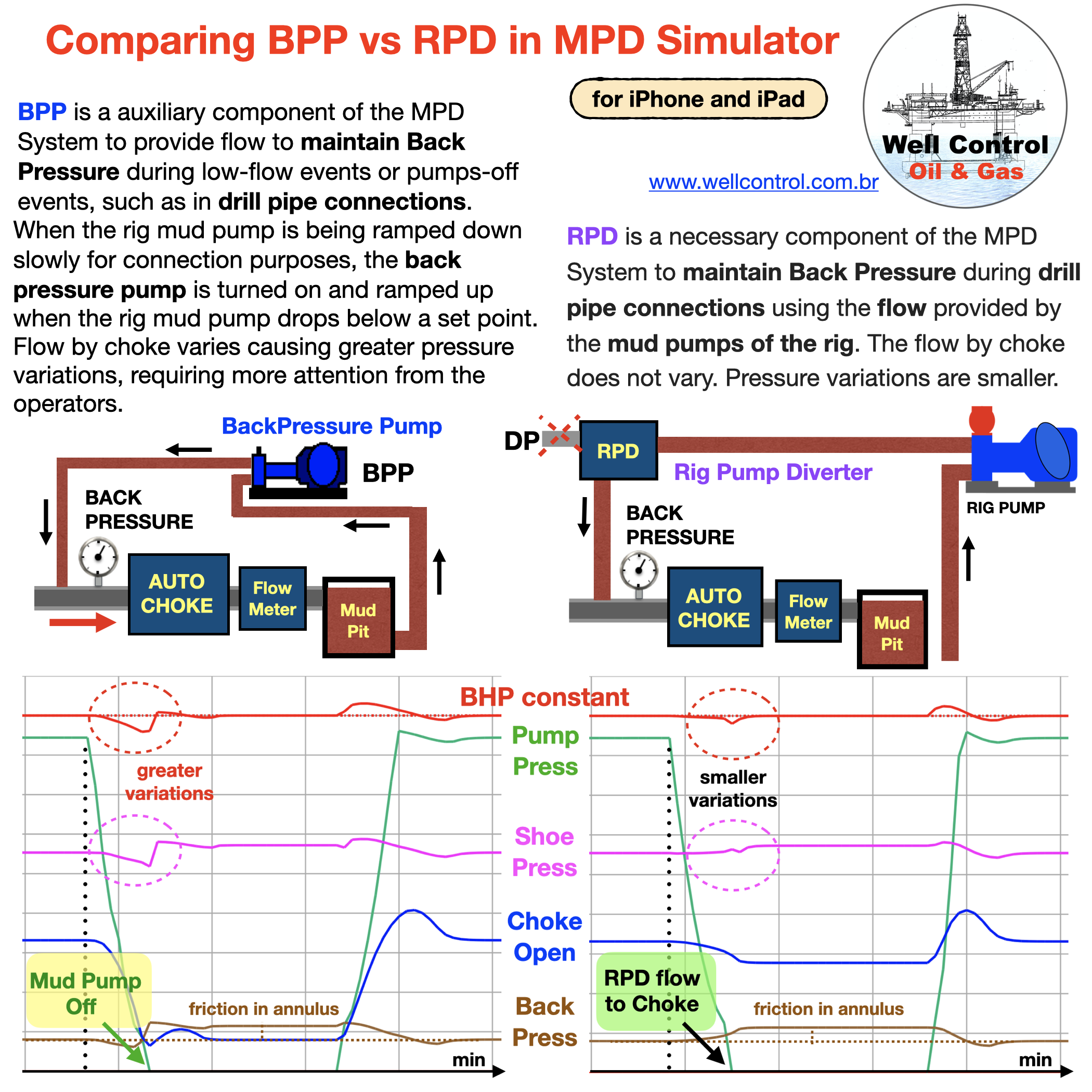
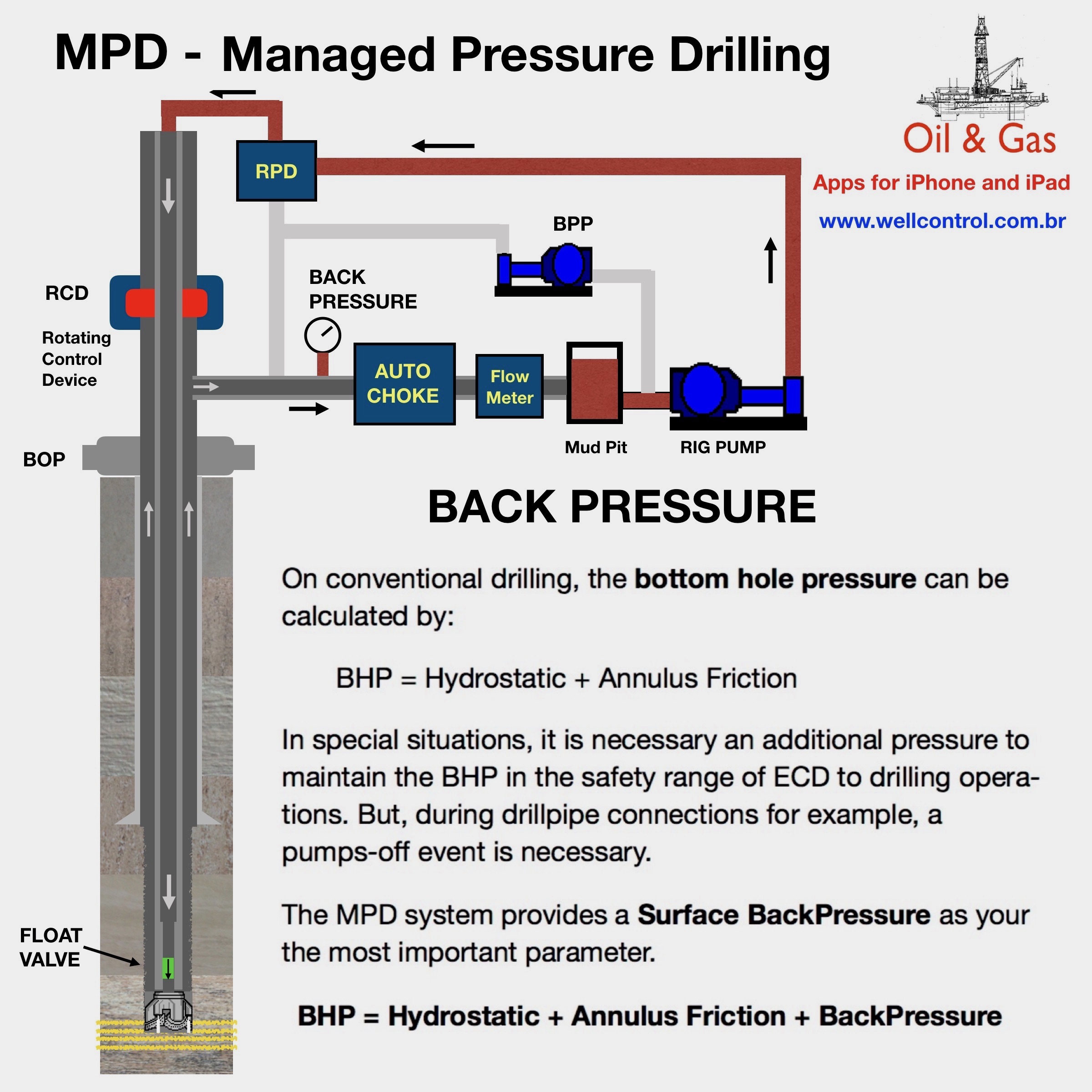
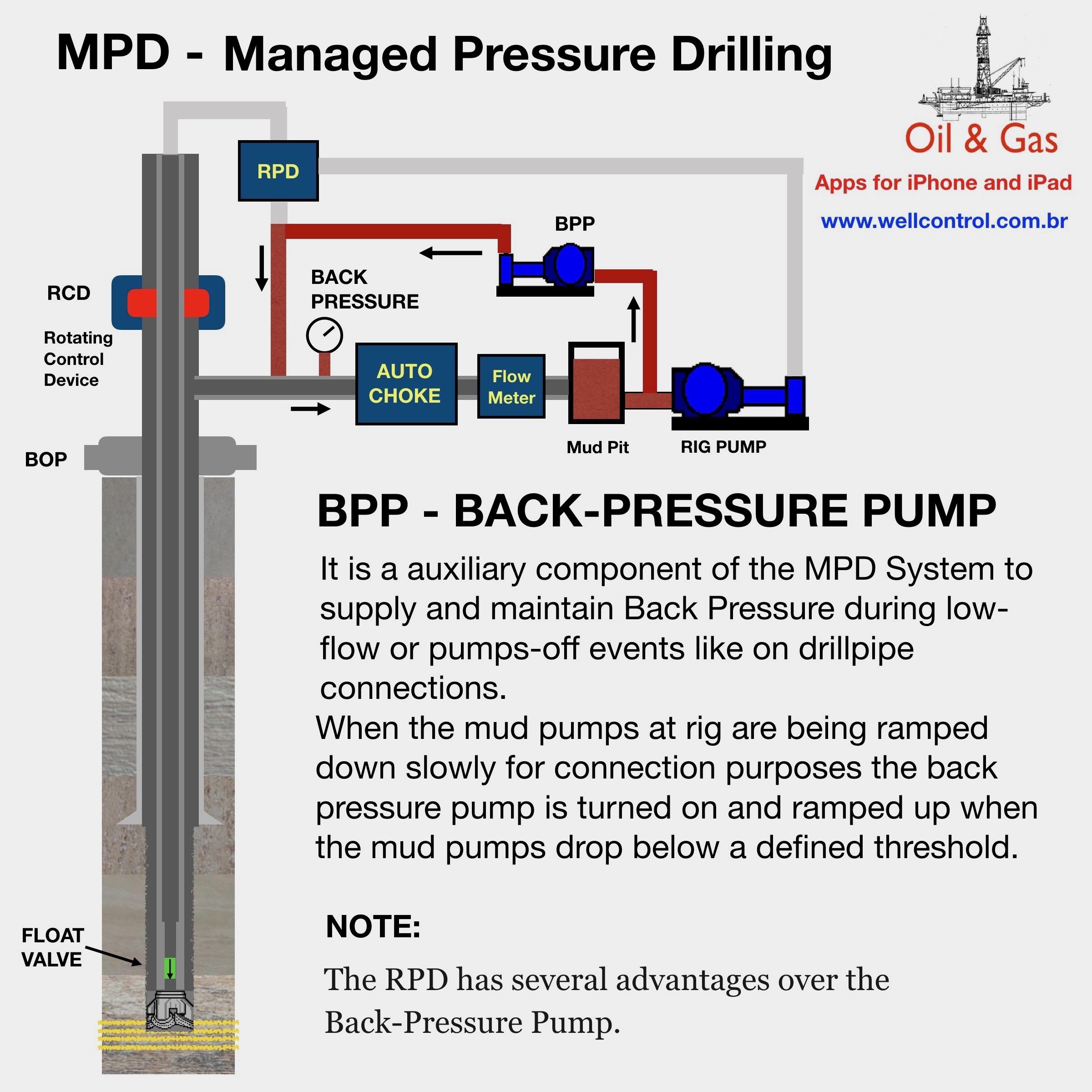
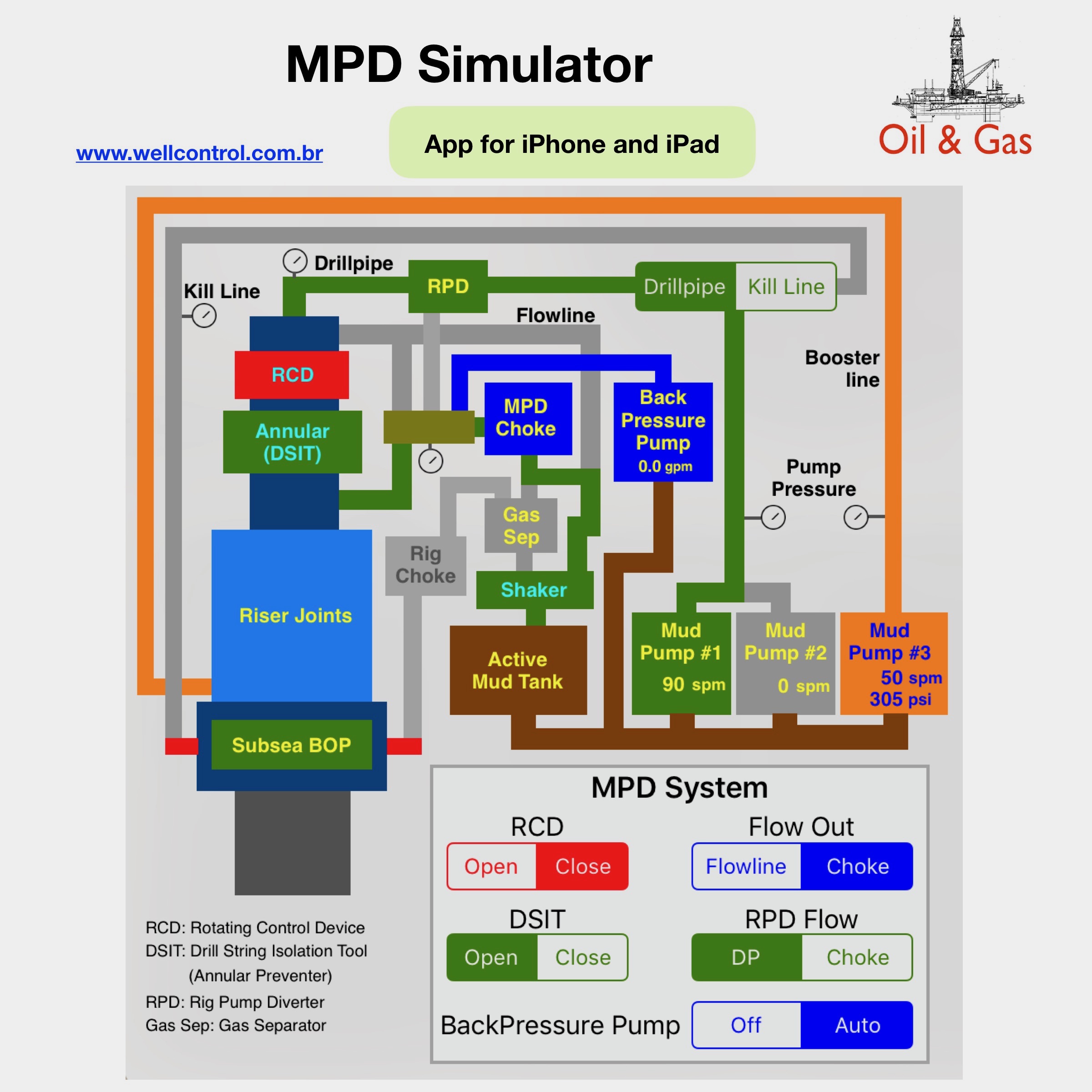
BPP is a auxiliary component of the MPD System to provide flow to maintain Back Pressure during low-flow events or pumps-off events, such as in drill pipe connections.

When the rig mud pump is being ramped down slowly for connection purposes, the back pressure pump is turned on and ramped up when the rig mud pump drops below a set point. Flow by choke varies causing greater pressure variations, requiring more attention from the operators.

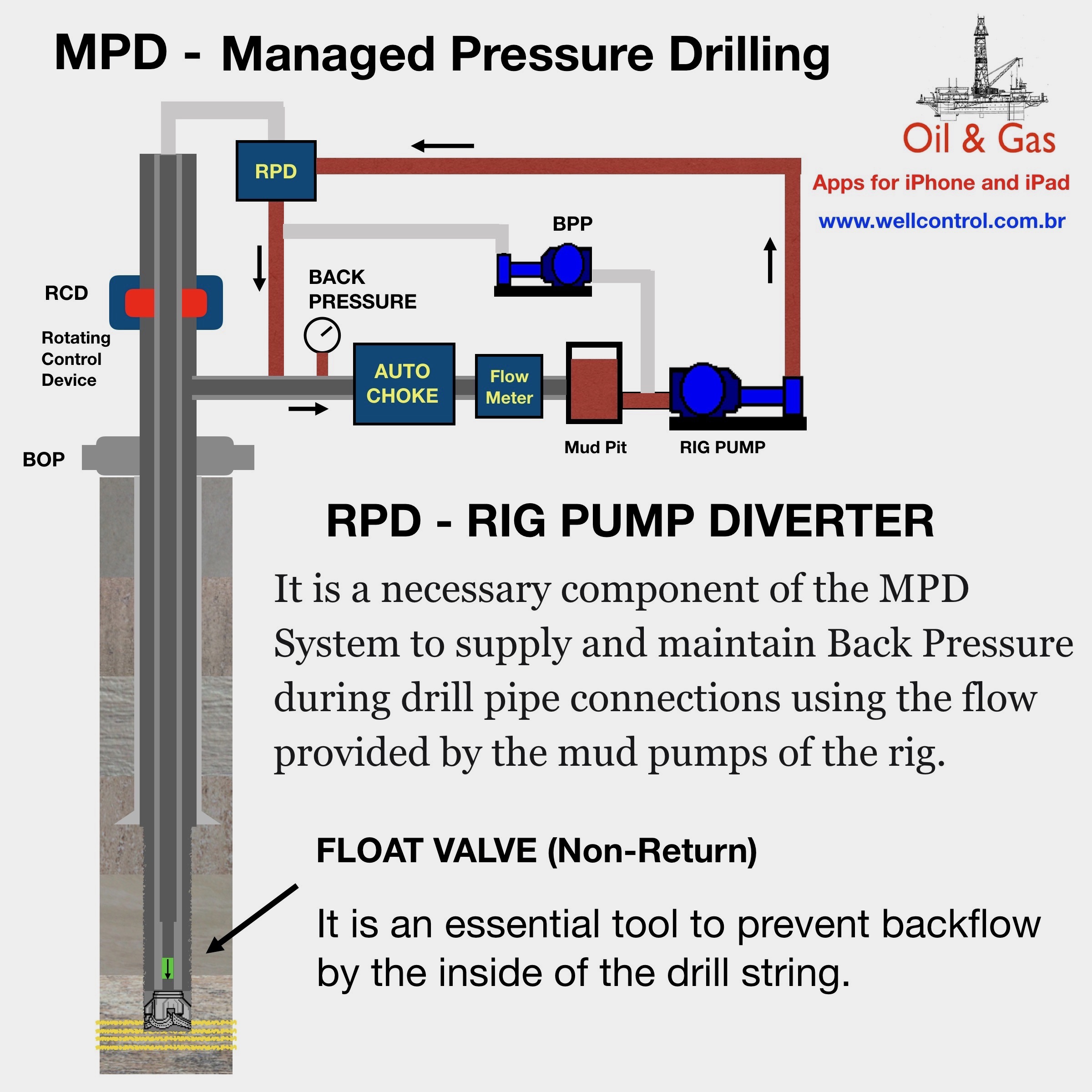
RPD is a necessary component of the MPD System to maintain Back Pressure during drill pipe connections using the flow provided by the mud pumps of the rig. The flow by choke does not vary. Pressure variations are smaller.
For Oil & Gas apps for iPhone, iPad and Mac, please visit our websites at:

https://www.wellcontrol.com.br

Https://wellcontrol.blog

Did you like our content?

– Like it ❤️

– Follow Us!

– Share your experience with your friends!

Thanks

BPP_vs_RPD

Simulations
MPD_Simulator_08

Directional and Horizontal Drilling for Mac

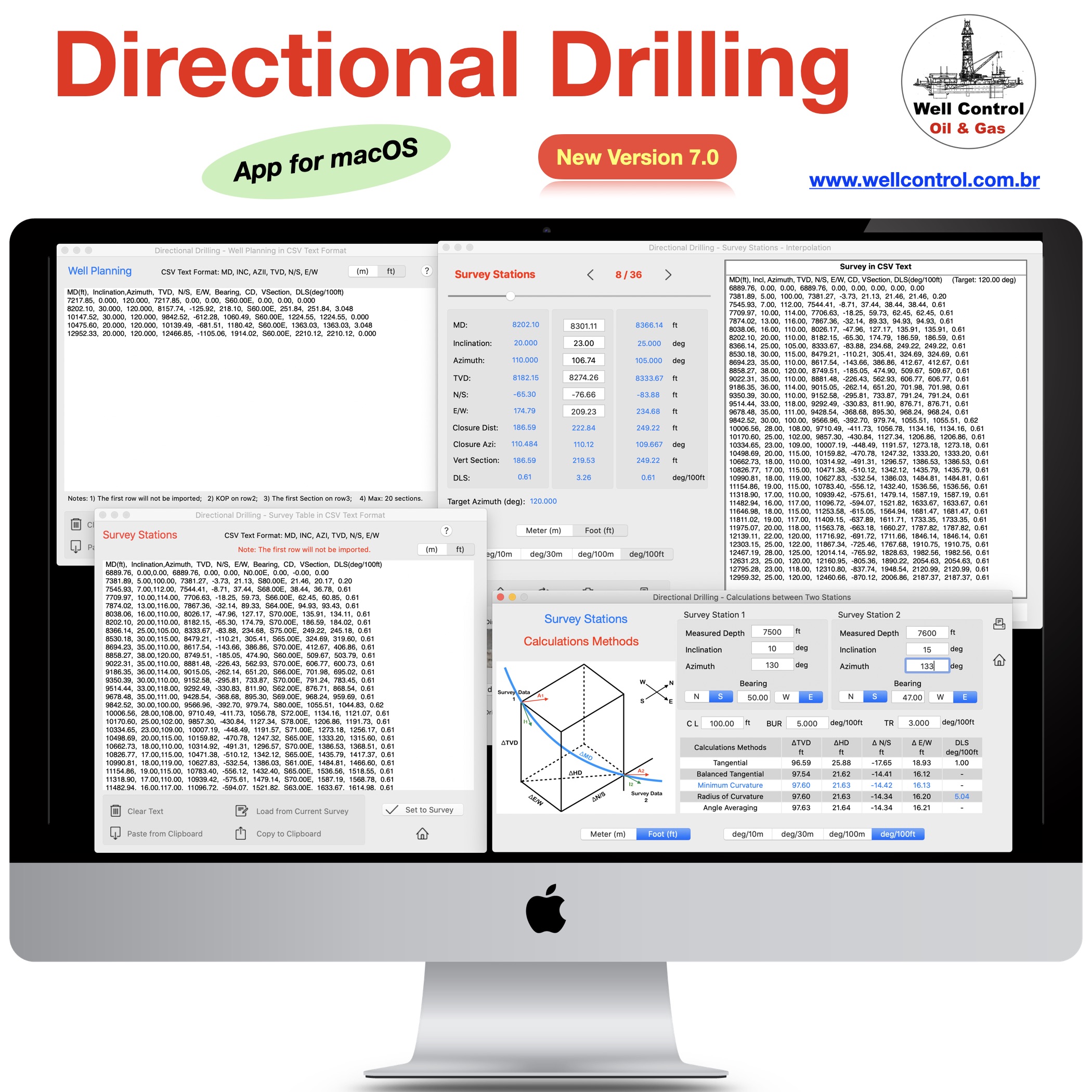
Directional Drilling for Mac

New version 7.0

dd_1024

This app is an important tool for drilling operations (Oil & Gas). By buying it you are contributing to the viability of this project. Thanks
Available_on_the_App_Store_Badge_US_UK_135x40_0824

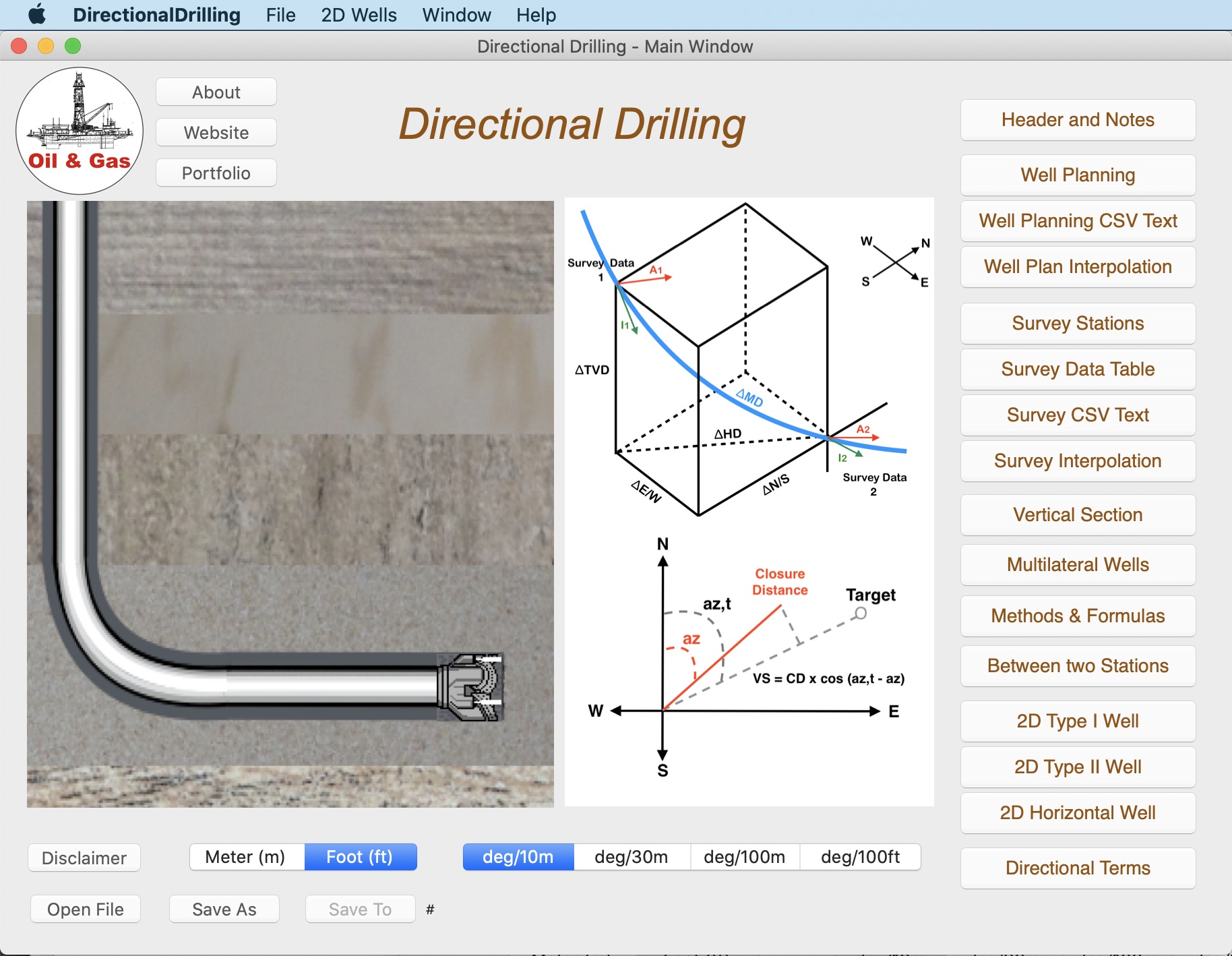
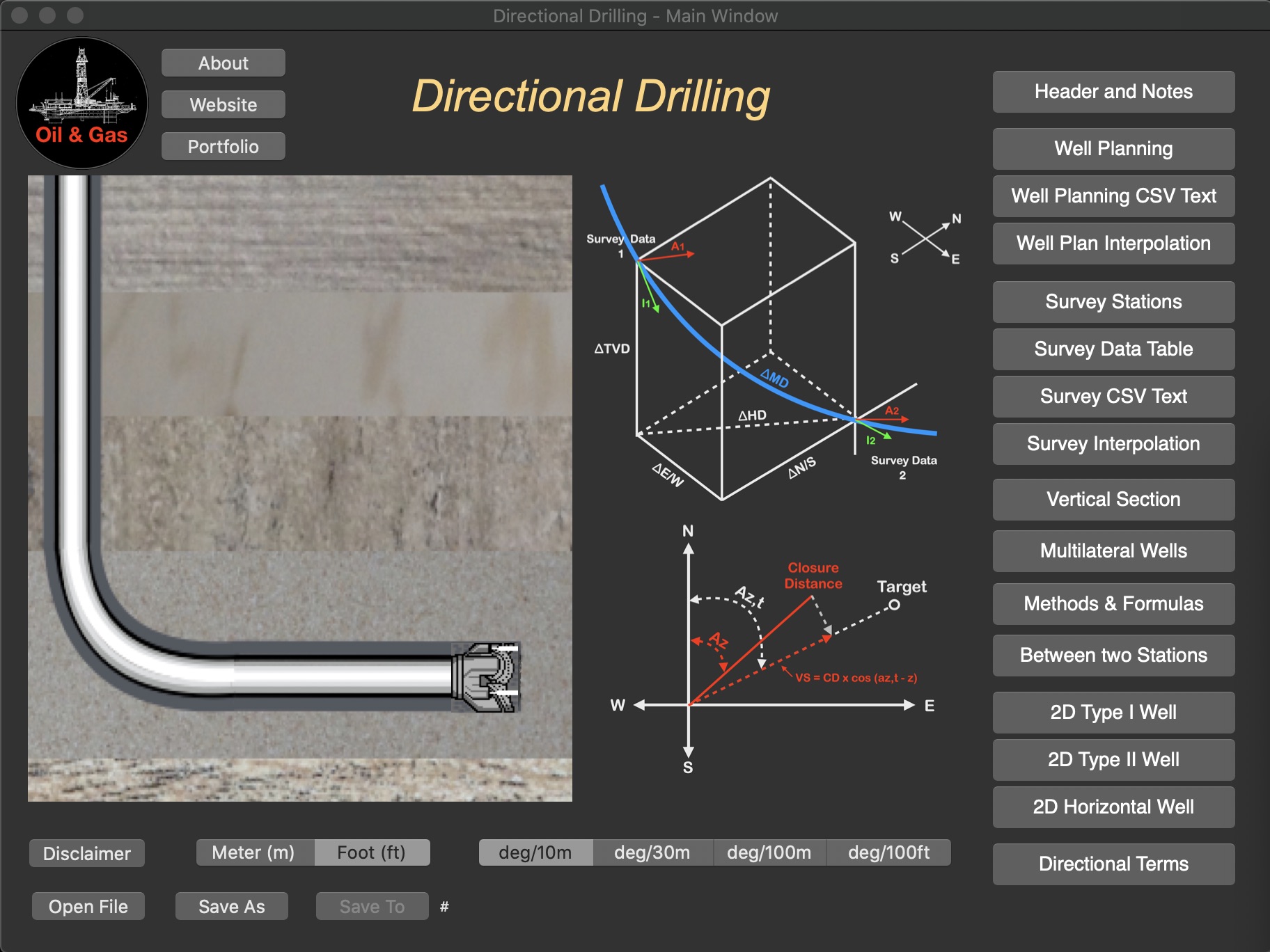
The Directional Drilling Survey provides the control of directional drilling of oil wells with calculations and plotting of well planning and survey data in vertical section, plan  view and 3D (x-y-z) view, calculations between two survey stations, easy tools to 2D and 3D wells and plot multilateral wells.
This is an academic project for petroleum engineering.

Please before you buy it, make sure this app will be useful to you. Visit our website and check the “User Guide“.

This app was developed based in existing spreadsheets. There is no comparison with any other software.

Our goal was to create a very low-cost application with the help of experts to share with drilling engineers, technicians, drillers, students and teachers of drilling engineering.

There is no intention to replace the professional softwares.

You can contribute with suggestions for improvements, correcting the translation to english, reporting bugs and spreading it to your friends.

Features:

1. Well Planning with Multiple Sections (Minimum Curvature);
2. Ability to work with data files;
3. Directional Survey: Edit, Add, Insert and Remove Survey Data;
4. Calculations Methods:
– Tangential
– Balanced Tangential
– Minimum Curvature (default)
– Radius of Curvature
– Angle Averaging
5. Print Reports;
6. Survey Data Calculations in 5 methods;
7. Formulas of the Methods;
8. Ability to work with length units: foot and meter (metre);
9. Vertical Section View, Plan View and X-Y-Z plotting.
10. Ability to Multilateral wells plotting limited to 6 wells.
11. Easy tool to create 2D Wells (Type I, II and Horizontal).
12. Easy tool to calculate 3D sections on well planning.
13. Sharing data files via email, iCloud Drive, etc.
14. Import Well Planning (MD,Inclination,Azimuth) from CSV text format file;
15. Export Well Planning (MD,Inclination,Azimuth,Quadrant,TVD,HD,VSection,N/S,E/W,DLS,BUR,TRN) to CSV text format file;
16. Import Survey Data from CSV text format file;
17. Export Survey Table to CSV text format file;
18. Sharing data files with iPad, iPhone and iPod Touch via iCloud, iCloud Drive, AirDrop or email;
19. Interpolations in the Well Planning;
20. Interpolations in the Surveys Stations;
21. Ability to get a simulated survey (steps 10m, 30m, 100m or 100ft) from Well Planning interpolations;
22. Ability to resize views and to set fullscreen graphs in high-resolution.

dd_mac_main_01

dd_mac_main_01_dark

dd_mac_70_02

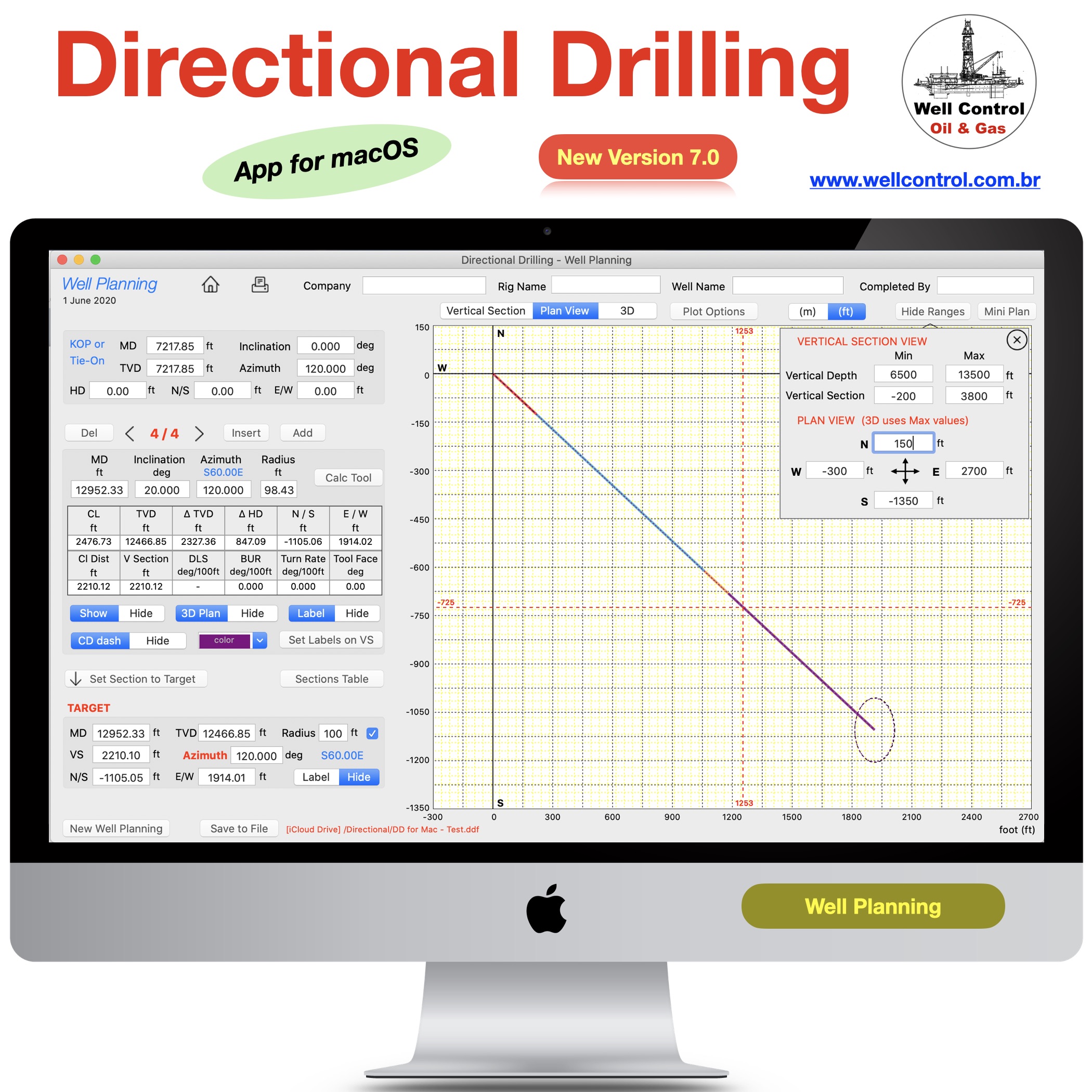
dd_mac_70_03

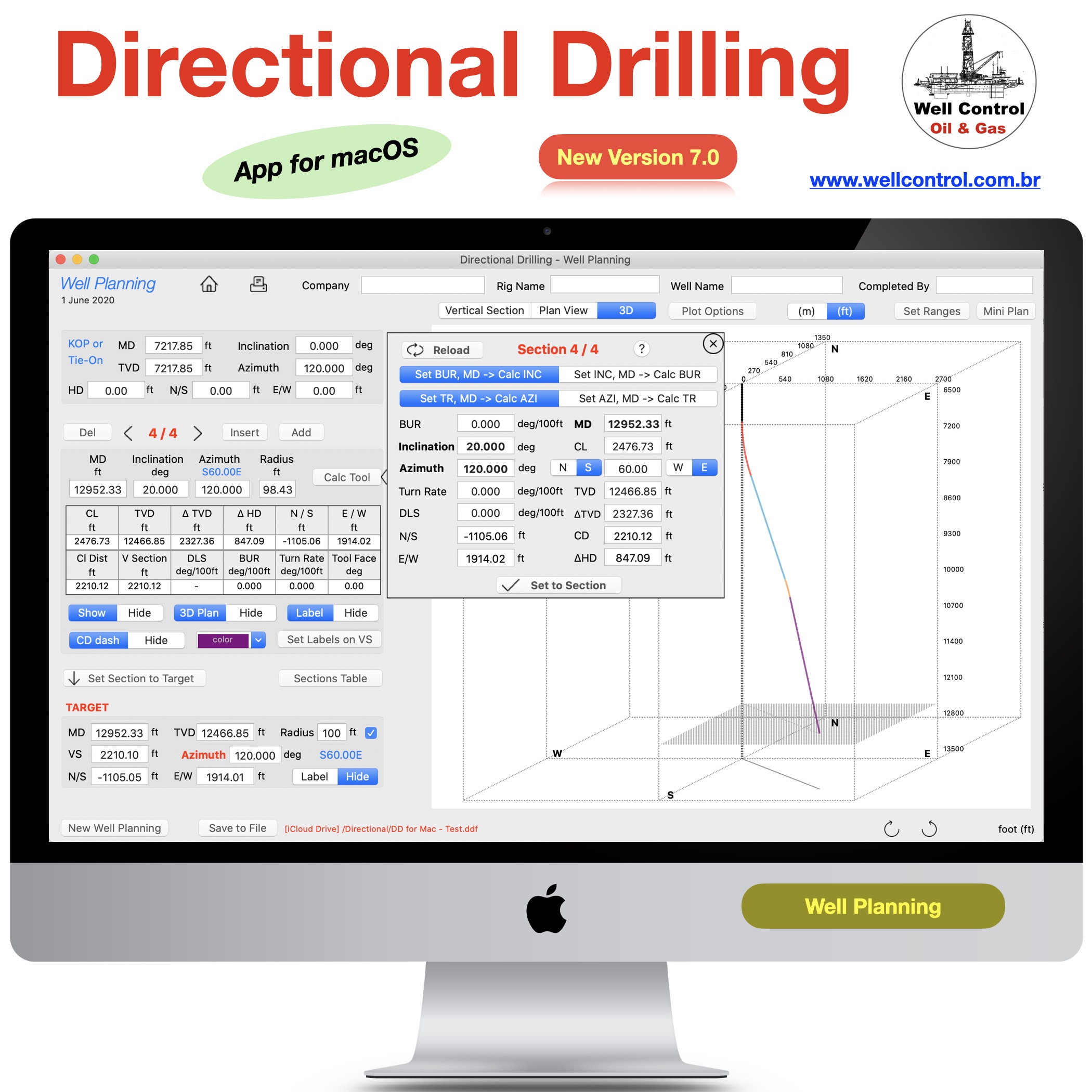
dd_mac_70_04

dd_mac_70_05

dd_mac_70_06

dd_mac_70_07

dd_mac_70_08

dd_mac_70_09A

dd_mac_70_09

dd_mac_70_09B

dd_mac_70_11

dd_mac_70_10

wellcontrol_apps_blogs_02


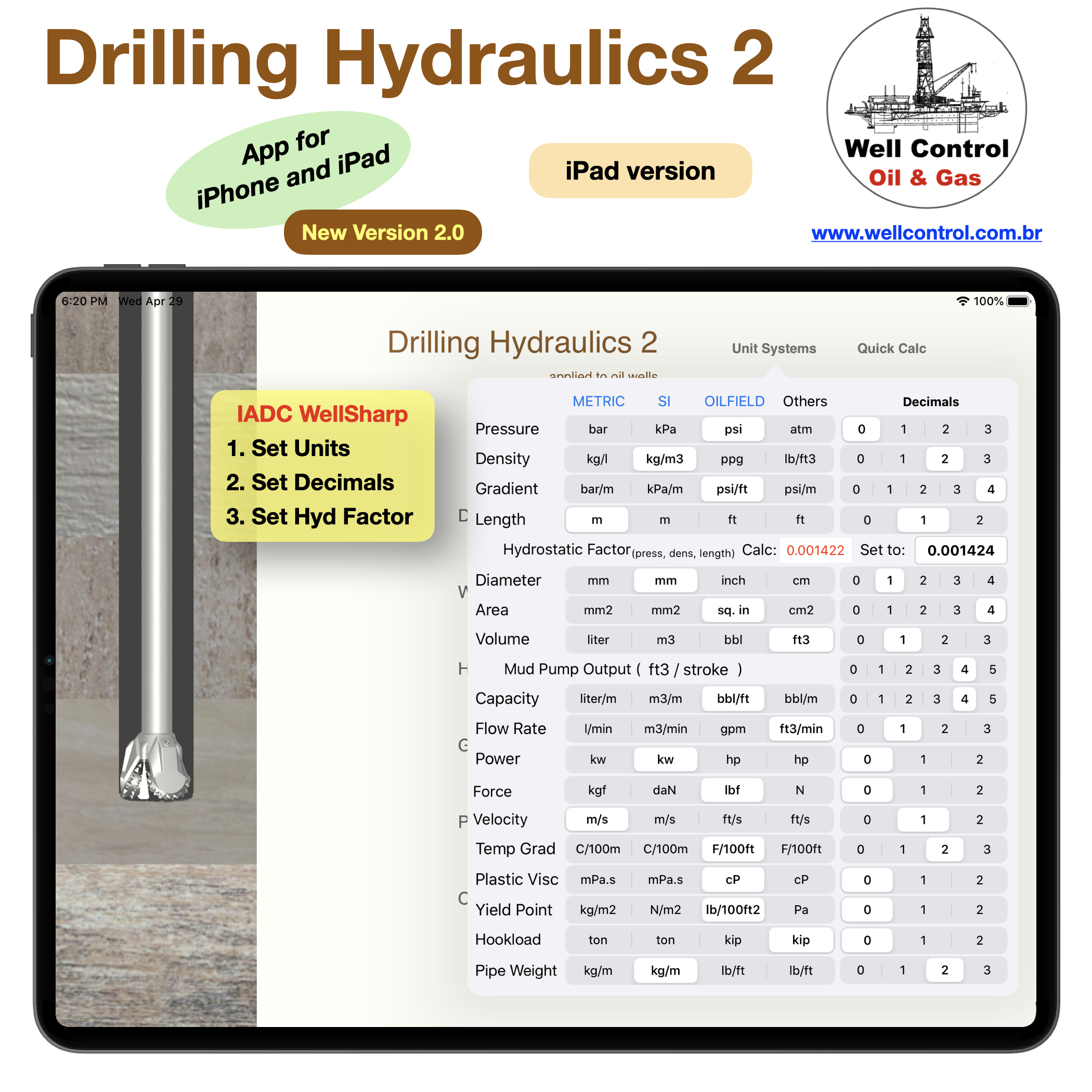
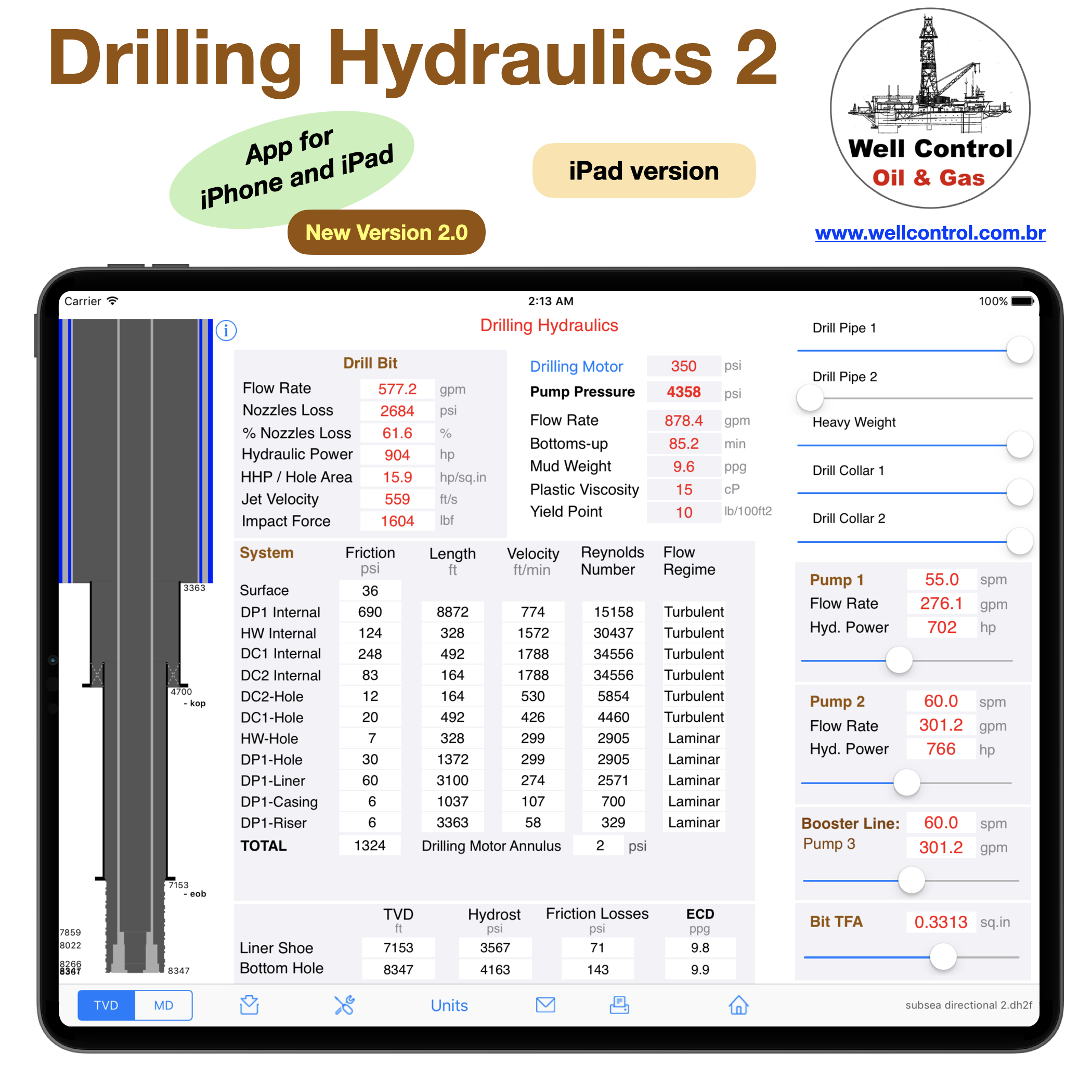
Drilling Hydraulics 2

Drilling Hydraulics 2

for iPhone and iPad

dh2_01

Available_on_the_App_Store_Badge_US_UK_135x40_0824

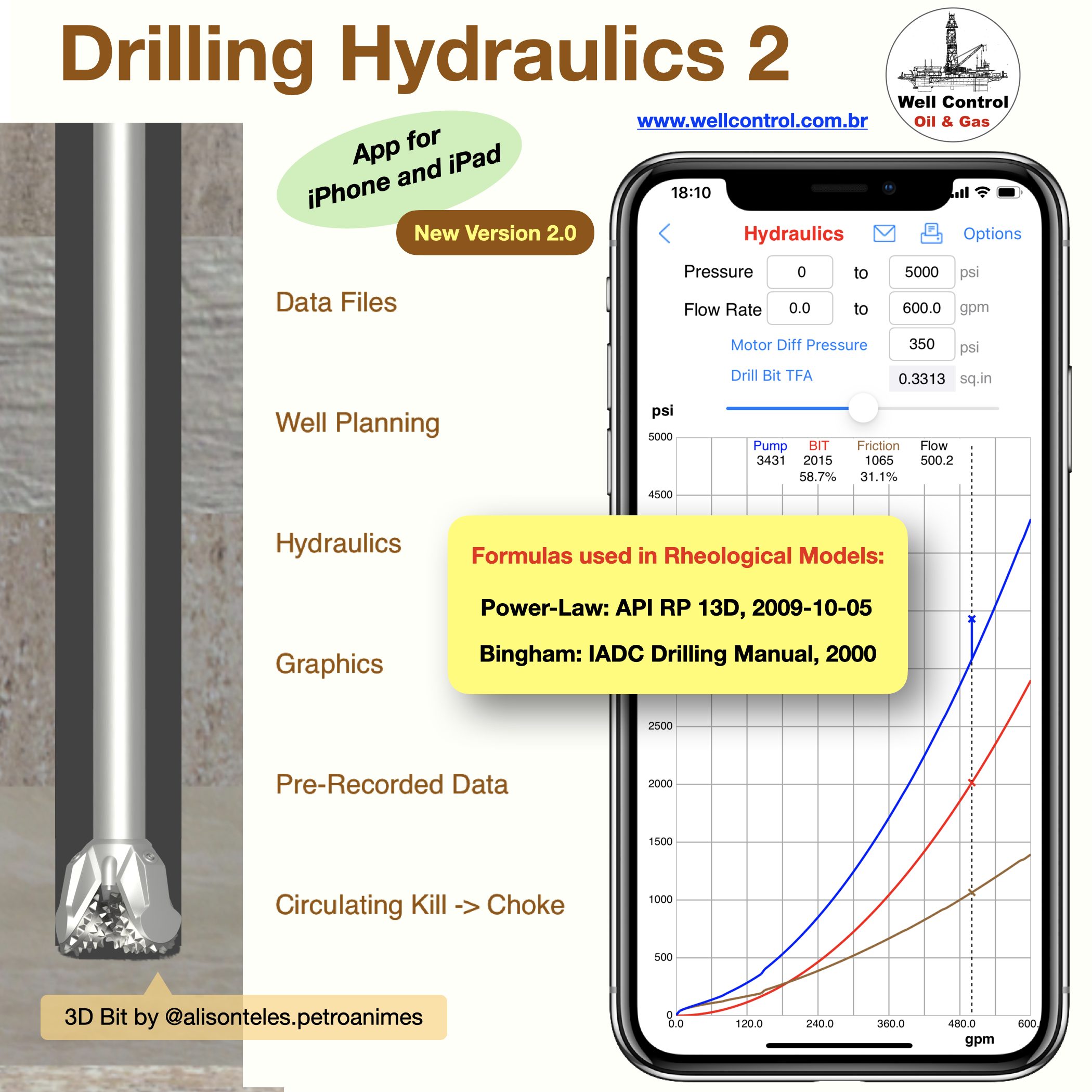
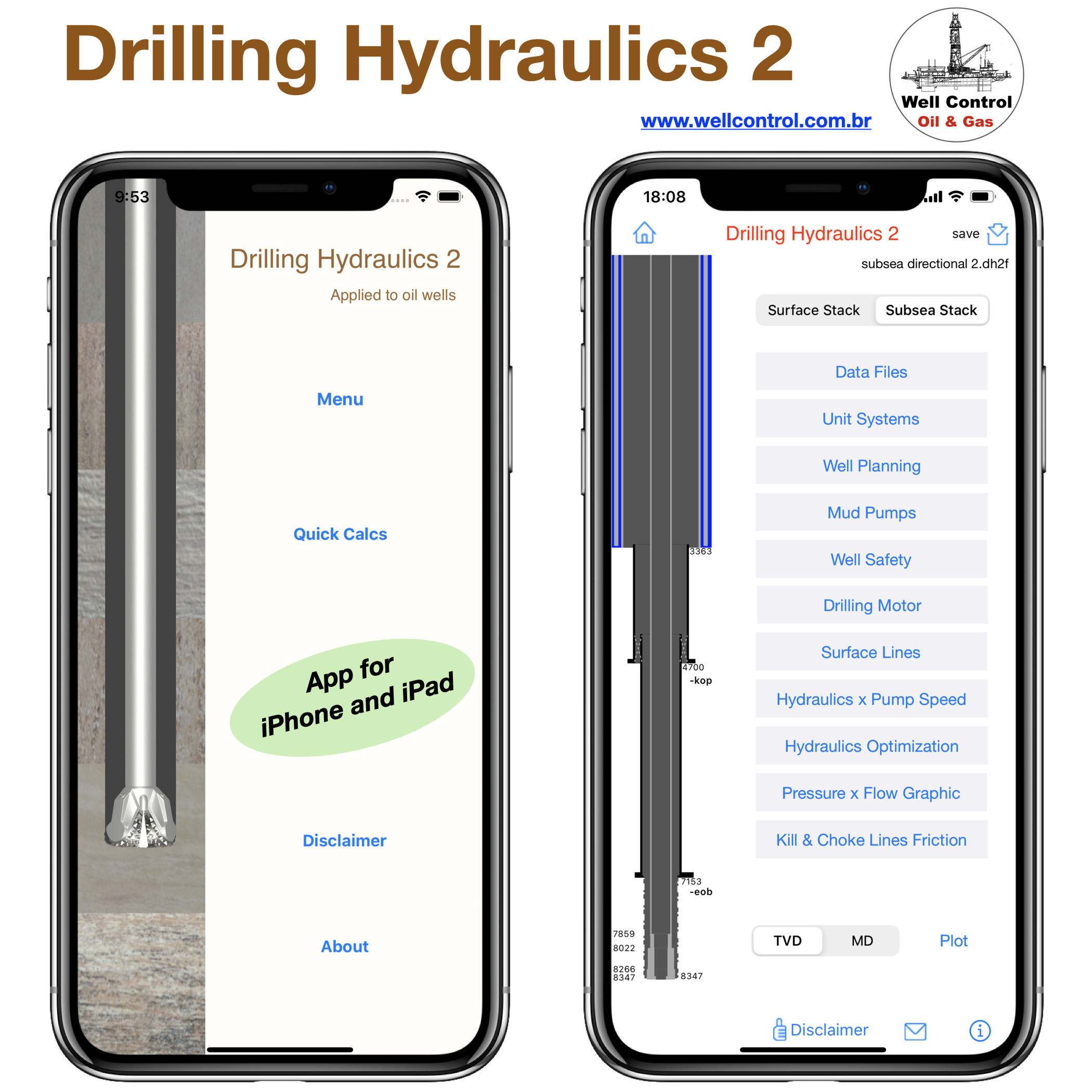
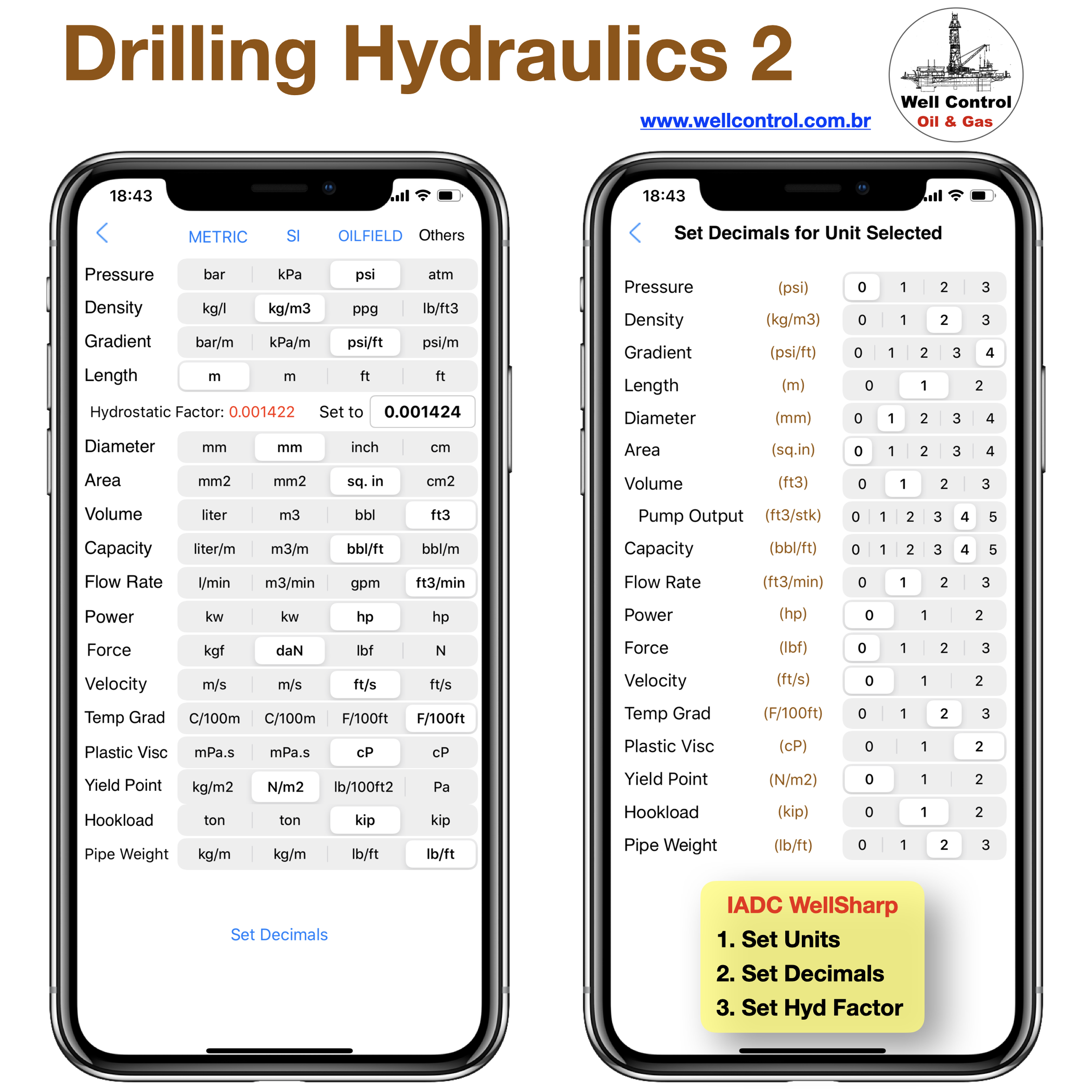
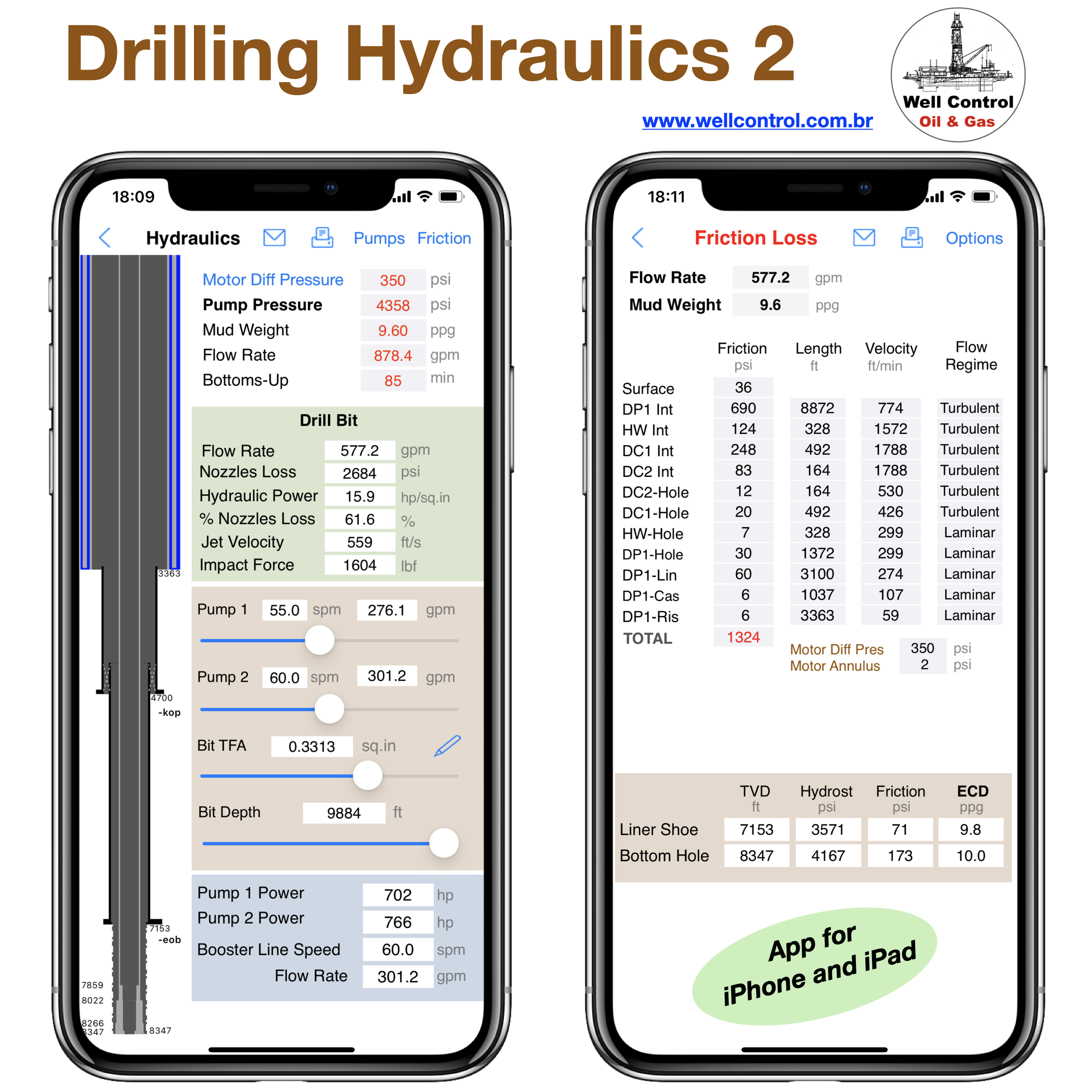
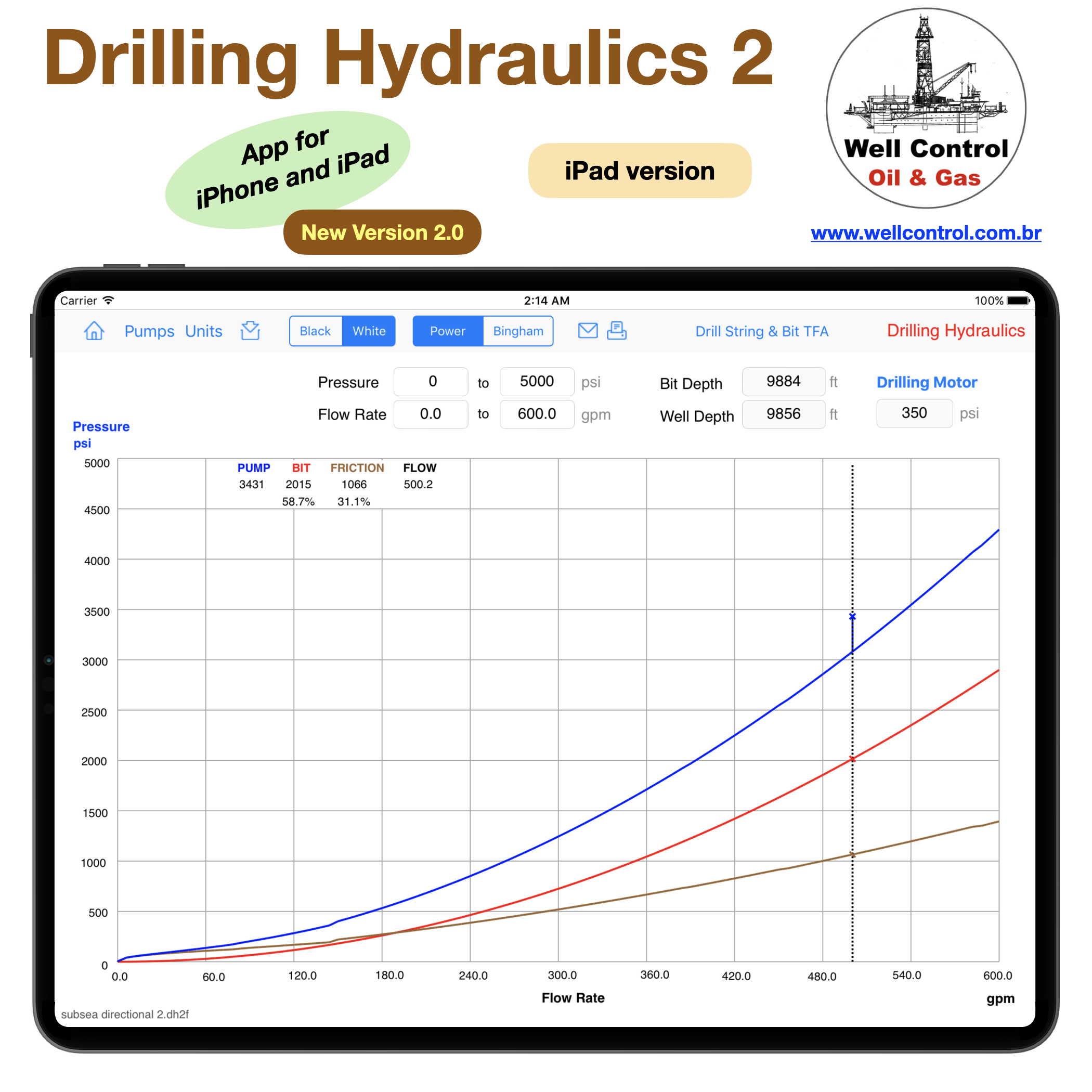
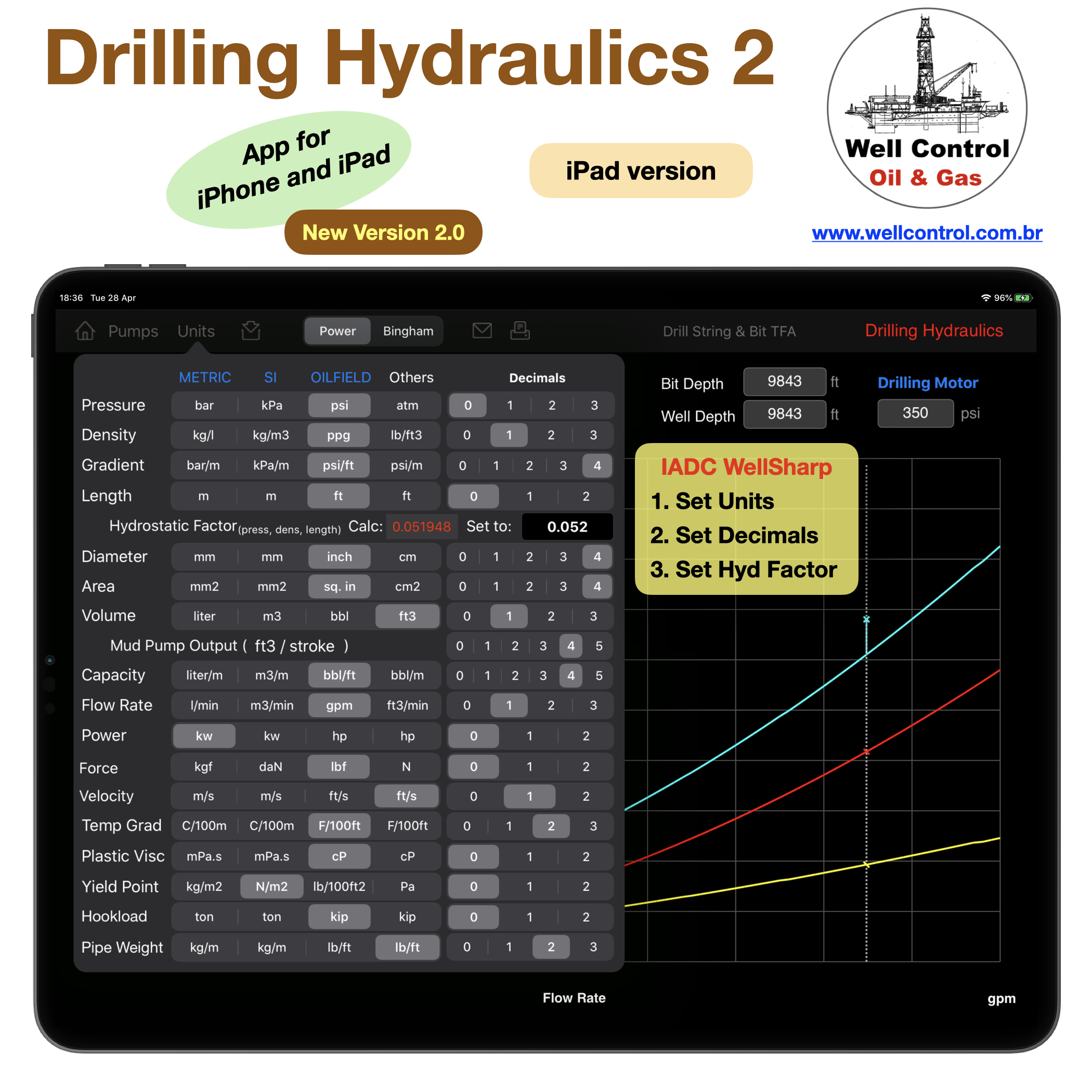
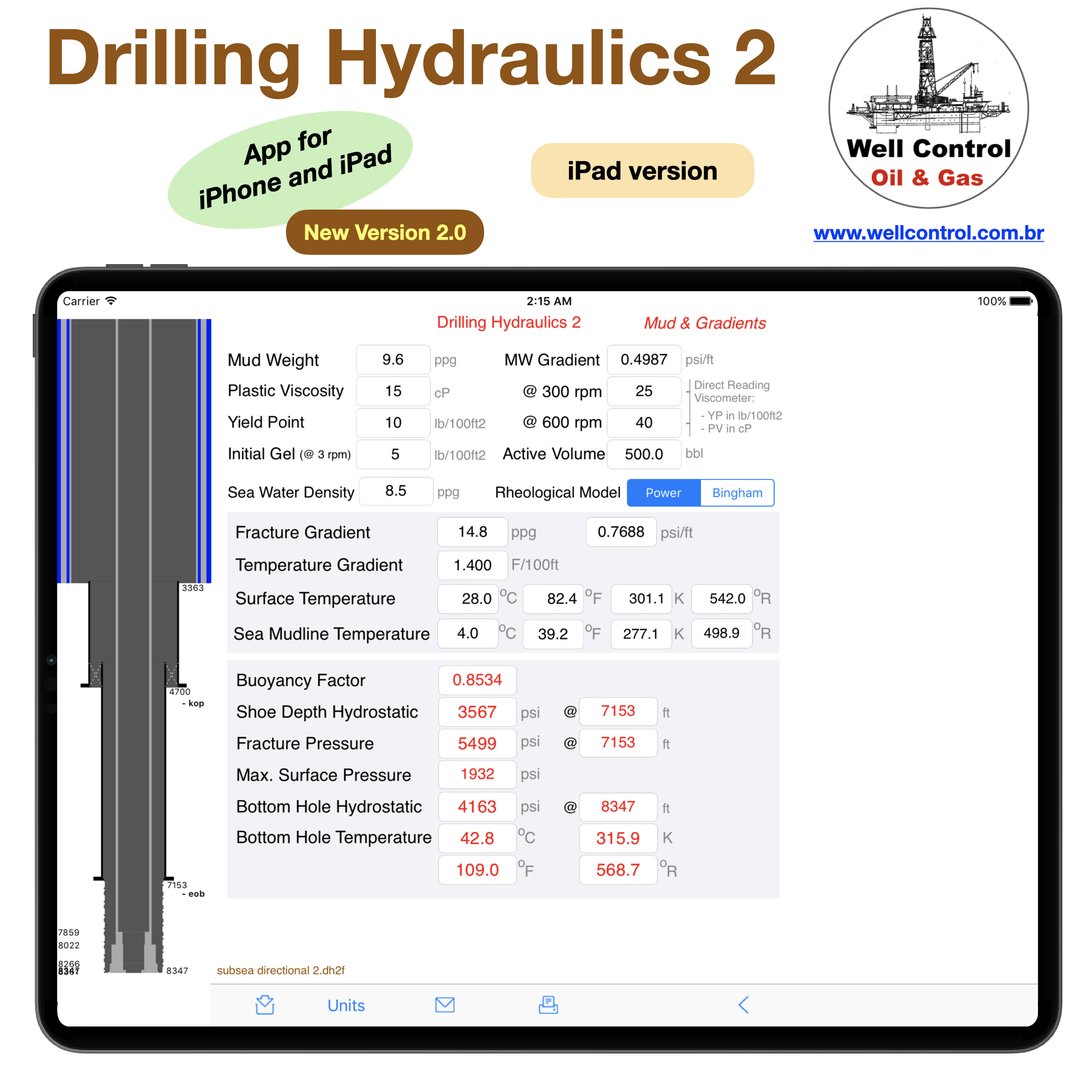
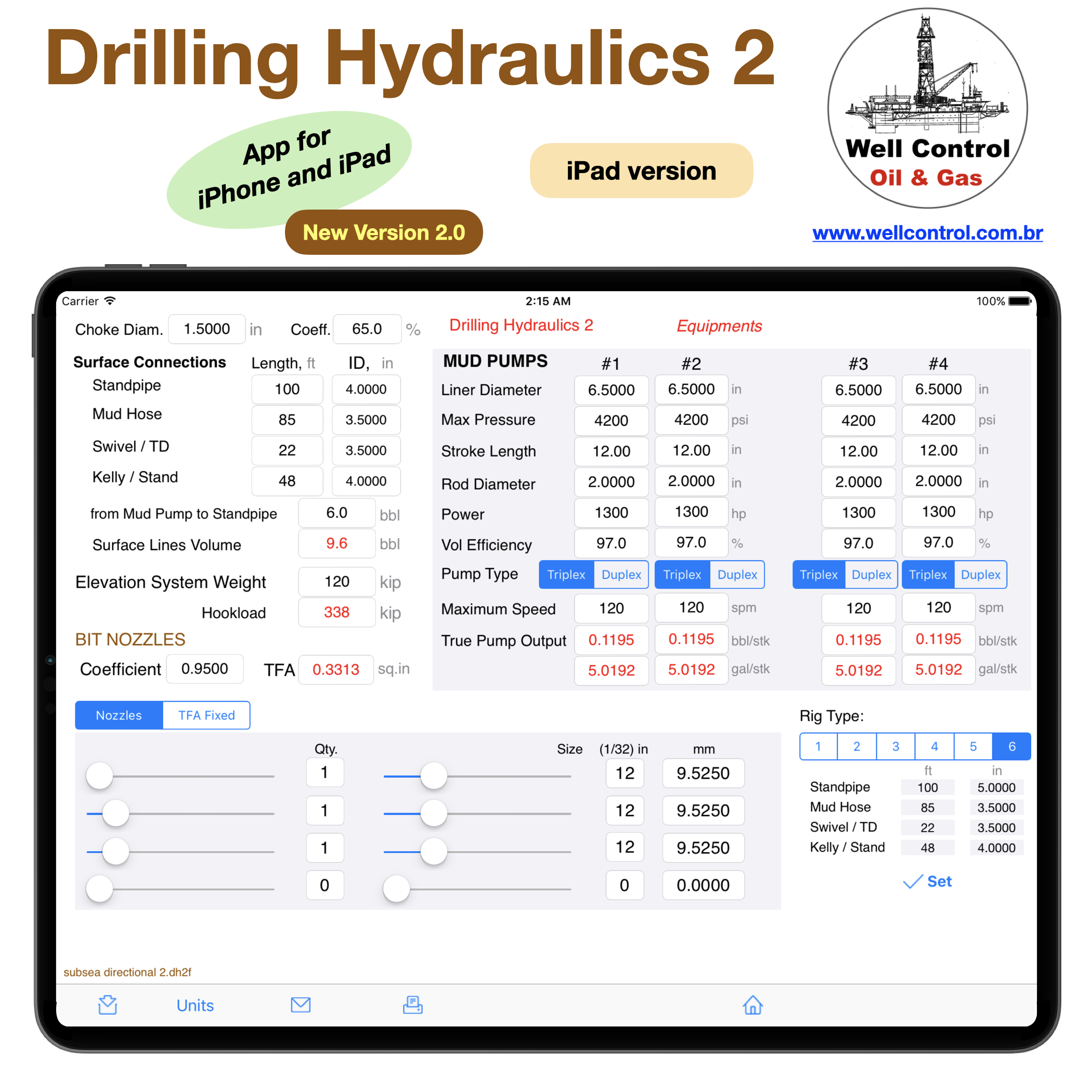
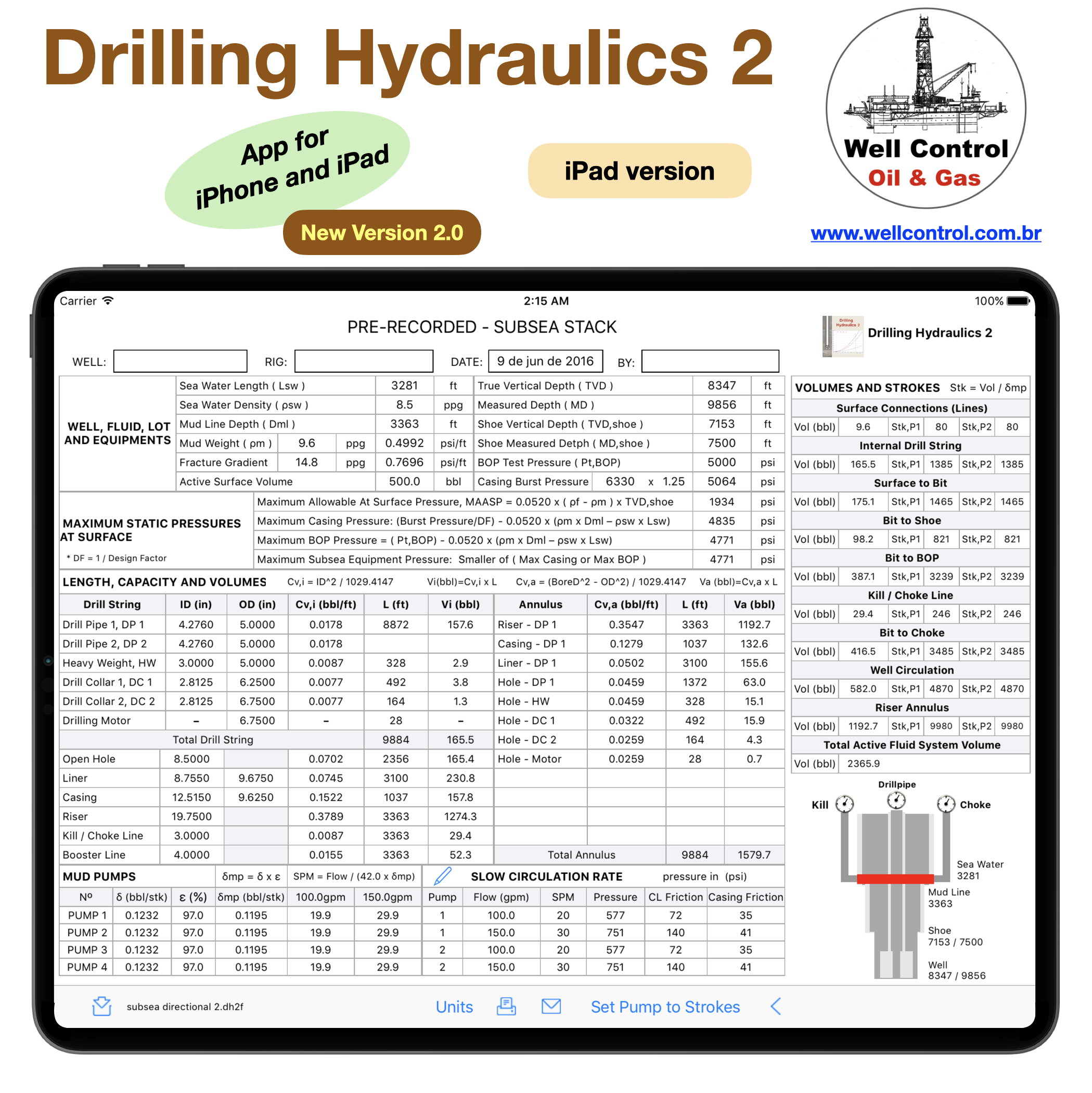
The Drilling Hydraulics provides to driller, tool pushers, engineers, chemists, students and other professionals in the petroleum industry a productivity tool helpful in drilling of oil wells for hydraulics calculations, optimization of the penetration rate and can help on the decision on selection of bit nozzles.

Well Features:

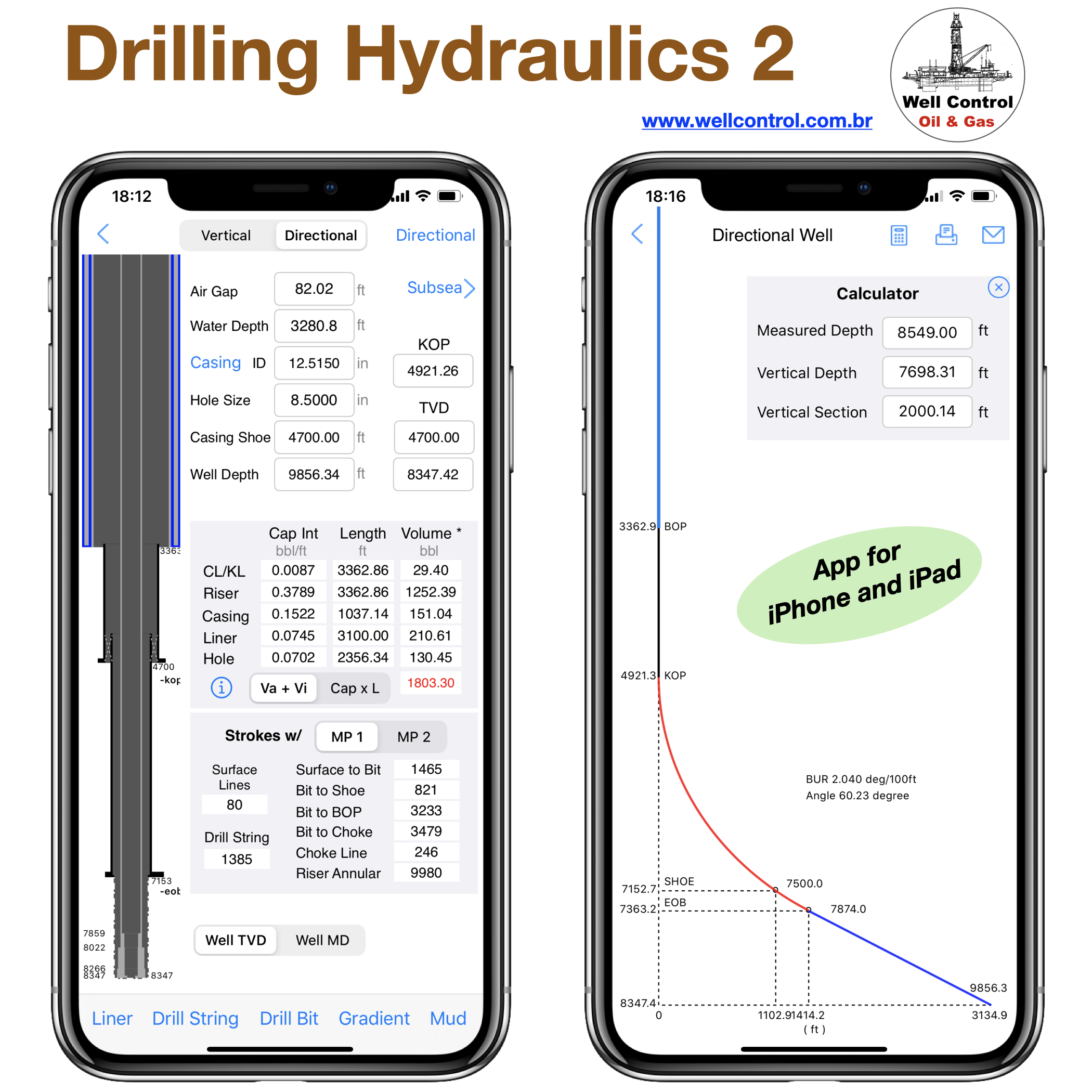
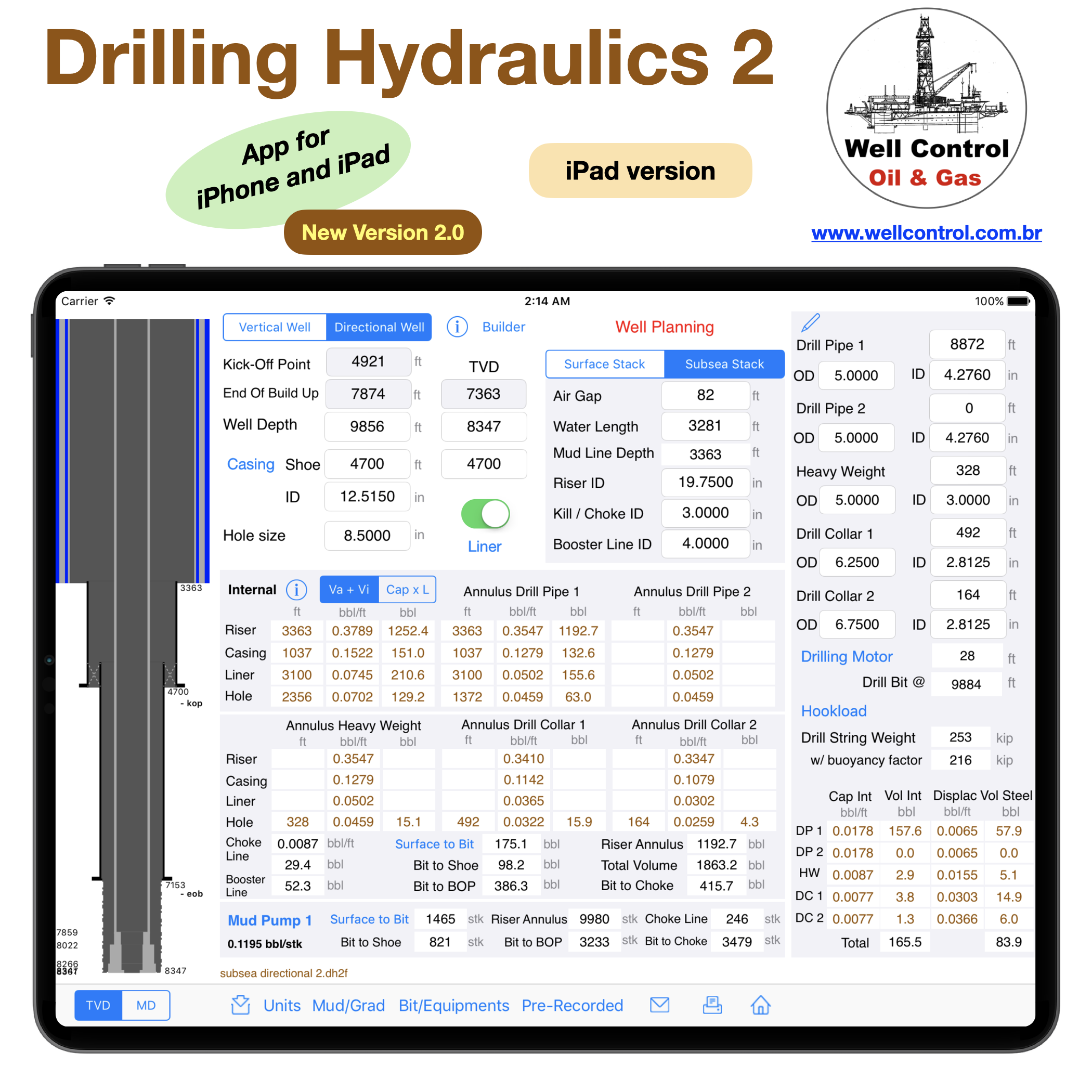
– Well Planning: Onshore or Offshore (riser, casing, liner and open hole). Vertical or Directional Type I.
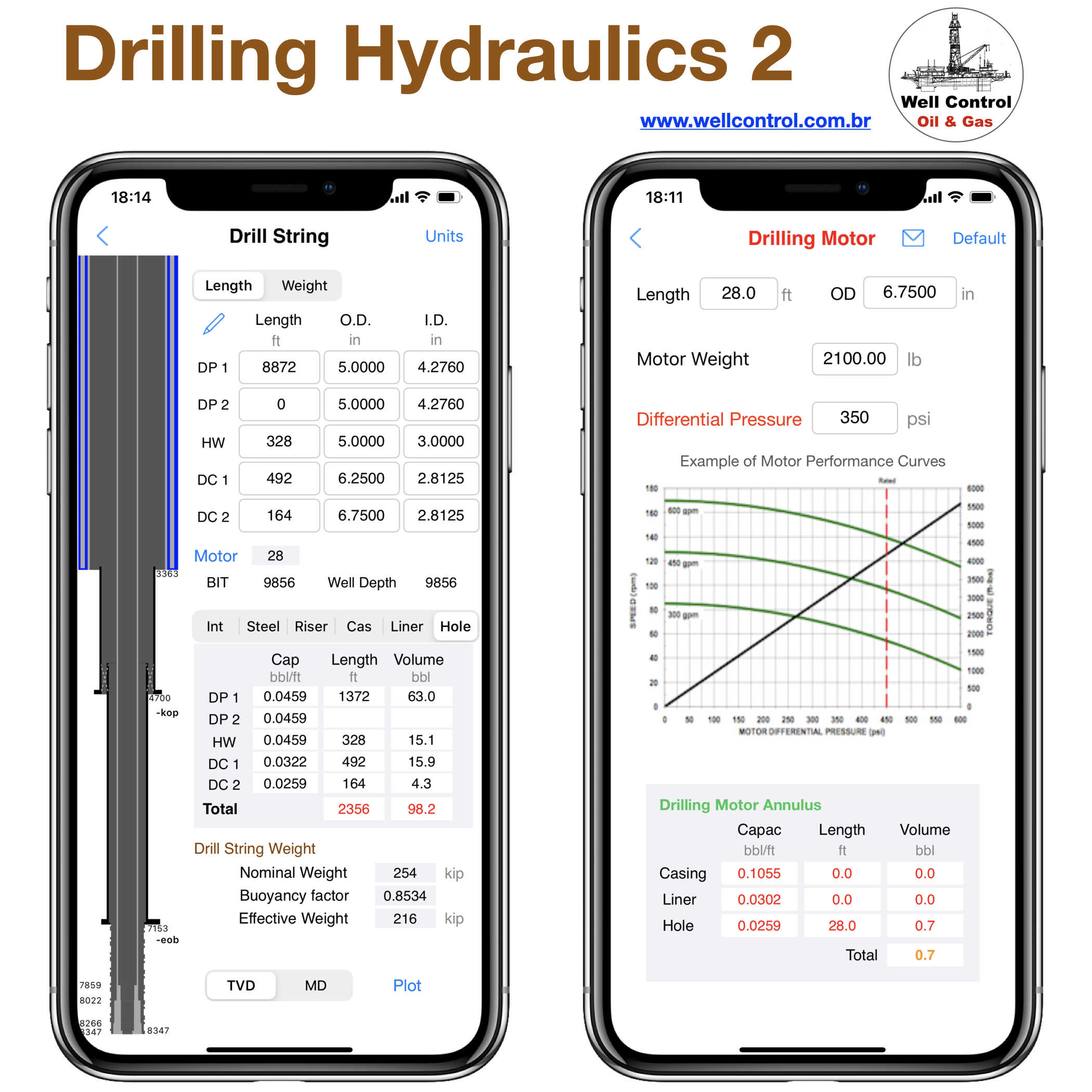
– Drill string: 2 drill pipes, heavy weight, 2 drill collars, drilling motor and drill bit (w/ until 12 nozzles).
– Volume, capacity, strokes, hydrostatic and drilling hydraulics calculations;

Surface Equipment:

– 04 mud pumps
– Surface connections: standpipe, mud hose, swivel, top drive, kelly, stands
– Choke diameter
– Elevation system weight;

Directional Well:

– This app works with Directional Well Type I and Horizontal, only.
– For other features in directional wells, we recommend the “Directional Drilling Hydraulics” application available in our portfolio in the App Store.

Importing Data Files:

This app imports data files from other apps available in our portfolio on the App Store: “Drilling Simulator 1, 2 and 3”, “Well Control Simulator”, “MPD Simulator”, “Kick Tolerance”, “Leak-Off Test Simulator”, “Kick Game” and “Well Control Methods”

New in version 2.0:

– Added compatibility with Dark Mode (iOS/iPadOS 13 or greater)
– improved the hookload calculation
– bug fixes

iPhone version:

dh2_13

dh2_14

dh2_03

dh2_04

dh2_05

iPad version:

dh2_12

dh2_06

dh2_11

dh2_02

dh2_07

dh2_08

dh2_09

dh2_10

wellcontrol_apps_blogs_02

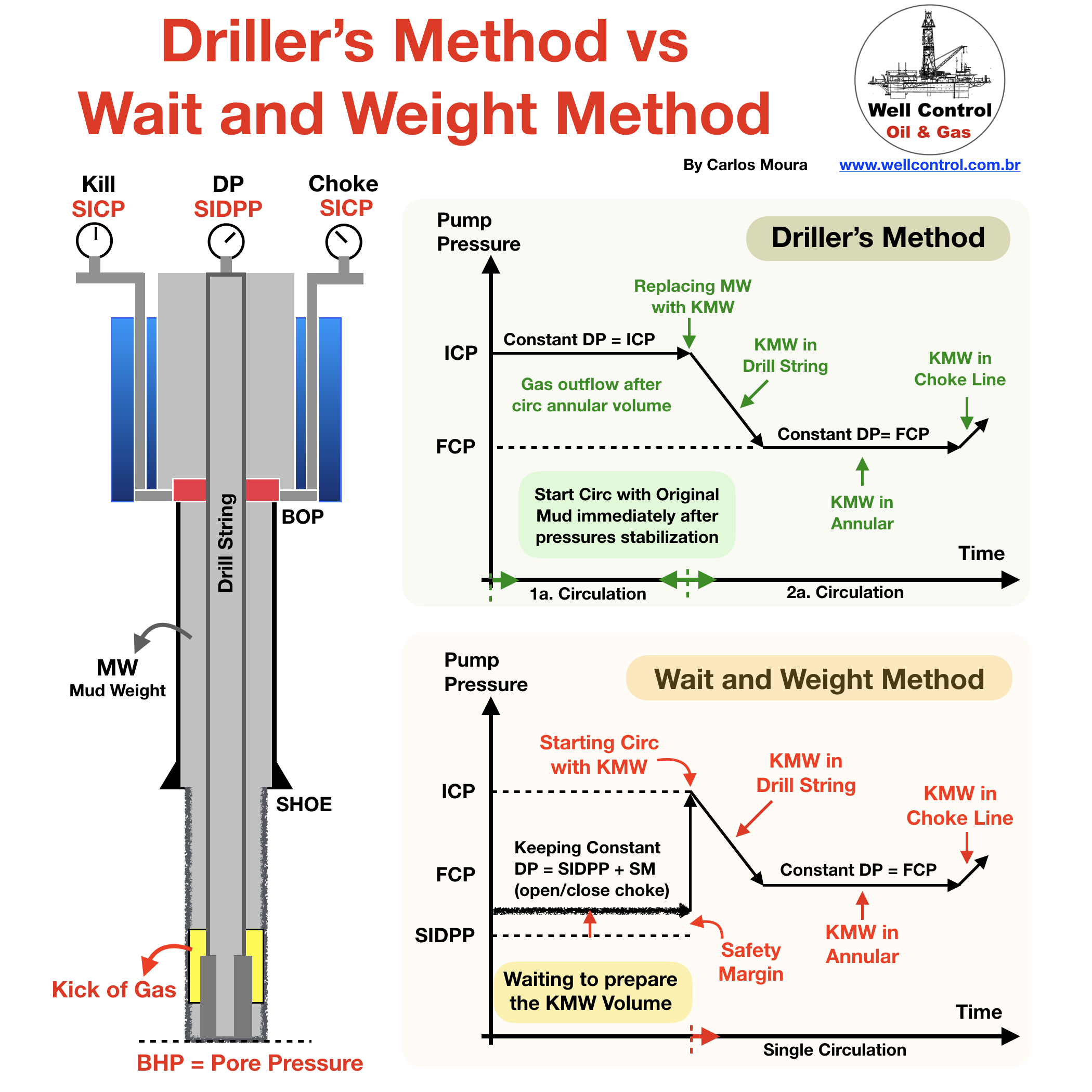
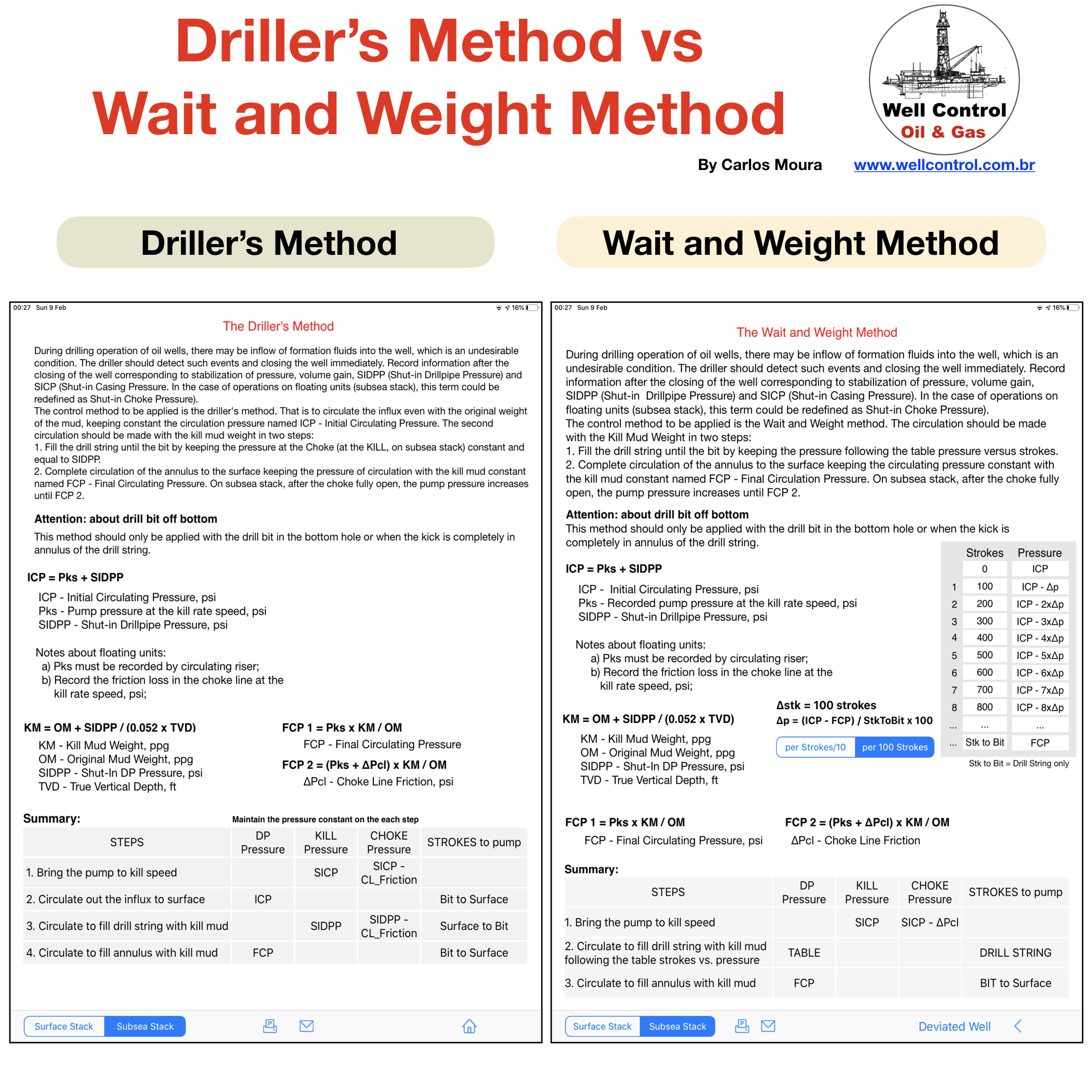
Driller’s Method vs Wait and Weight Method

DMxWW_01

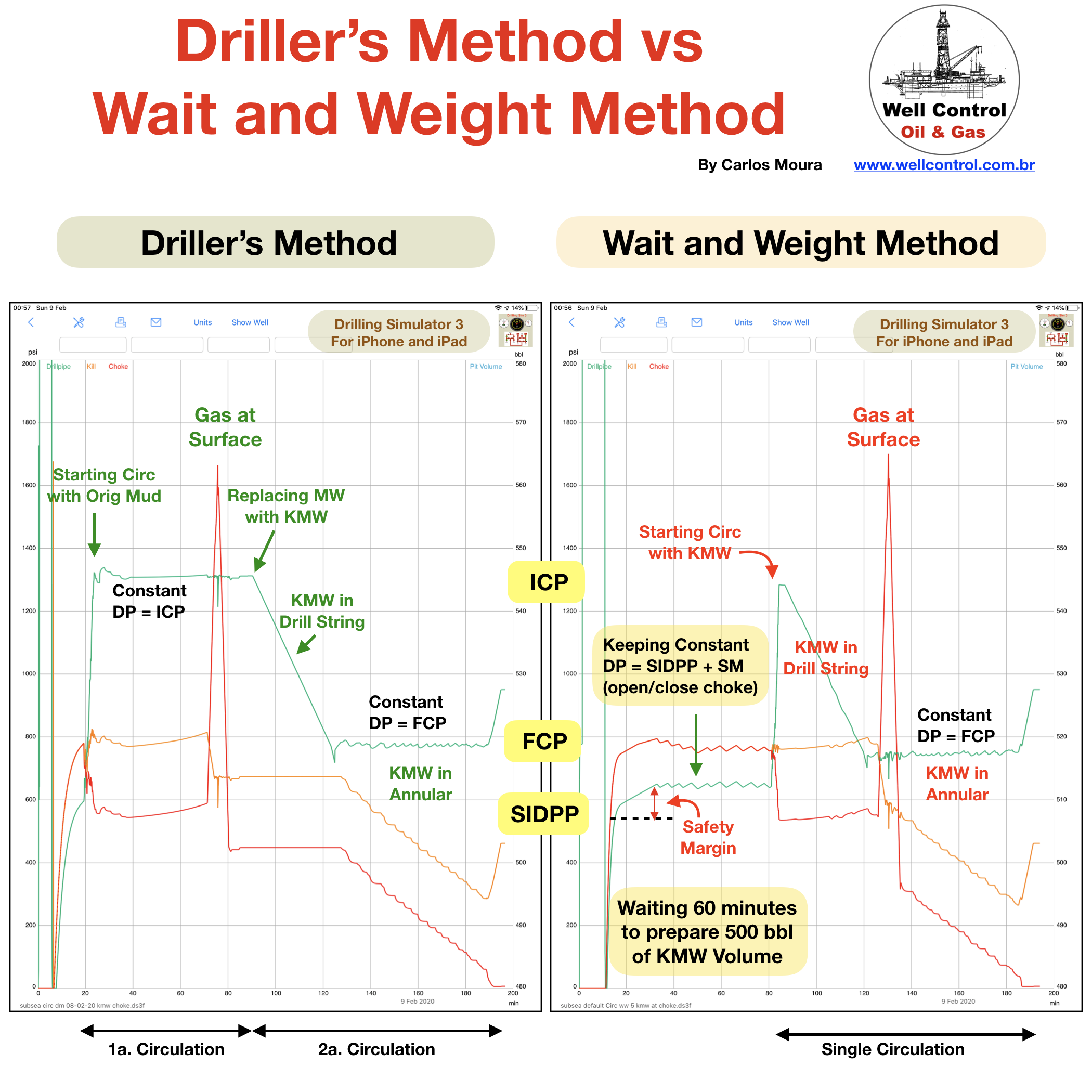
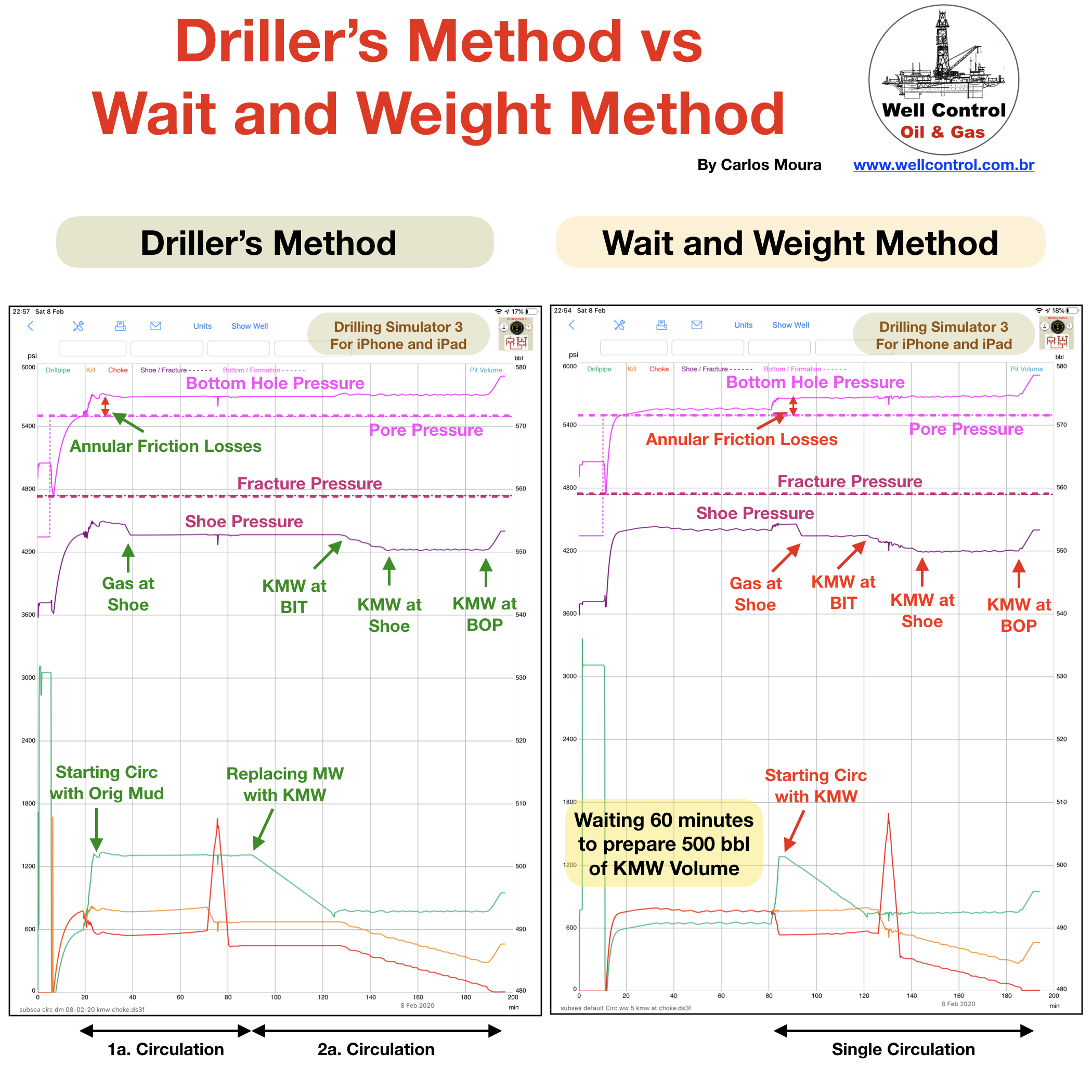
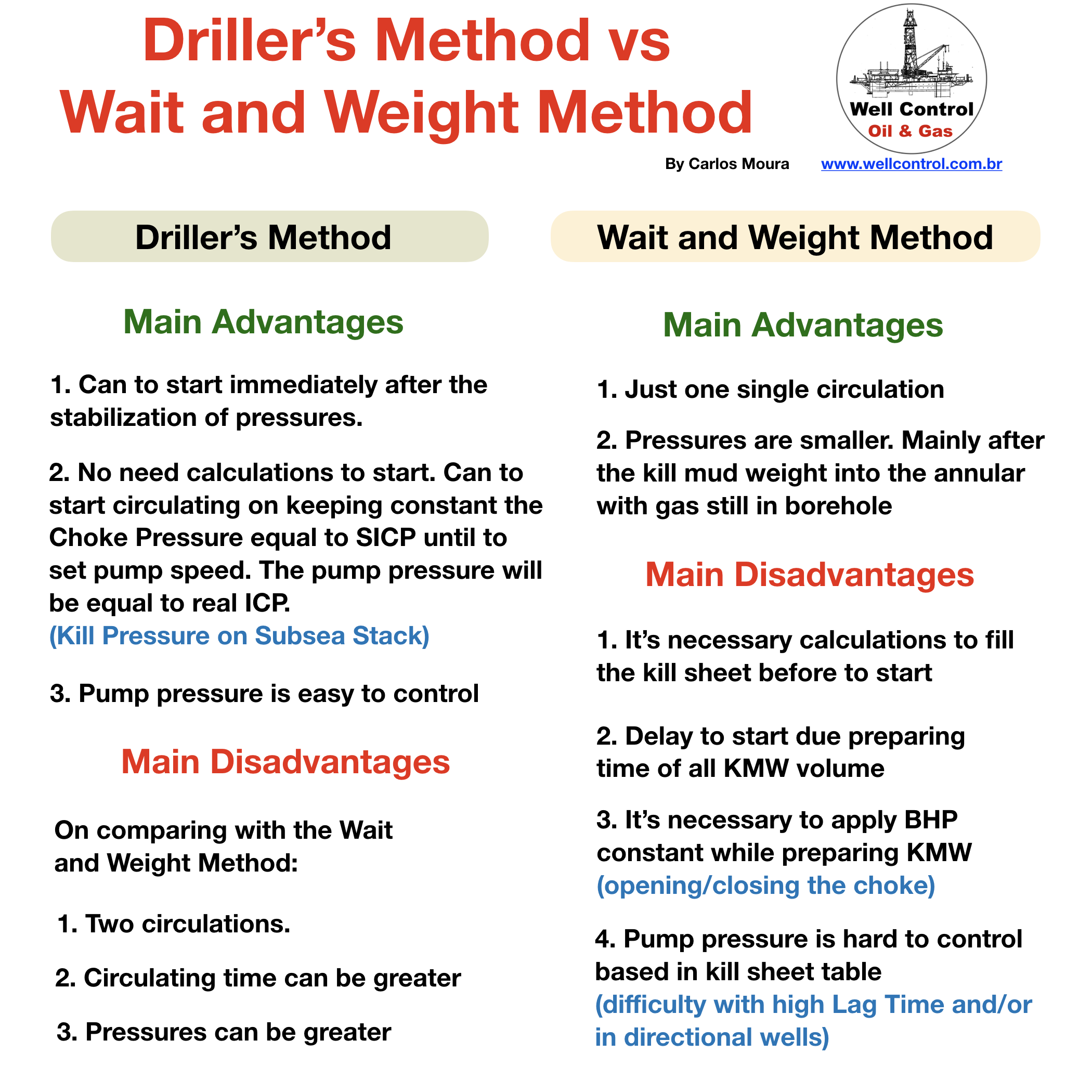
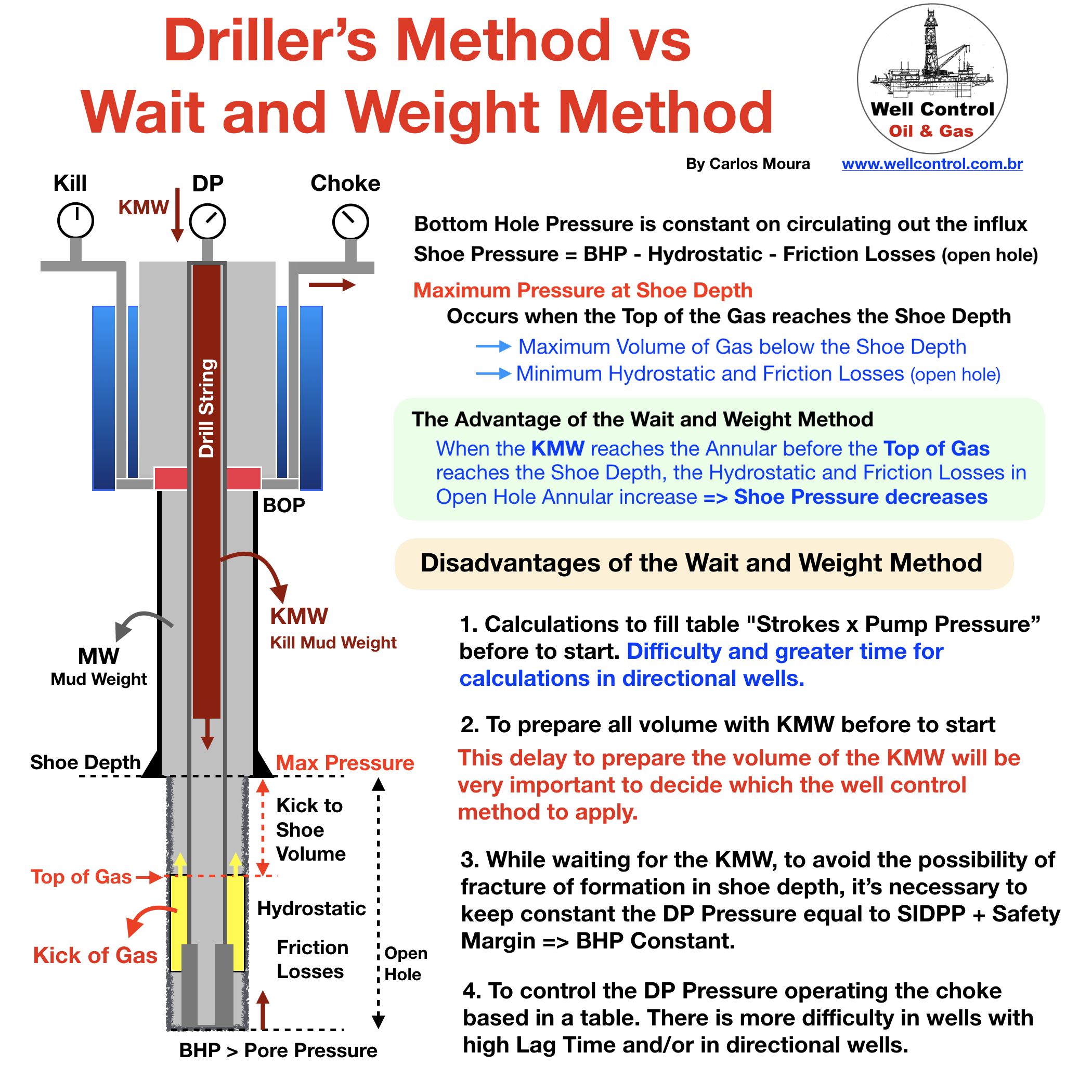
Driller’s Method vs Wait and Weight Method

This post is to meet the several requests of our friends.

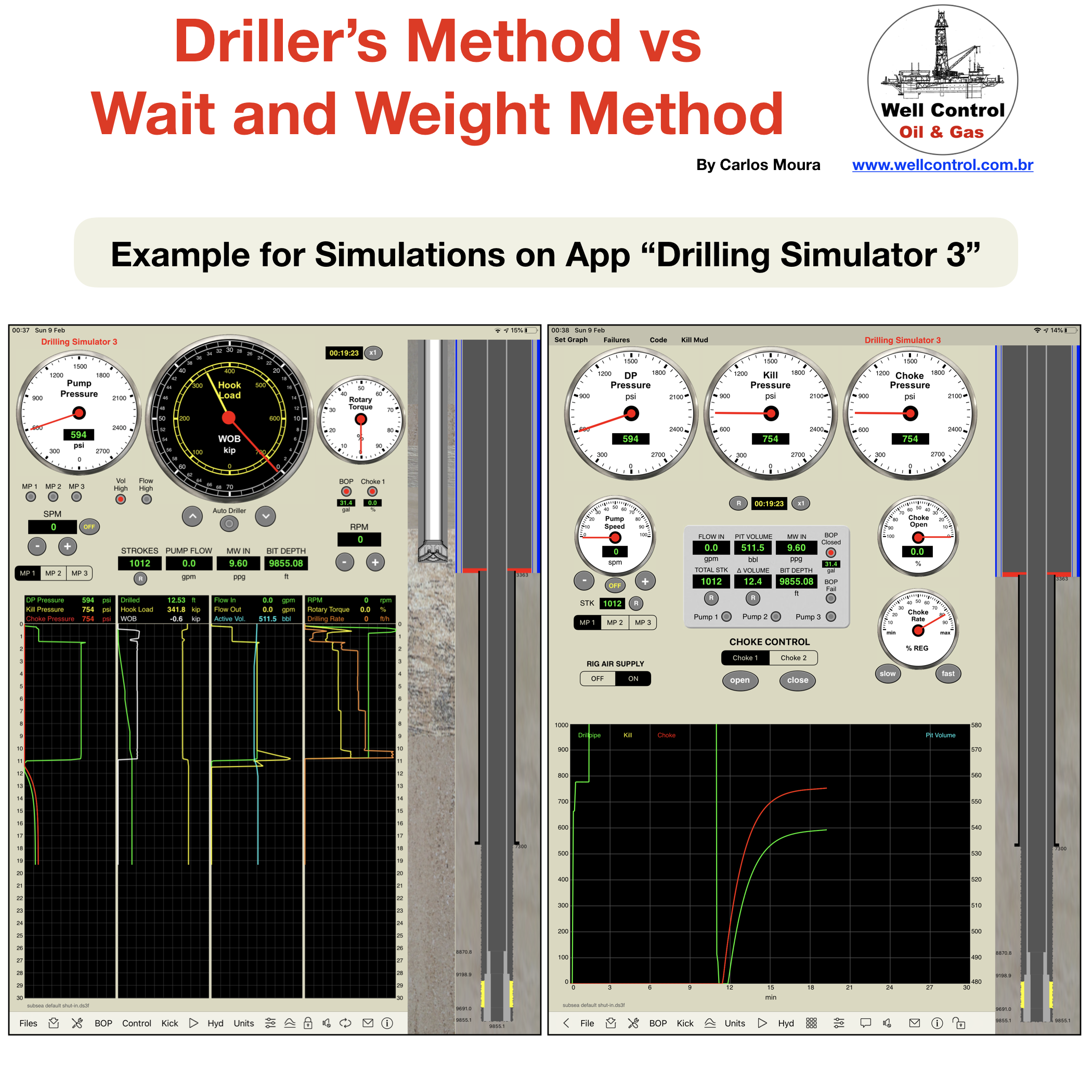
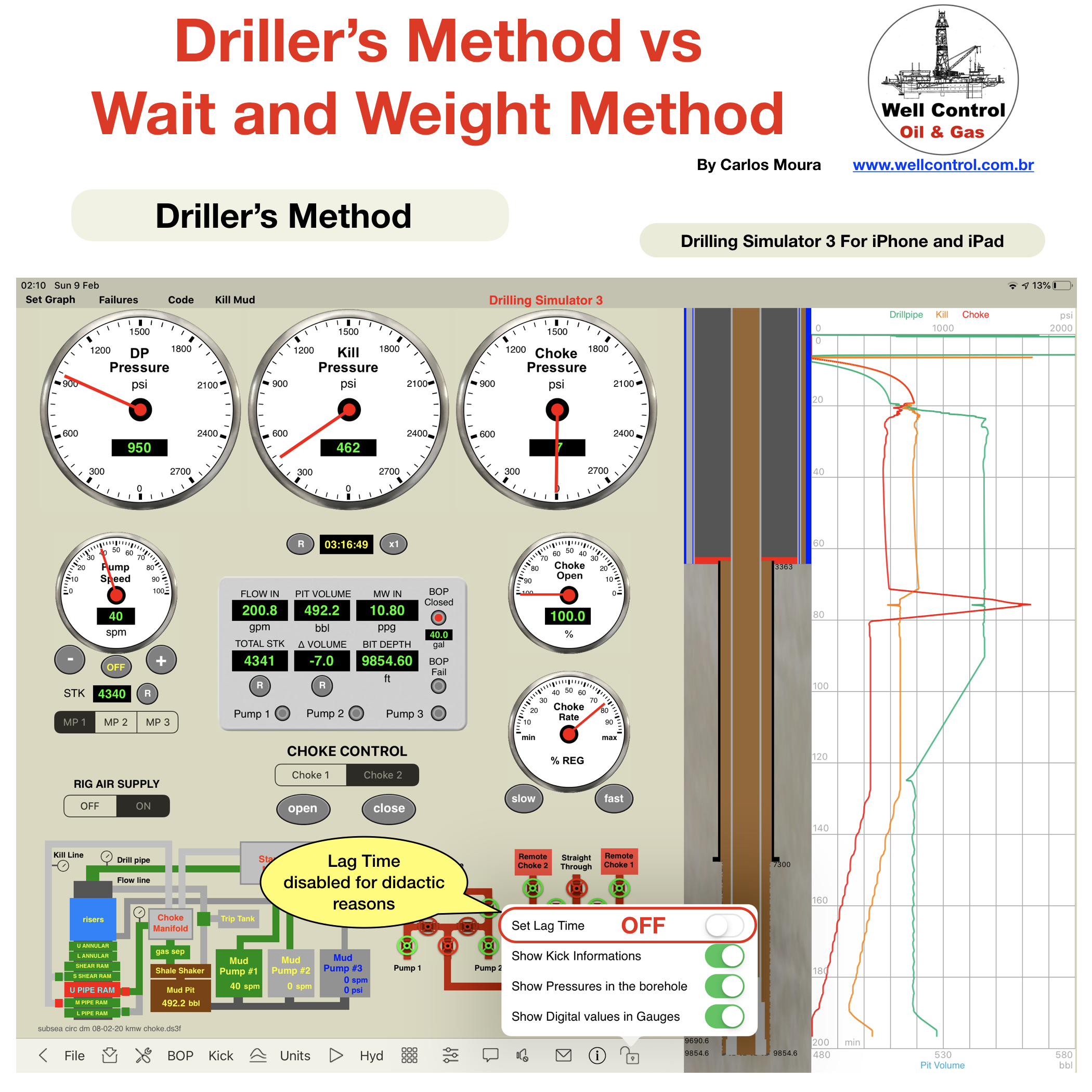
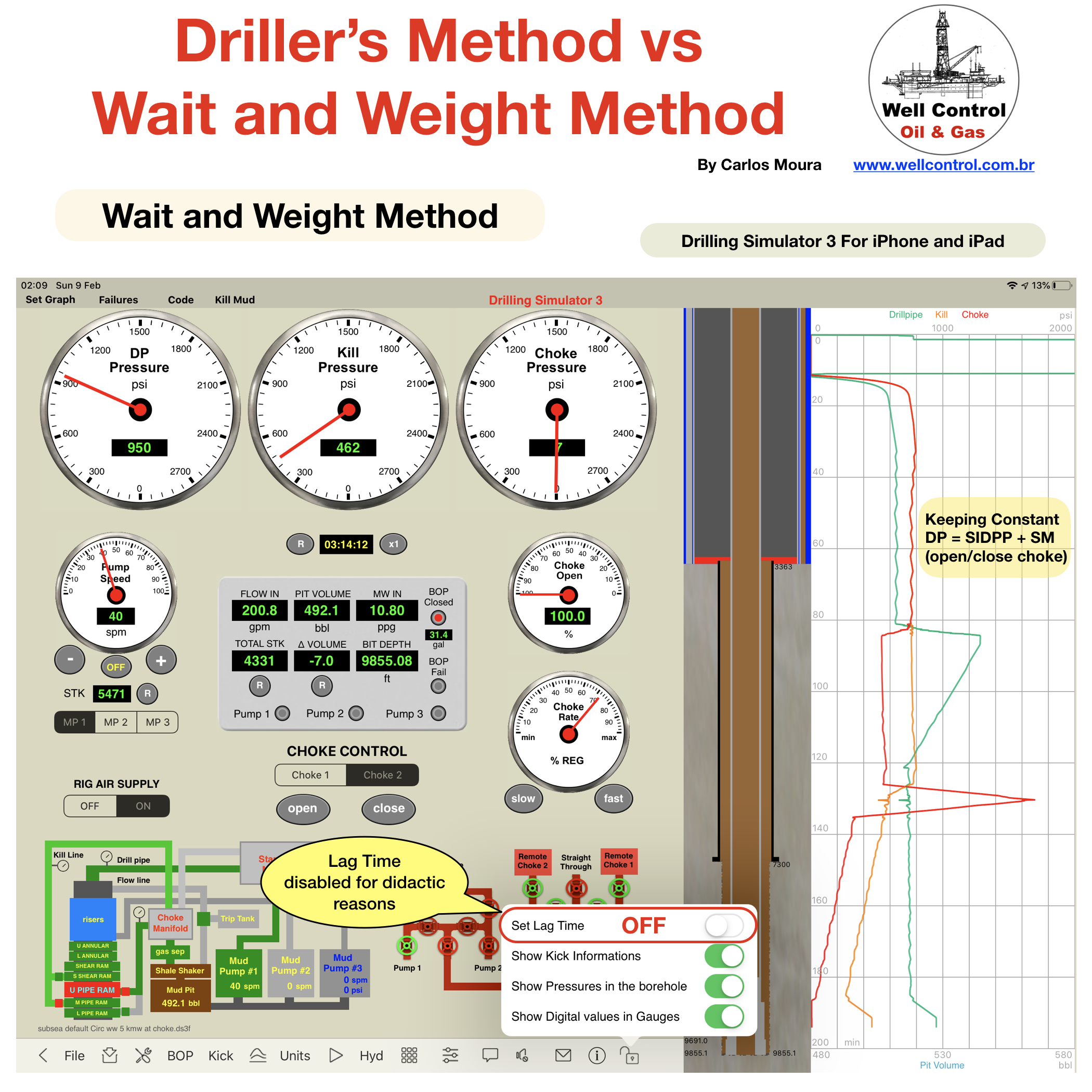
A comparison based in graphical analysis in simulations performed on app “Drilling Simulator 3”, using the iPad Pro version.

More details at our website www.wellcontrol.com.br

Did you like our content?

– Like it ❤️
– Follow Us!
– Share your experience with your friends!

Thanks

#petroleum #oilfield #wellcontrol #drilling #oilandgas #gas #oilfields #oilrig #oilrigs #drillingrig #drillingrigs #oilgas #coiledtubing #drillship #oilandgasindustry #drillingengineering #engineering #spe #petroleumengineering #petroleumengineer #petroleumengineers #offshoredrilling #drillingoffshore #directionaldrilling #welldrilling #perfoblogger #perfoapps #apps #iadc

Please visit the LinkedIn for a complete analysis at 

https://www.linkedin.com/pulse/drillers-method-vs-wait-weight-deepwater-carlos-moura 

DMxWW_02

DMxWW_03

DMxWW_04

DMxWW_05

DMxWW_06

DMxWW_07

DMxWW_08

DMxWW_09

DMxWW_10

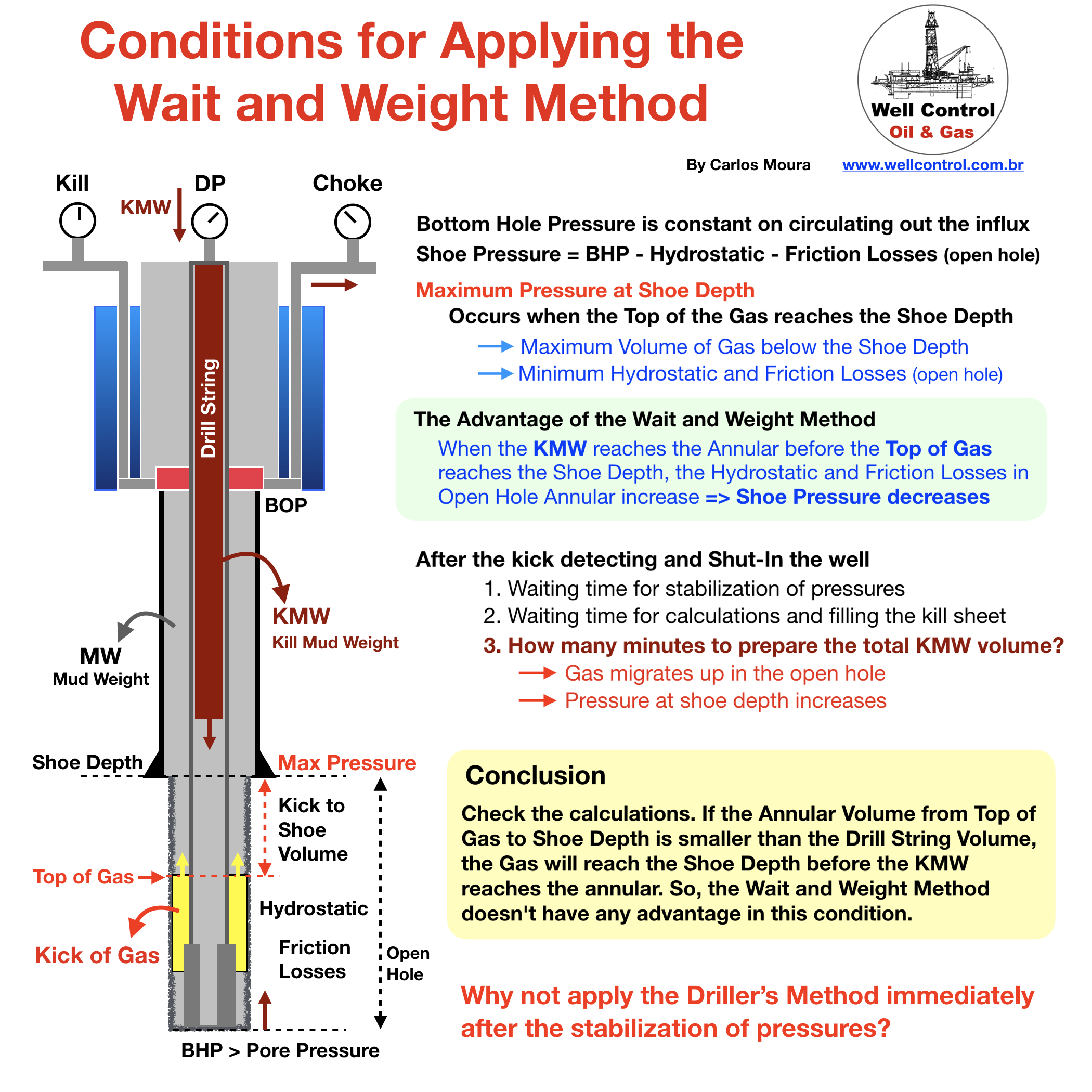
Conditions for Applying the Wait and Weight Method

conditions_for_ww_01

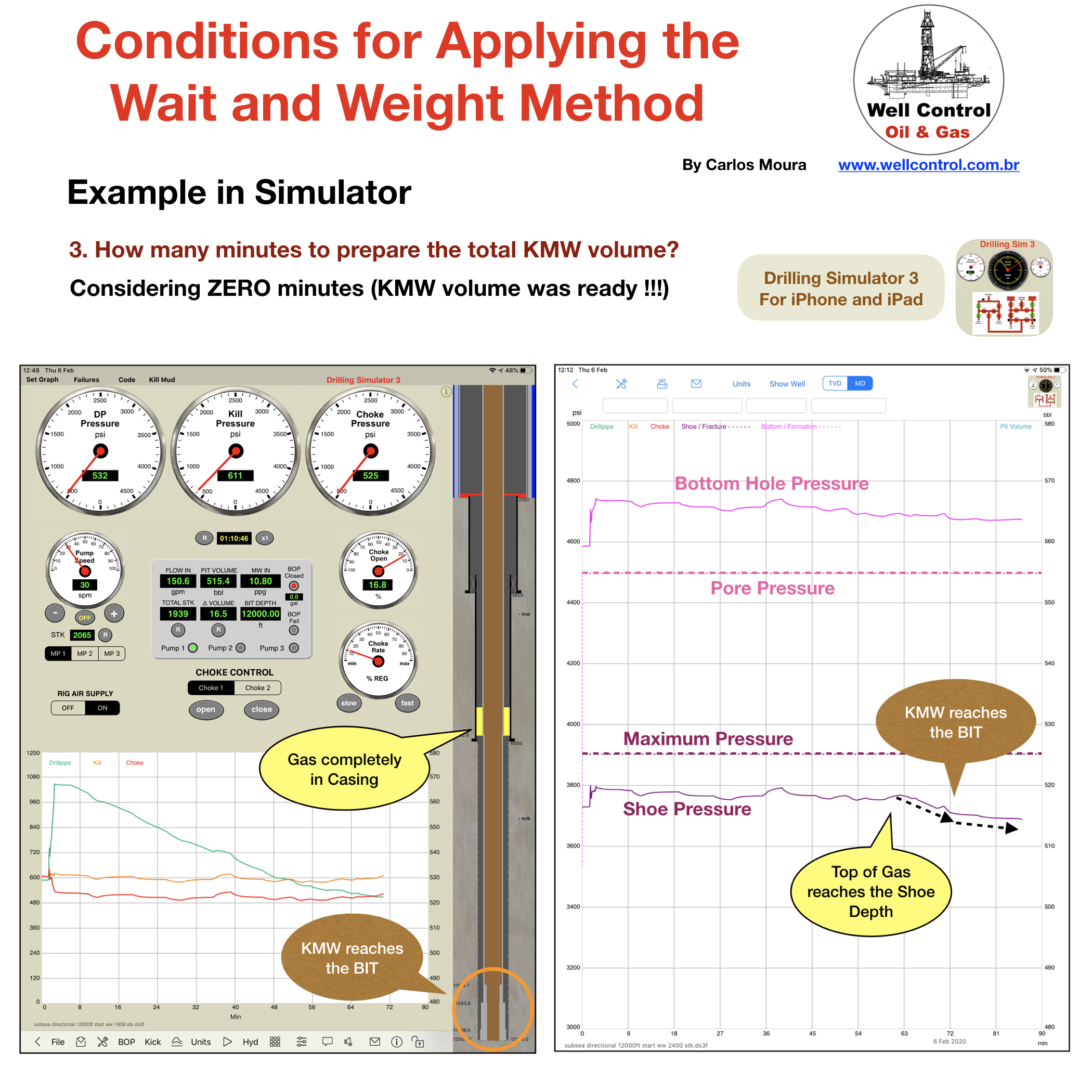
Conditions for applying the Wait and Weight Method 

Considerations about this well control method

What is the your opinion about?

Did you like our content?

– Like it ❤️

– Follow Us!

– Share your experience with your friends!

Thanks

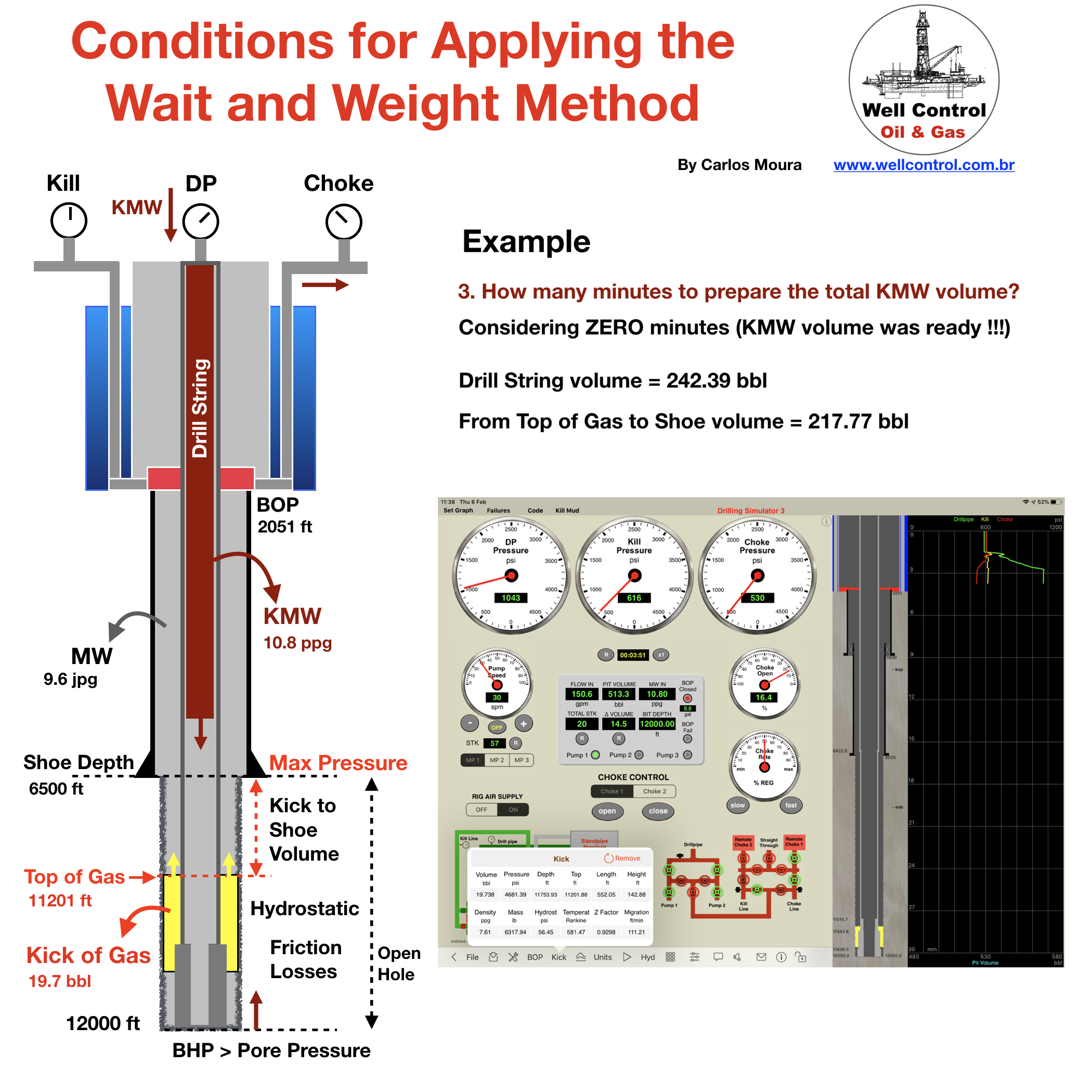
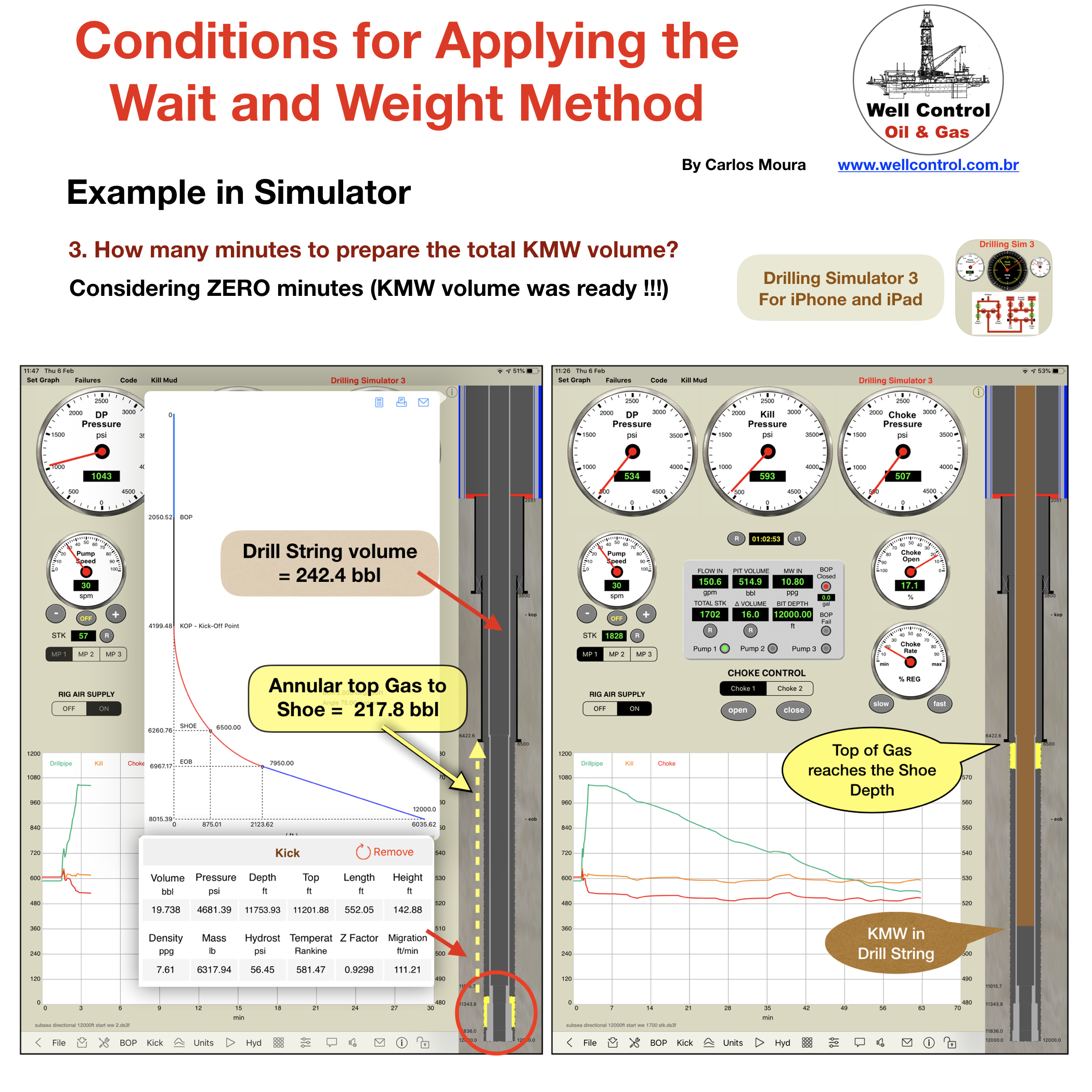
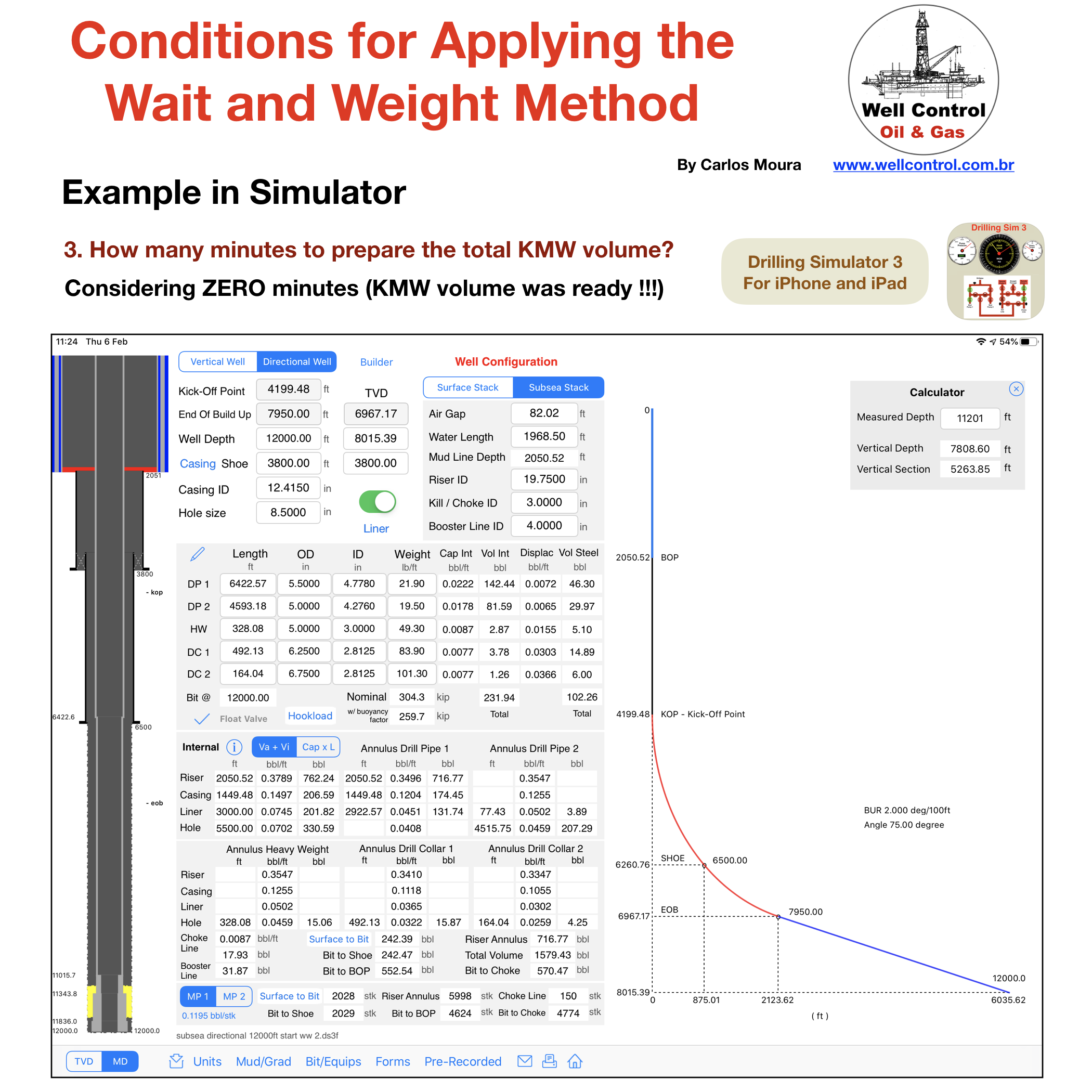
Example performed in App “Drilling Simulator 3” for iPhone and iPad

Directional Well :
MD/TVD: 12000/8015 ft,
Liner Shoe Depth: 6500/6261 ft,
Kill Mud Volume to prepare: 812 bbl

(Note: In this example was considered that all KMW volume was ready to start the Wait and Weight Method) 


conditions_for_ww_02

conditions_for_ww_03

conditions_for_ww_04

conditions_for_ww_05

ww_vert_dir_10

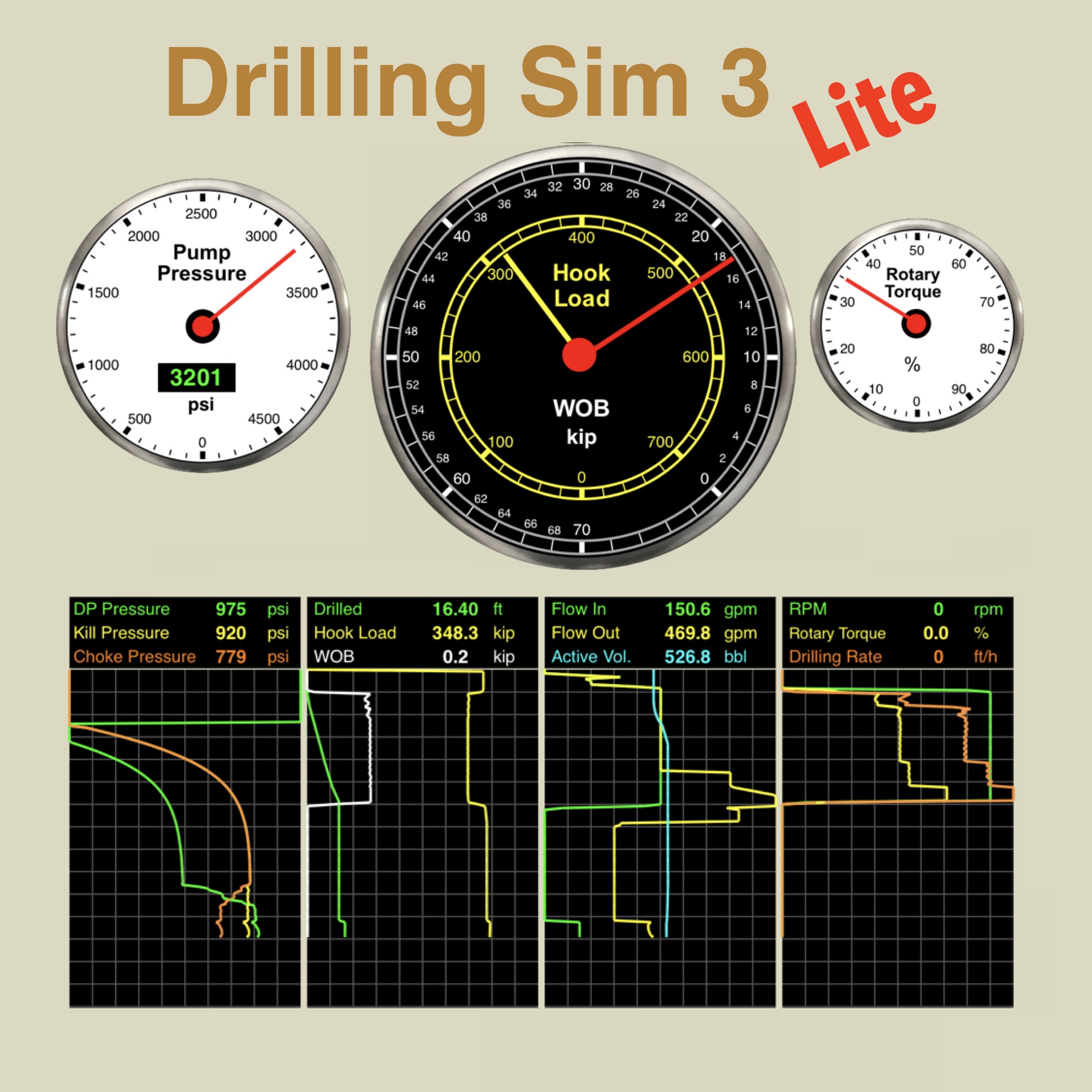
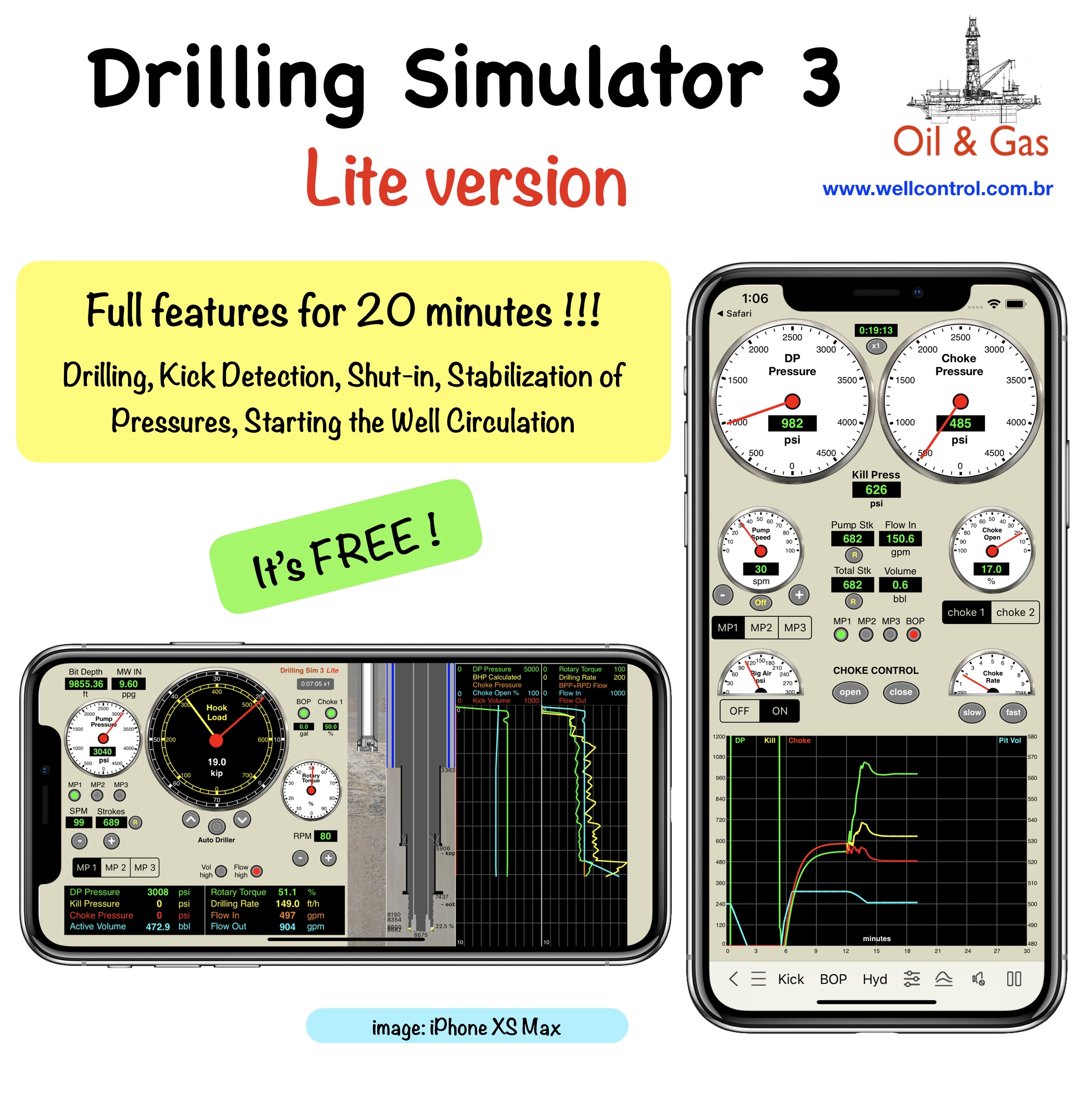
Drilling Simulator 3 Lite

A Drilling Simulator 3 Lite version

designed for both iPhone and iPad

DS3_Lite_Icon
Available_on_the_App_Store_Badge_US_UK_135x40_0824

Drilling Simulator 3  (full version)

all of drilling simulator 2 PLUS: 

1 – until 03 single kick bubbles on the borehole simultaneously

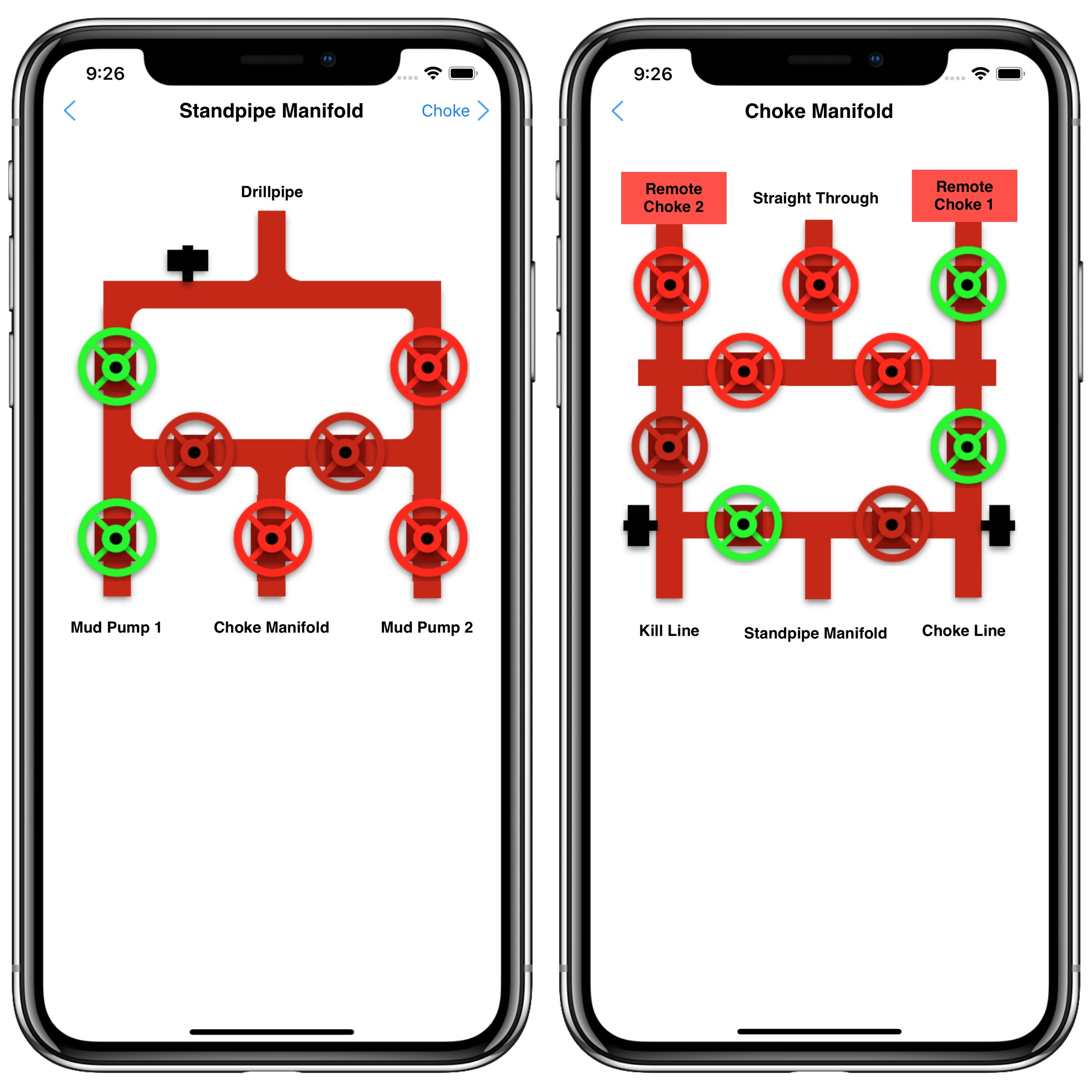
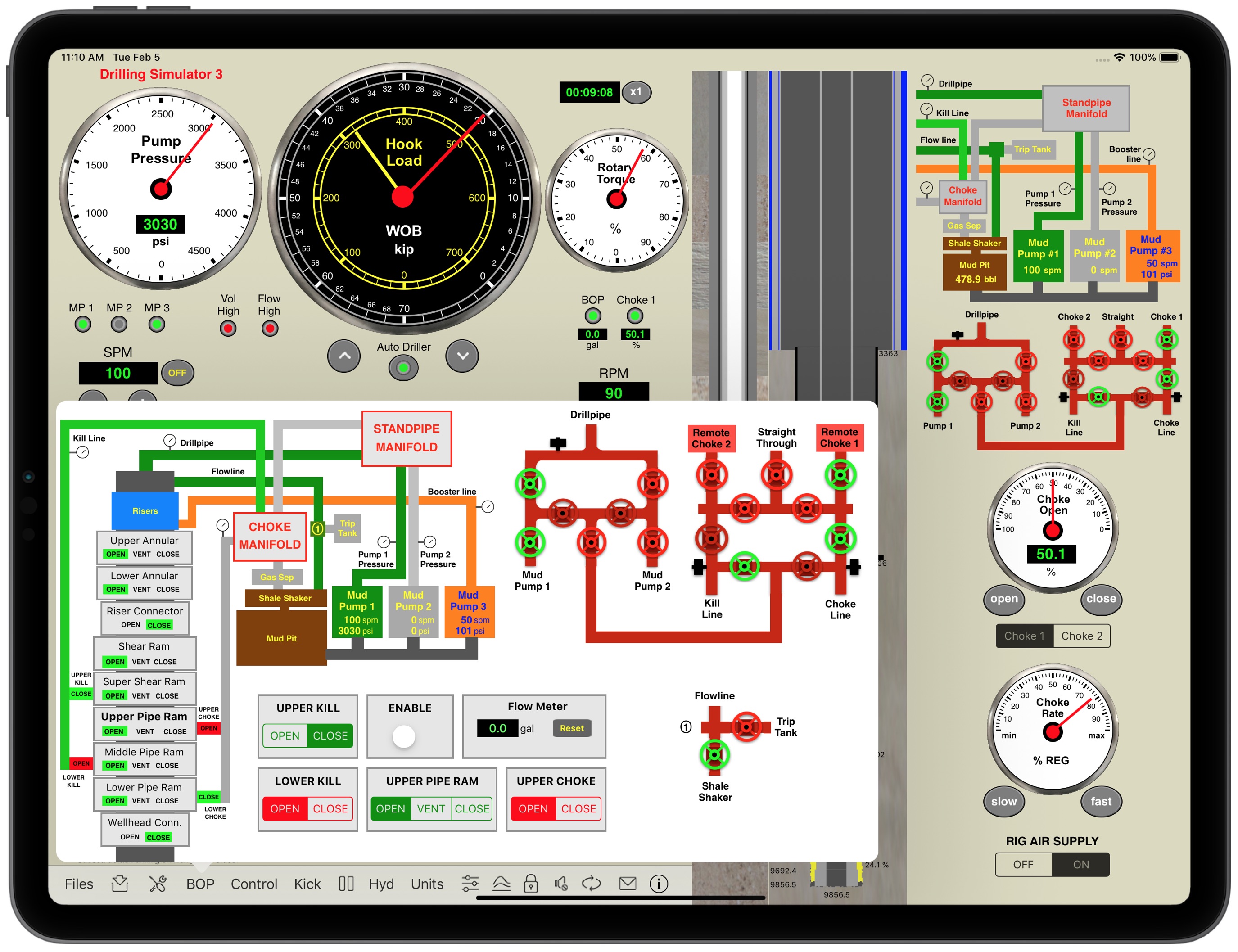
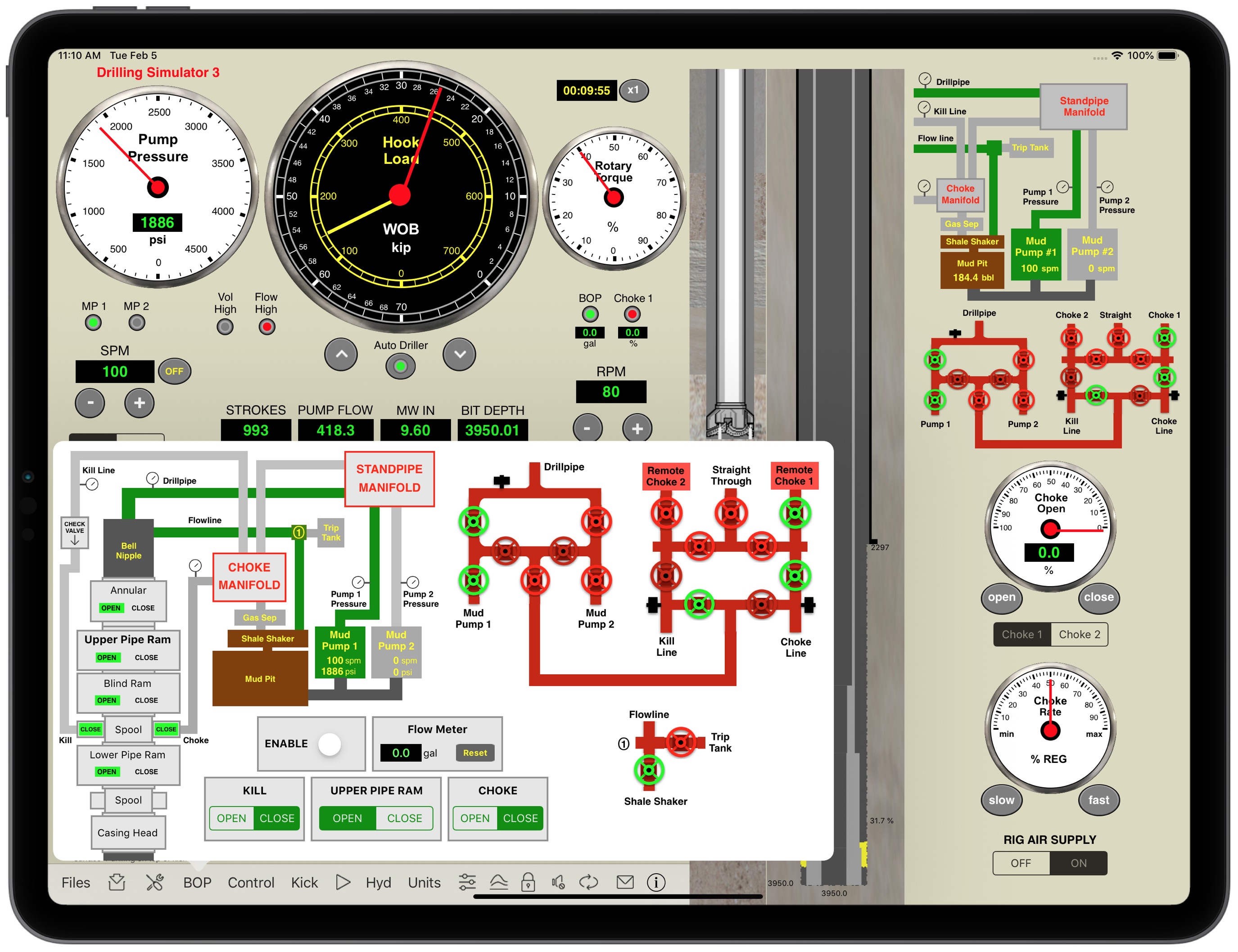
2 – standpipe manifold and choke manifold with 02 chokes and straight through

3 – Complications: failures schedule with Random option: 

– Mud Pumps 1 and 2 “power end failure” or “fluid end failure”, 

– Chokes 1 and 2 “plugged” or “washed”, 

– One Drill Bit Nozzle “plugged” or “washed”

Drilling Simulator 3 LITE (This App)

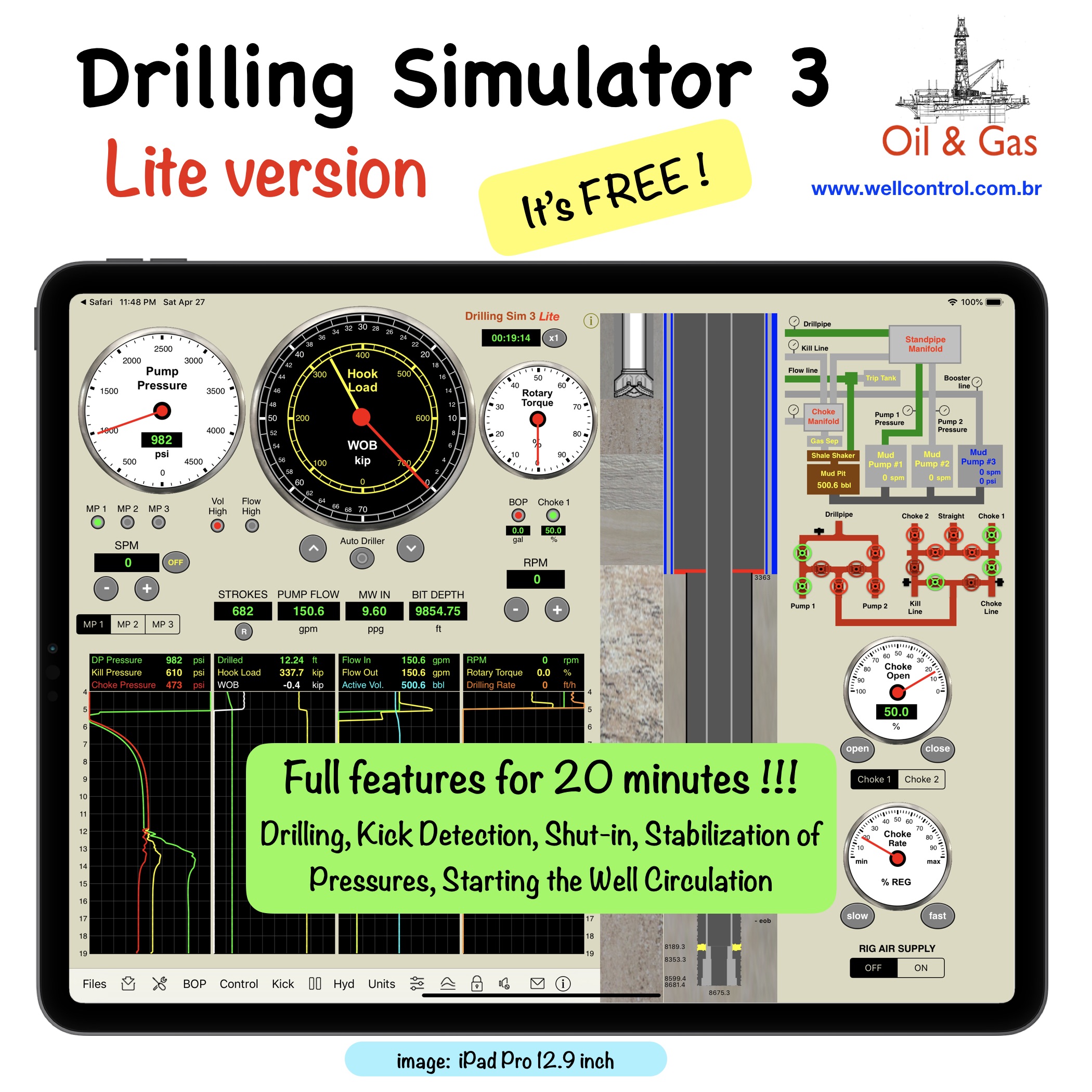
all of drilling simulator 3 for 20 minutes of simulation: 

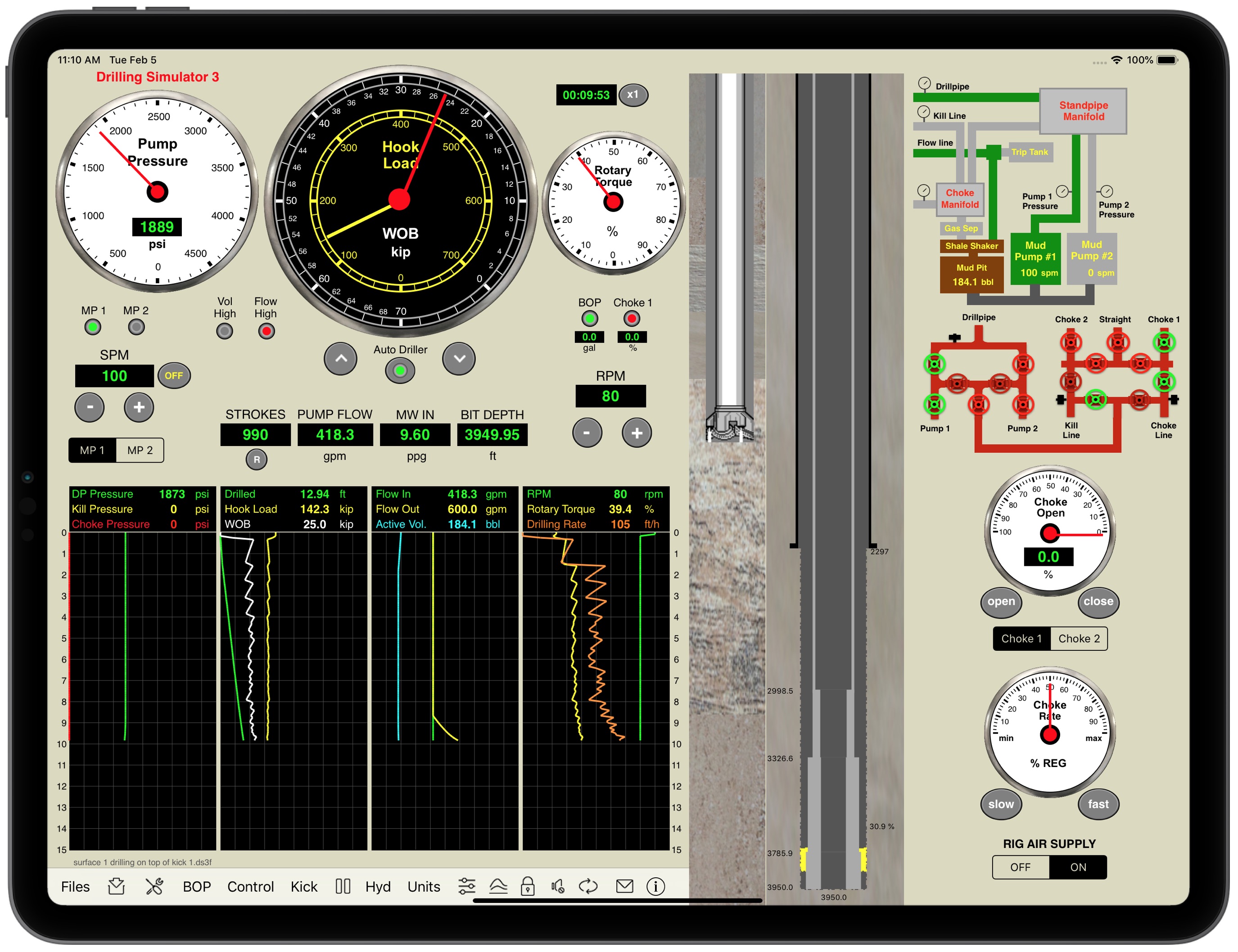
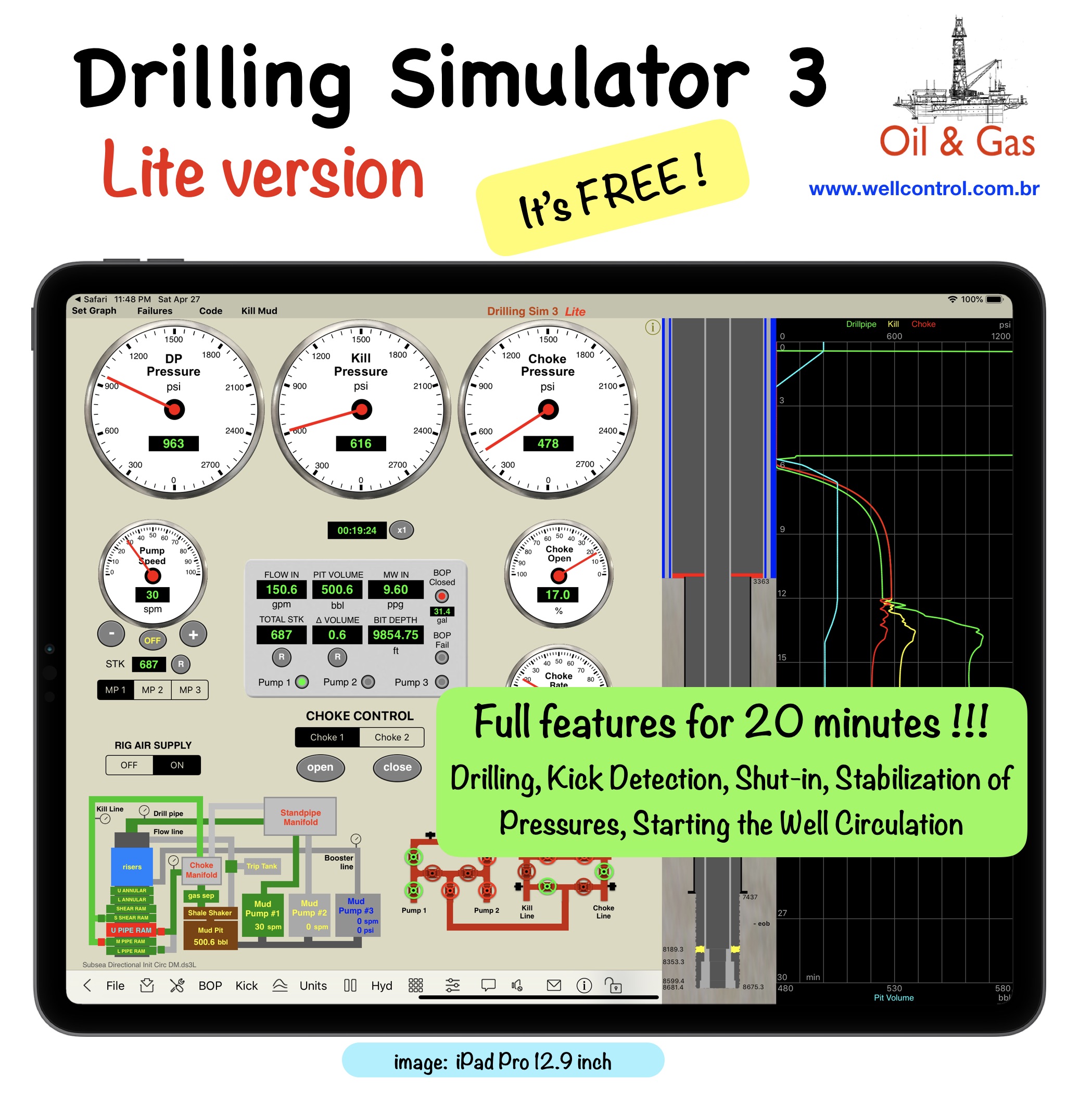
This is a Lite version of the “Drilling Simulator 3” with full features for 20 minutes. This time is sufficient in this simulator for drilling until kick detection, shut-in the well, stabilization of pressures and to start the well circulation using a hydraulic choke panel to control.

Attention: Some features are disabled by default.

If you liked it, please share your experience!

iPhone XS Max version:

ds3_lite_iPhone
ds3_30_ixsmax_05
ds3_30_ixsmax_06
ds3_30_ixsmax_07

iPad Pro 12.9 inch:

ds3_lite_iPad2
ds3_30_ipro129_02
ds3_30_ipro129_03
ds3_30_ipro129_04
ds3_lite_iPad1
WCApps_Blog_10

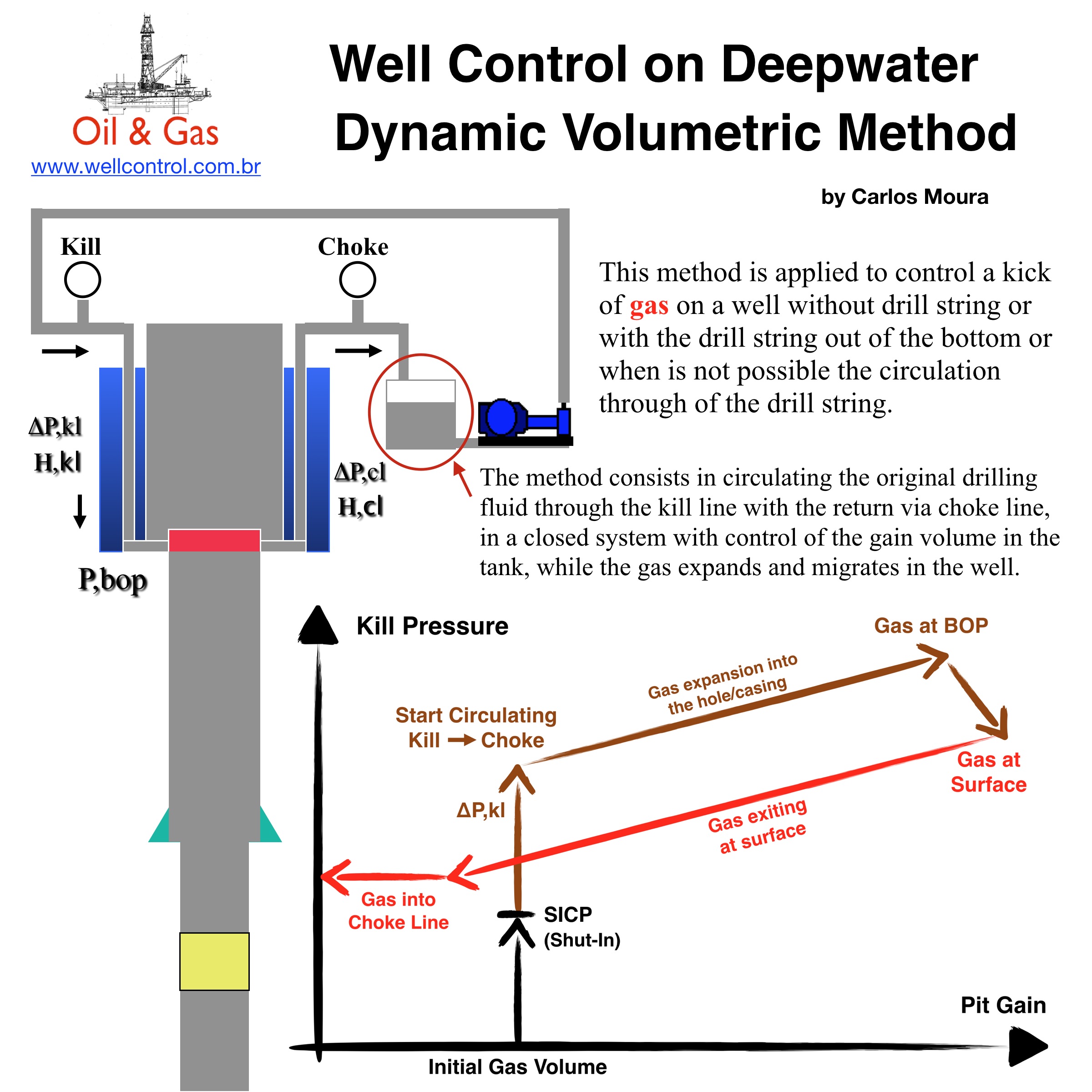
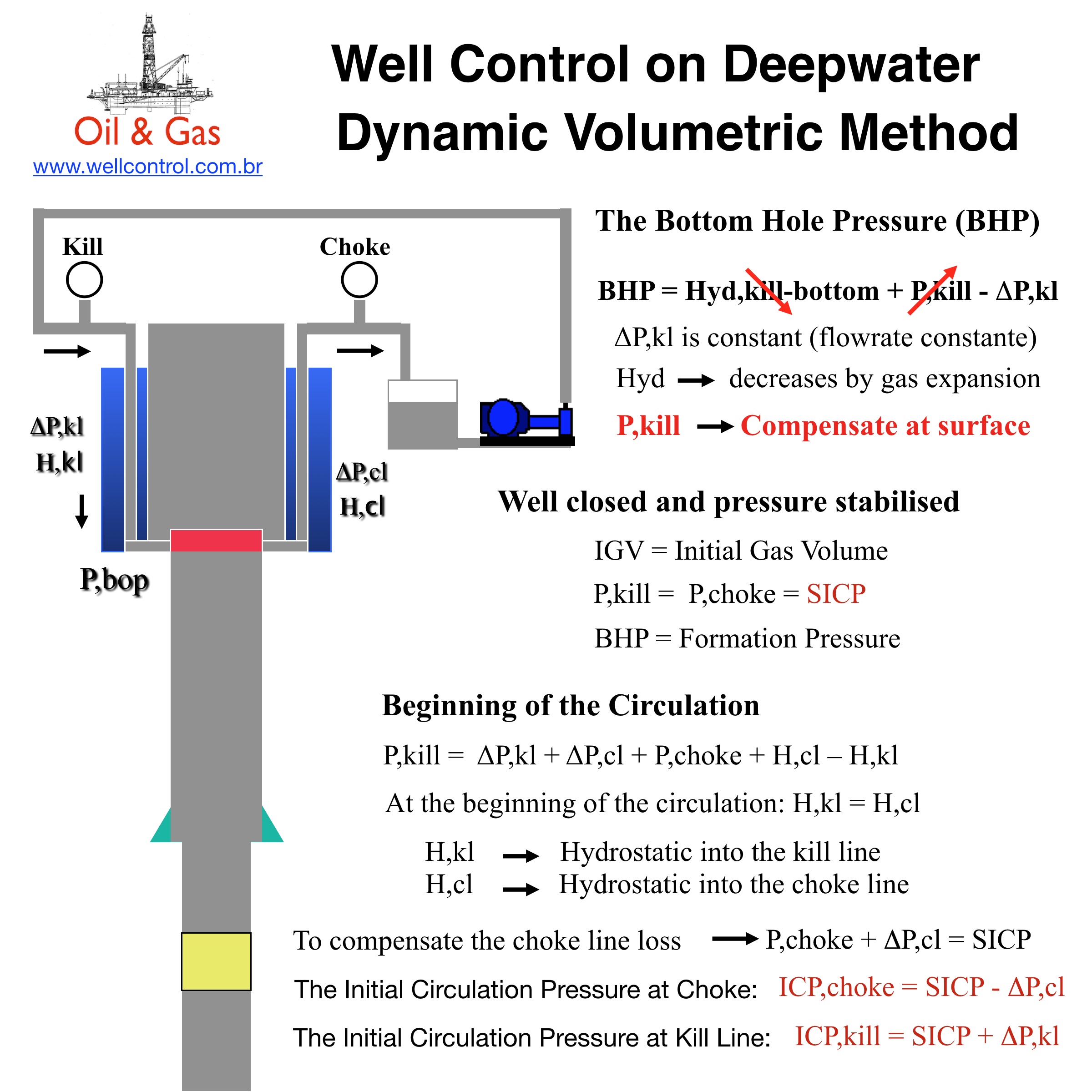
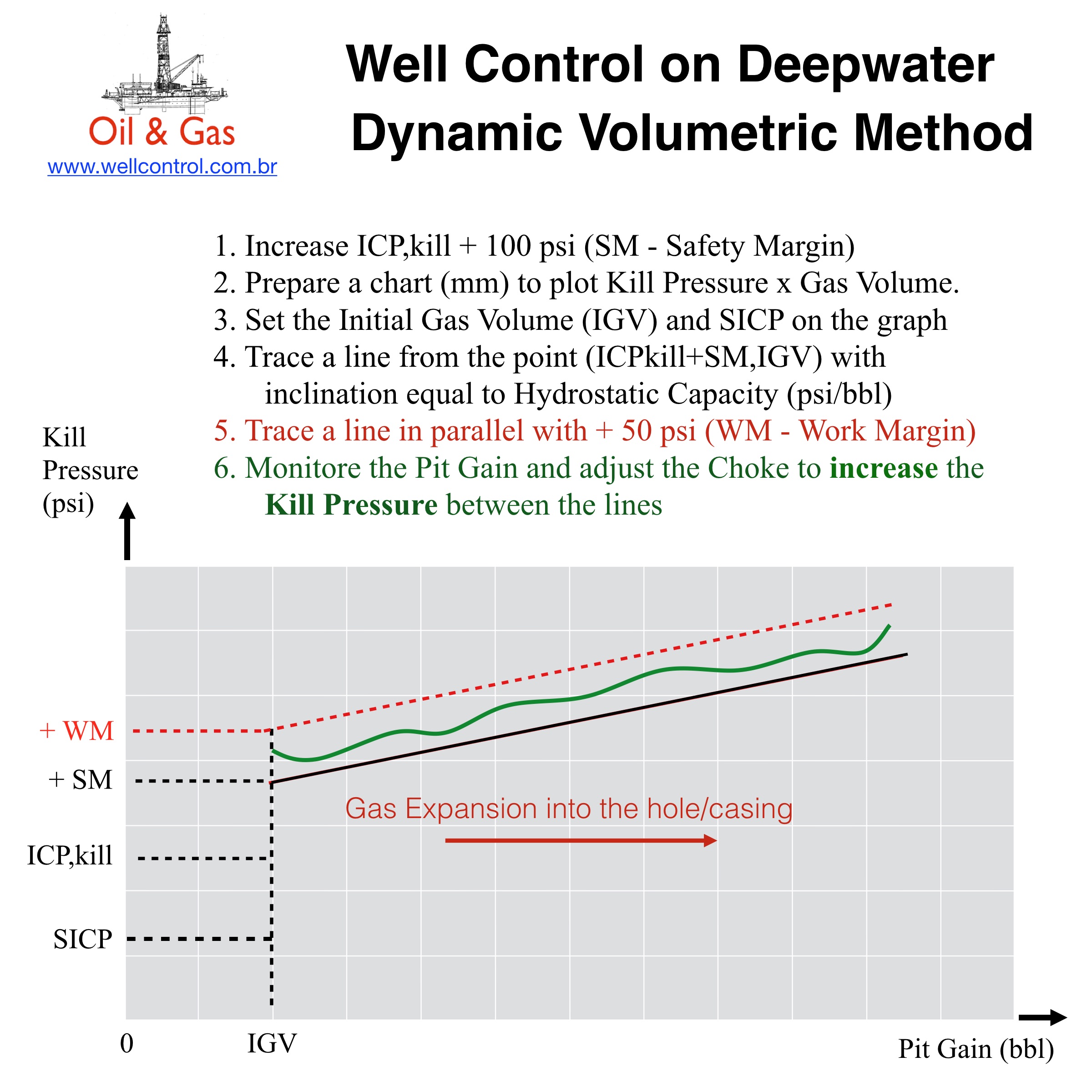
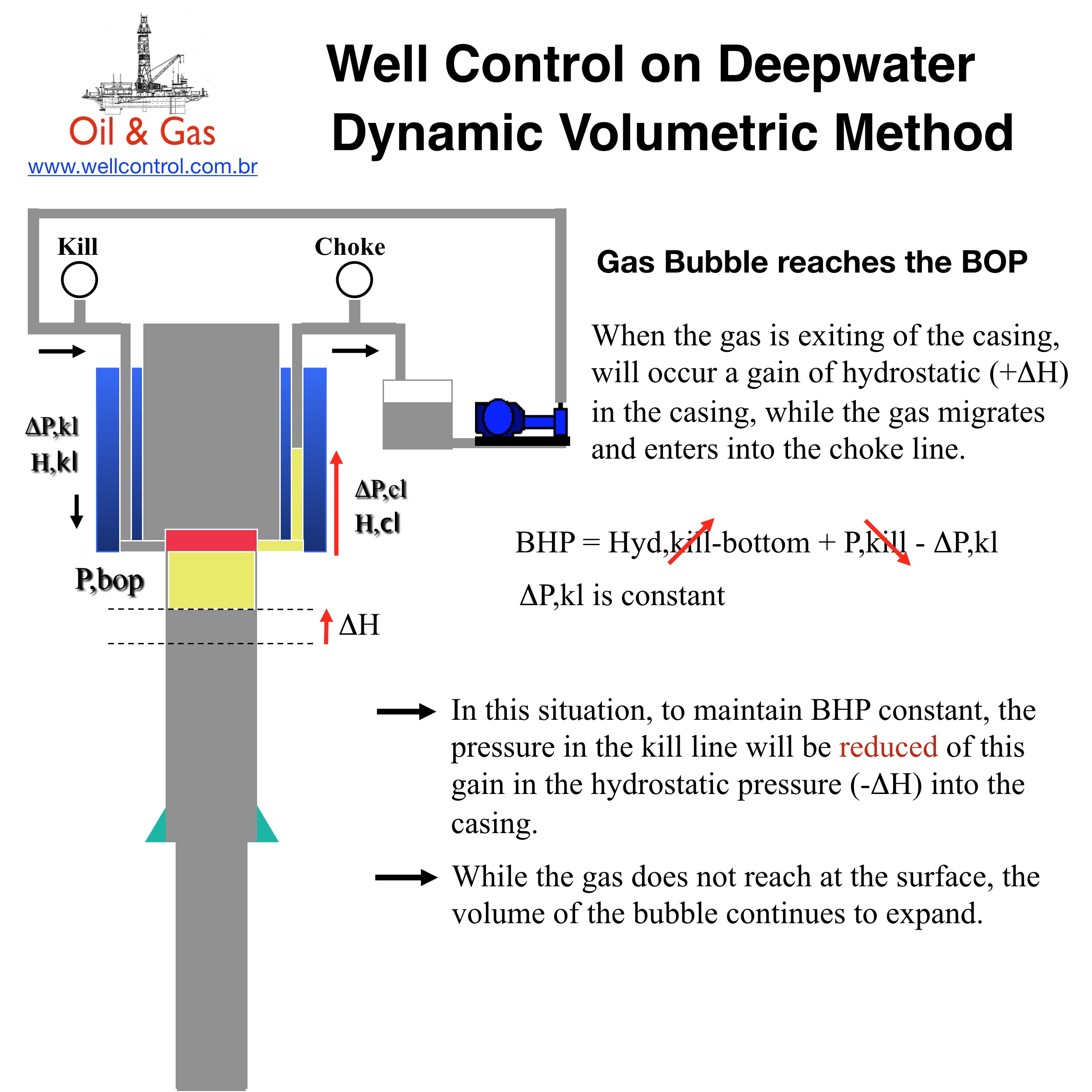
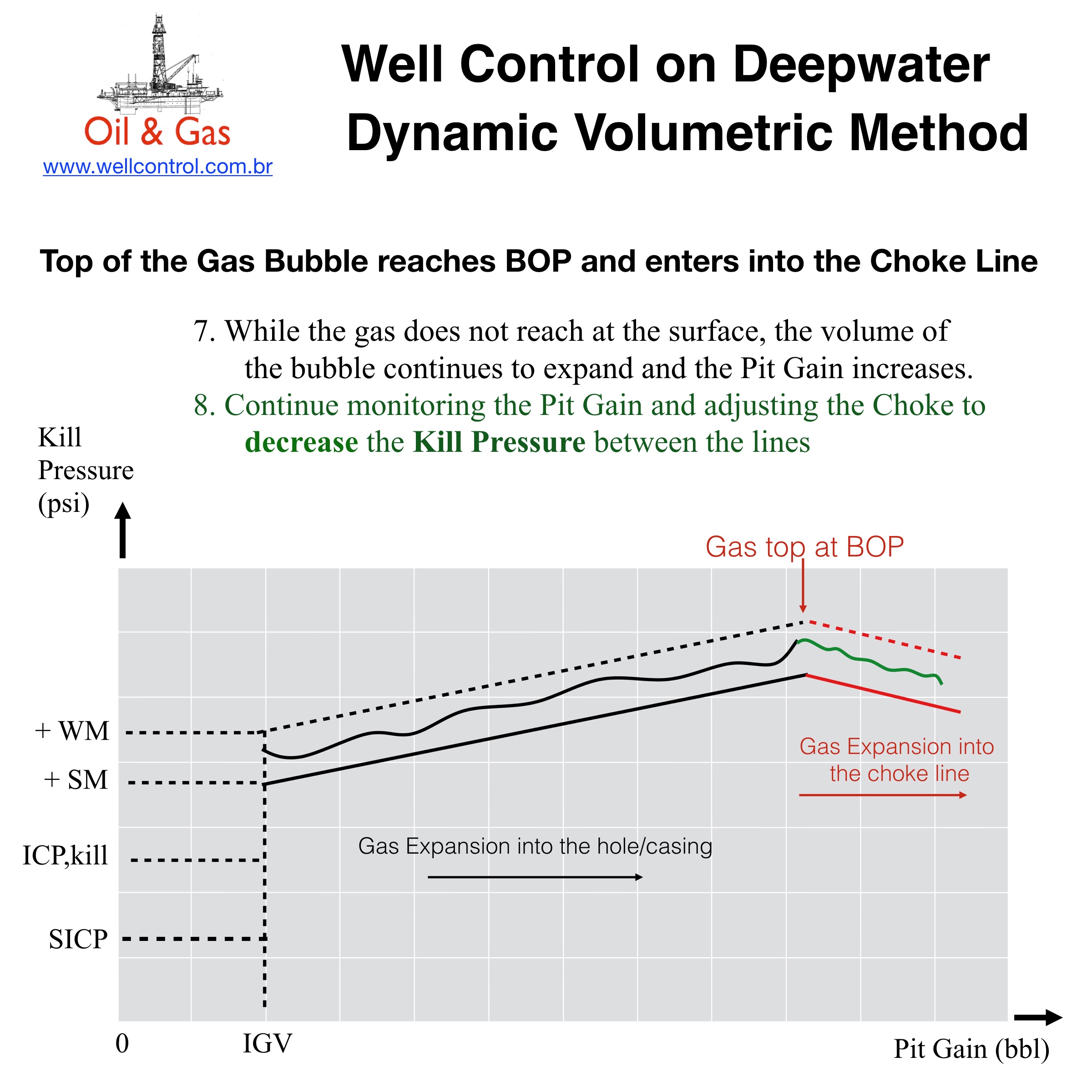
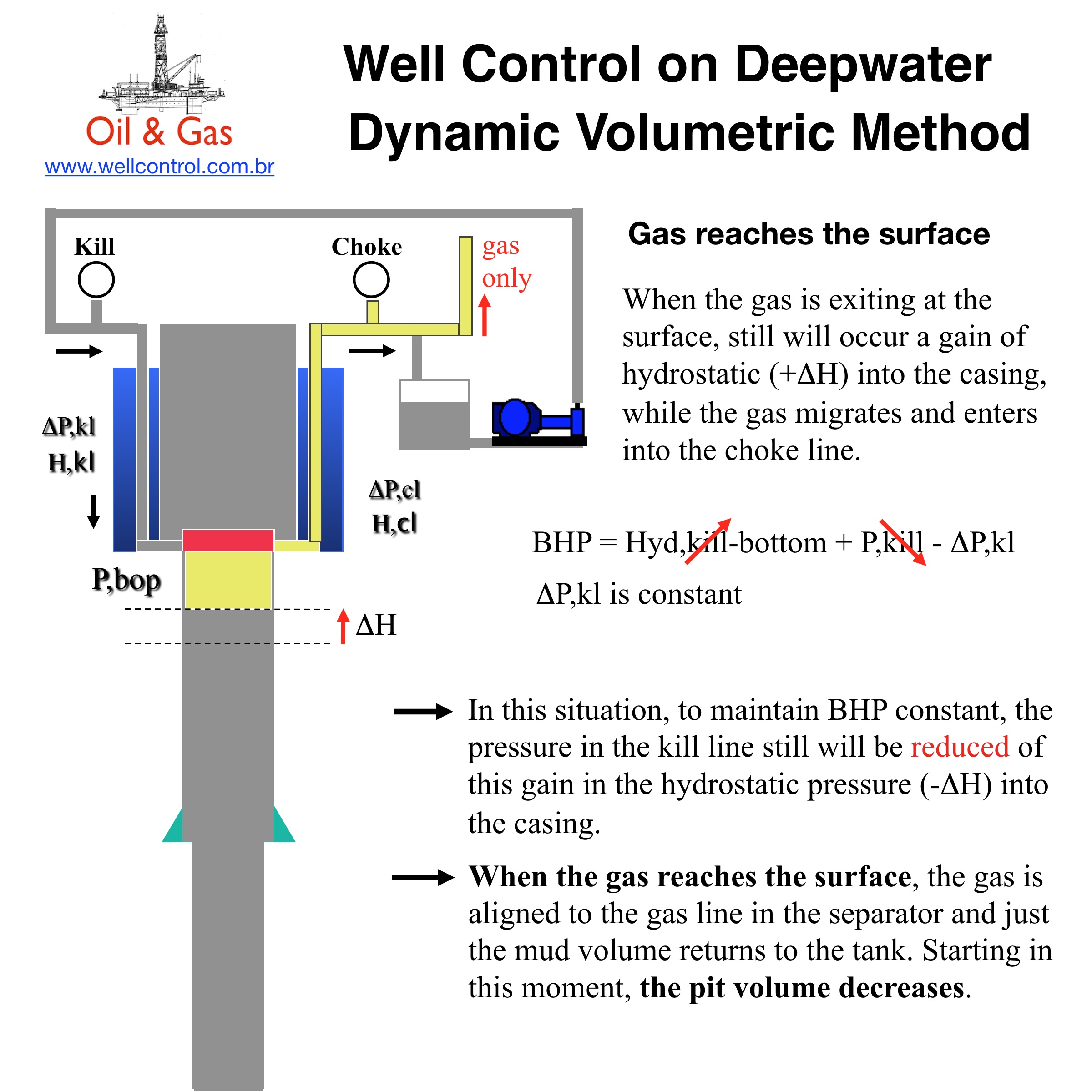
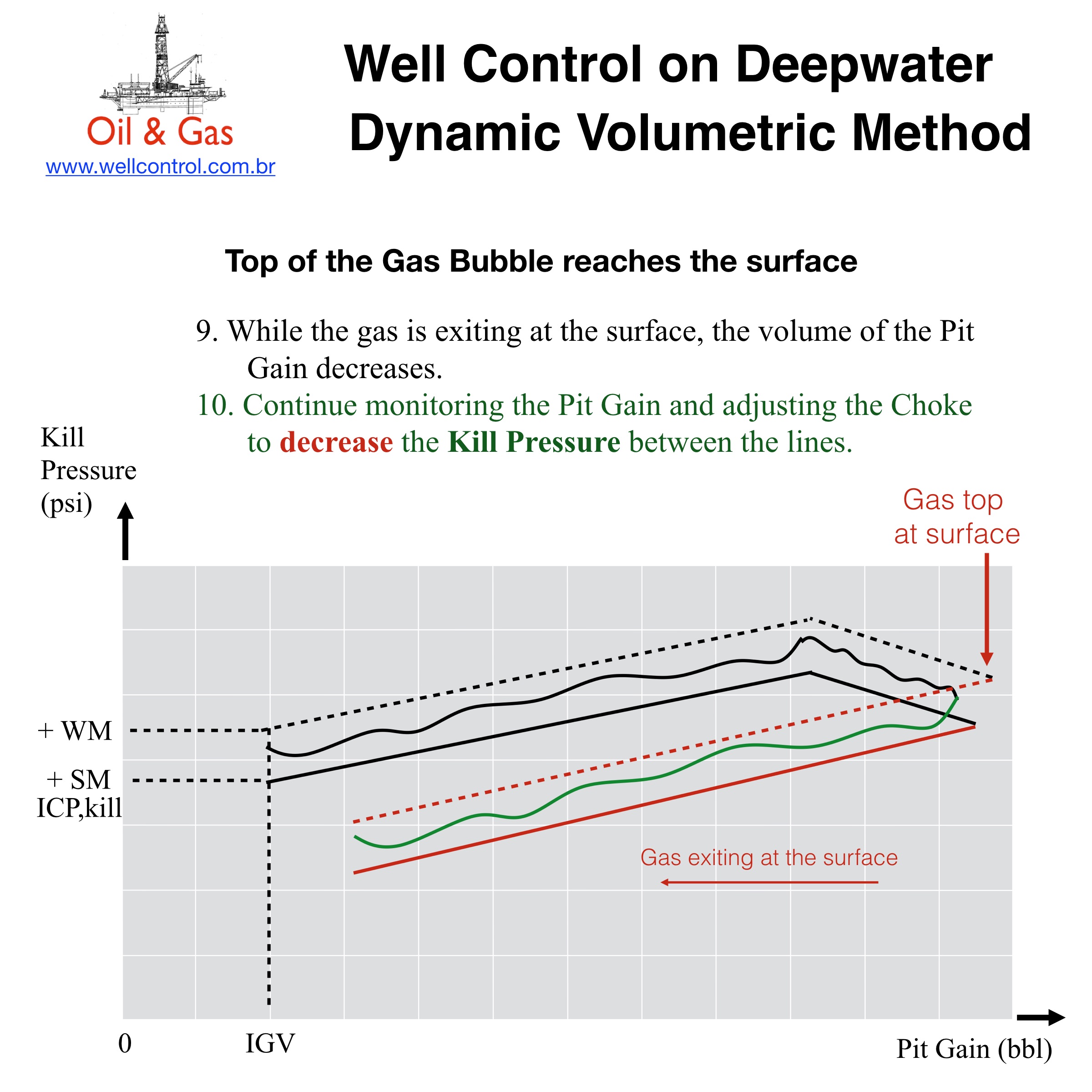
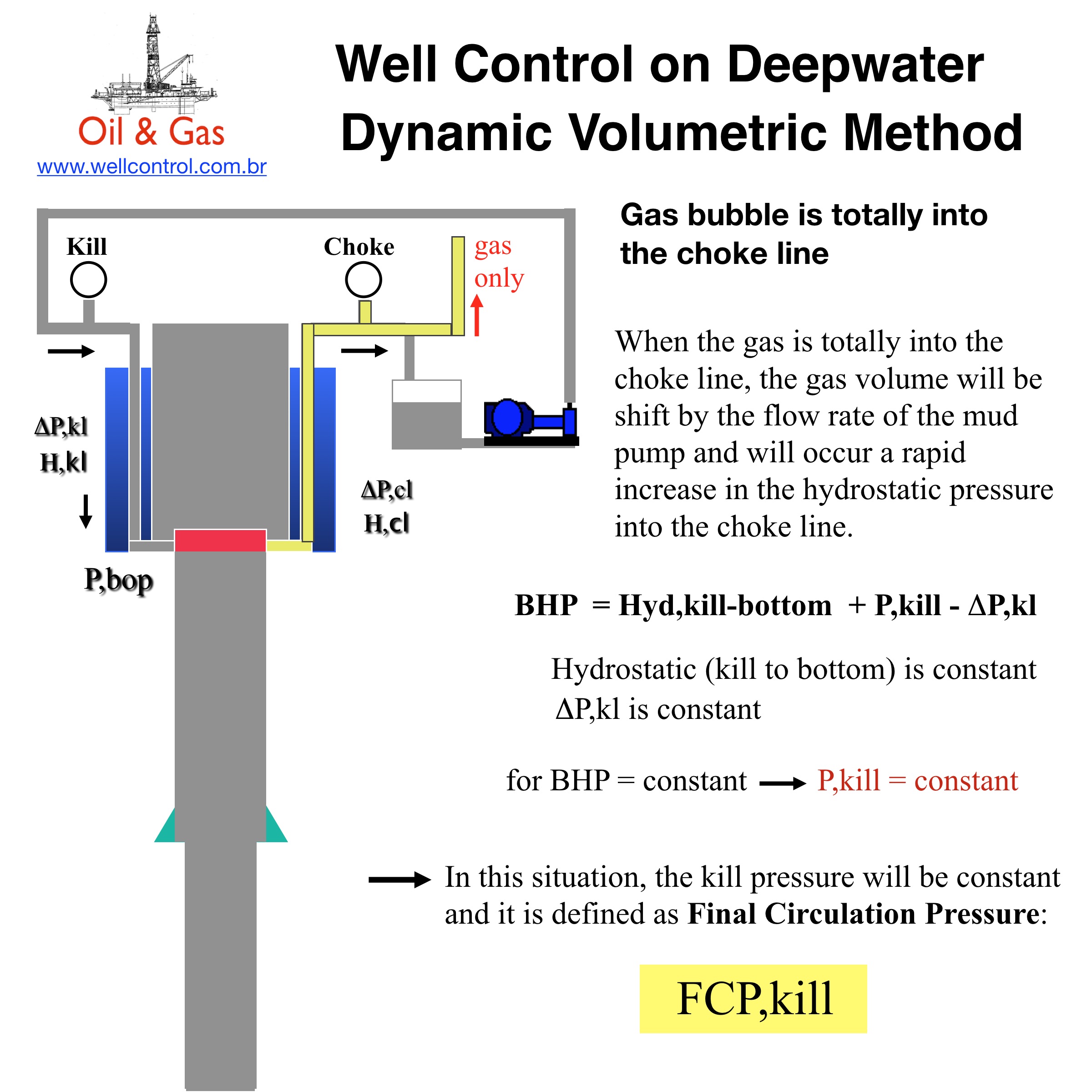
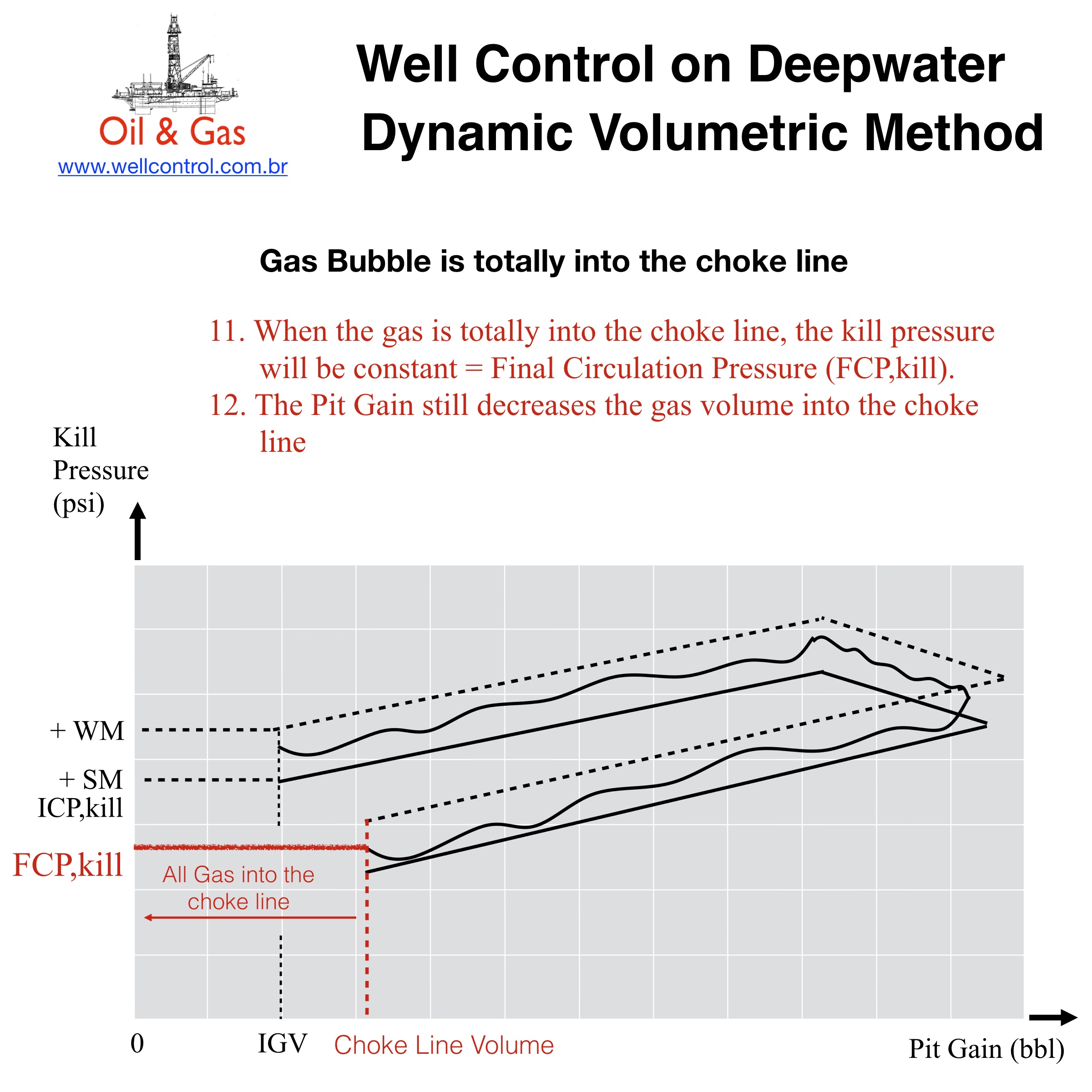
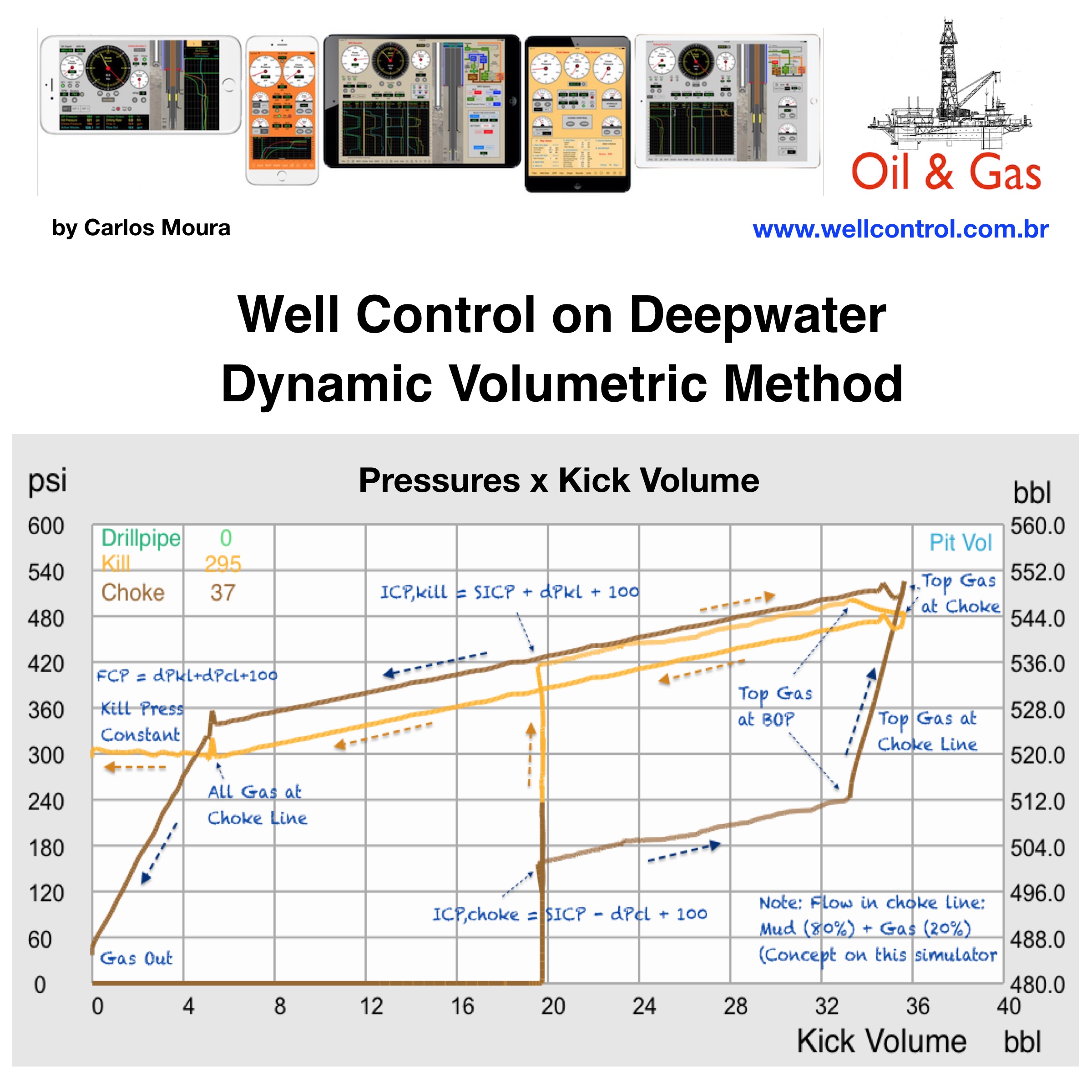
Dynamic Volumetric Method on Deepwater

You can use our simulators for iPhone and iPad to practice this Well Control Method:
– Drilling Simulator 3
– Well Control Simulator 2
– Well Control Simulator HD

dmv_blog_01
dmv_blog_02
dmv_blog_03
dmv_blog_04
dmv_blog_05
dmv_blog_06
dmv_blog_07
dmv_blog_08
dmv_blog_09
dmv_blog_10
wws_blog_10